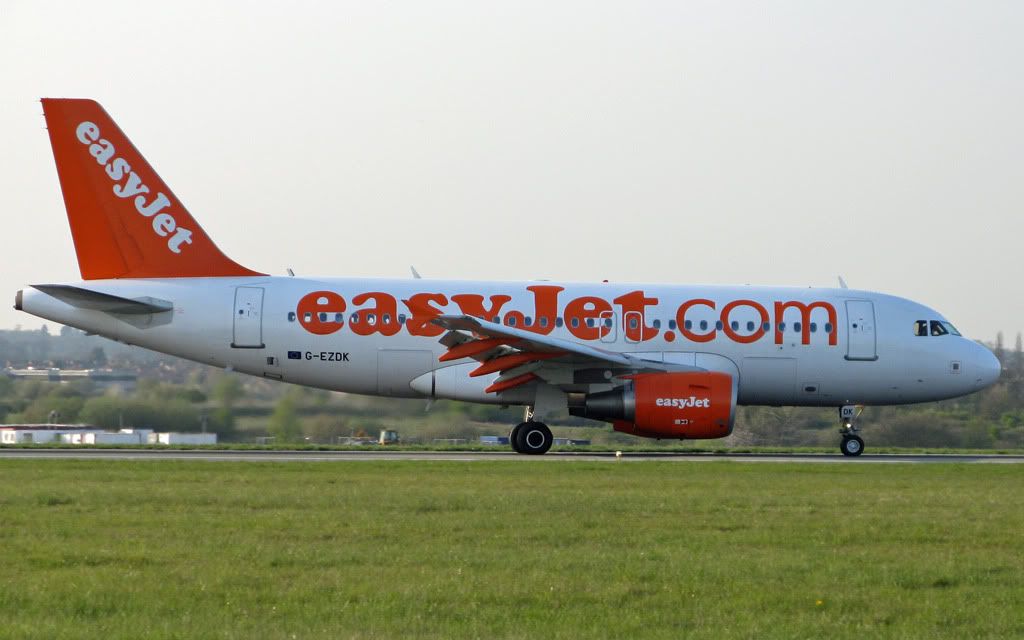
By: Arabella-Cox - 25th April 2010 at 09:30
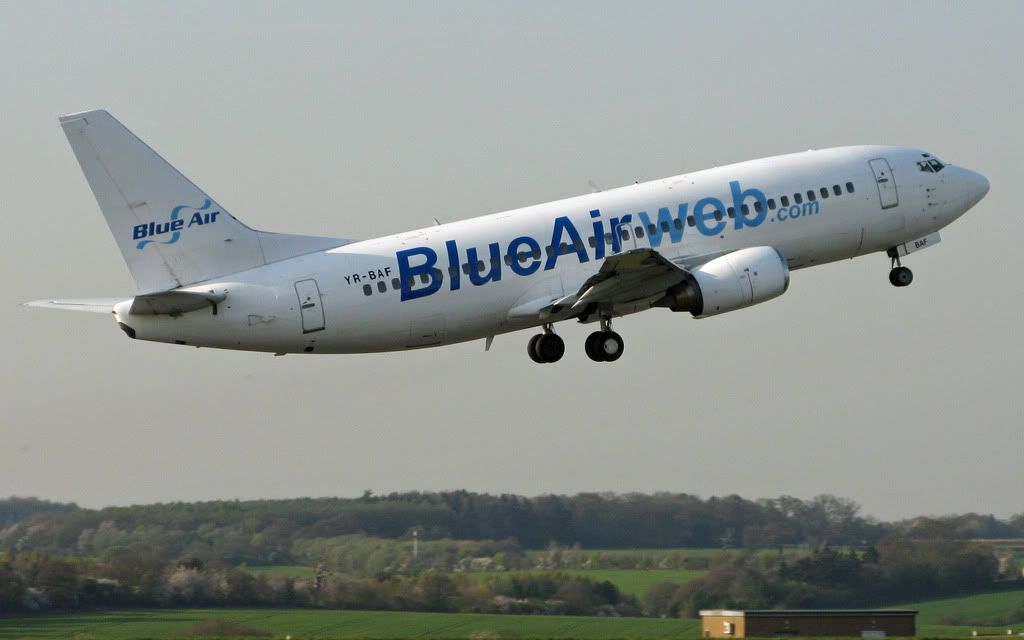
Interestingly, Blue Air are due to start a once weekly service to LTN… but not until 1st of June. :confused:
By: TheMightyOz - 24th April 2010 at 15:23
Thanks for the tips Paul. I’ve only got Photoshop Elements that came with my PC. If you can do it on there I’ll give it a go with some of the photos that I’m bound to make a mess of at North Weald tomorrow. The trouble is I take too many photos so if I were to go the whole hog editing them all I’d build up a huge backlog.
By: PMN - 24th April 2010 at 13:02
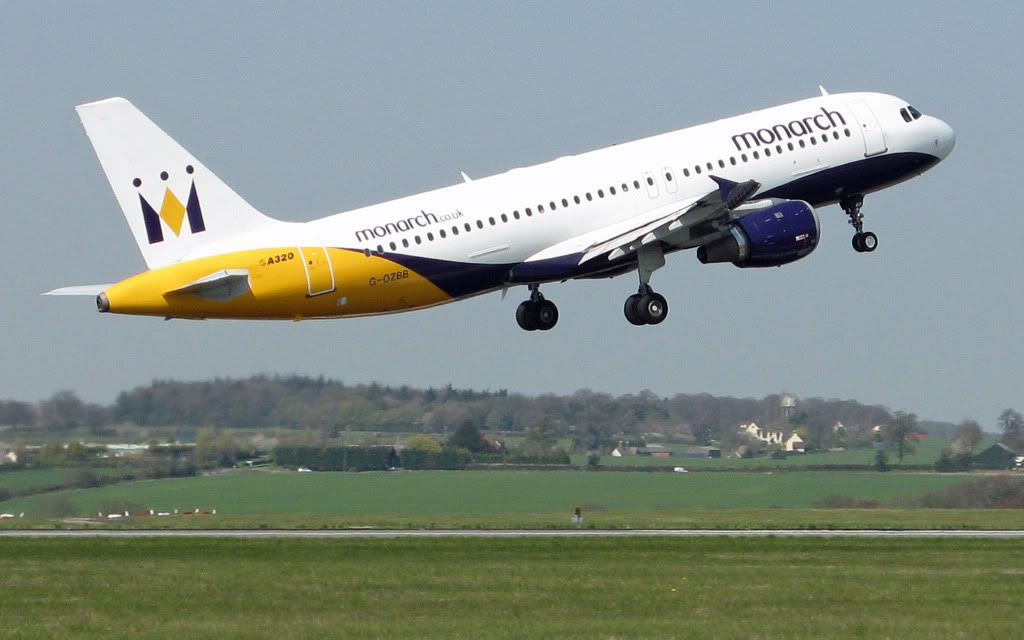
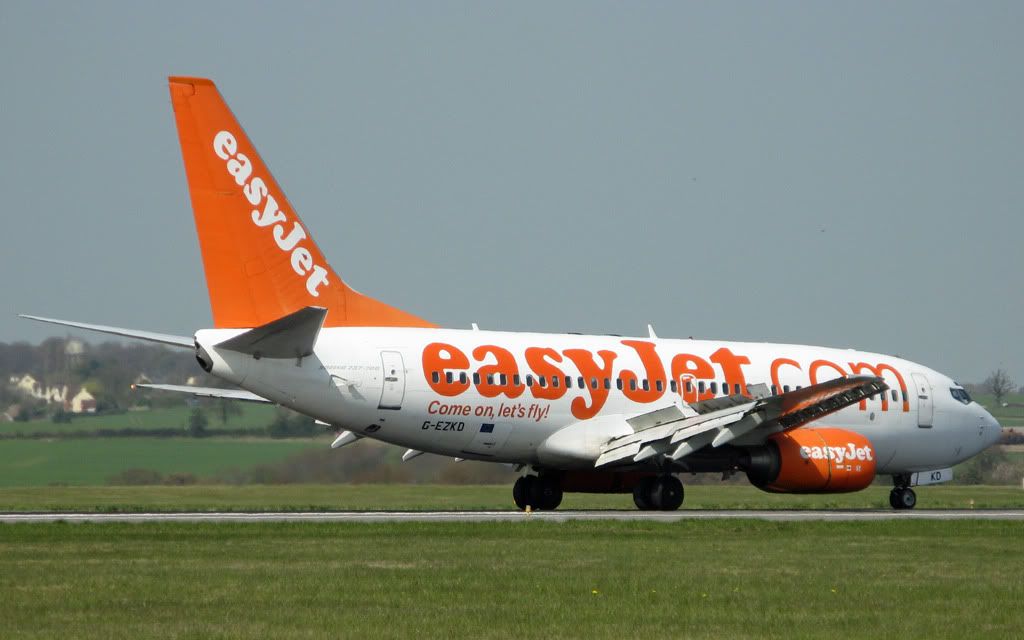
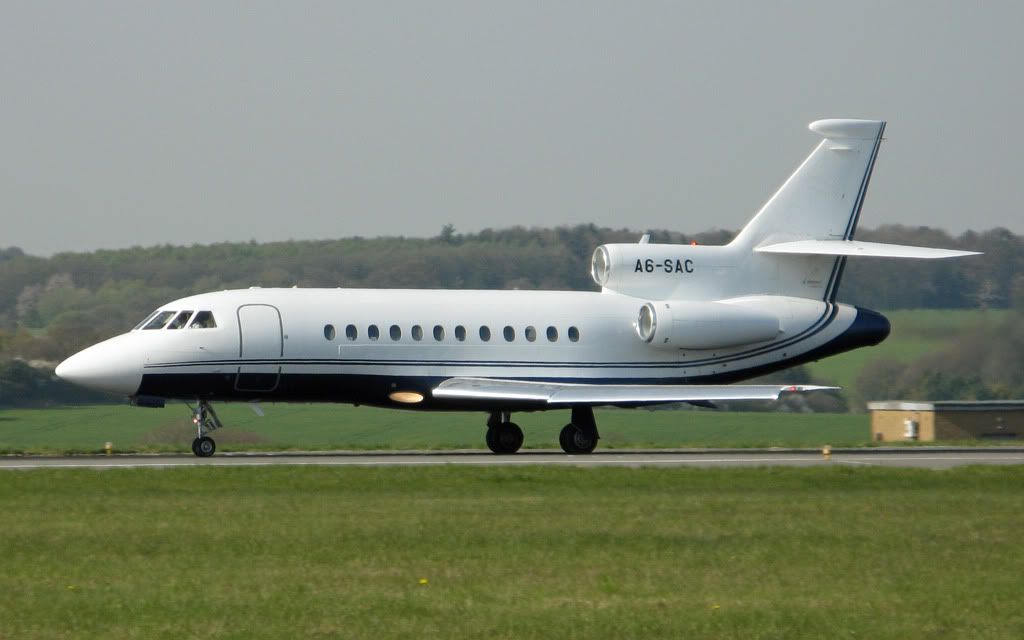
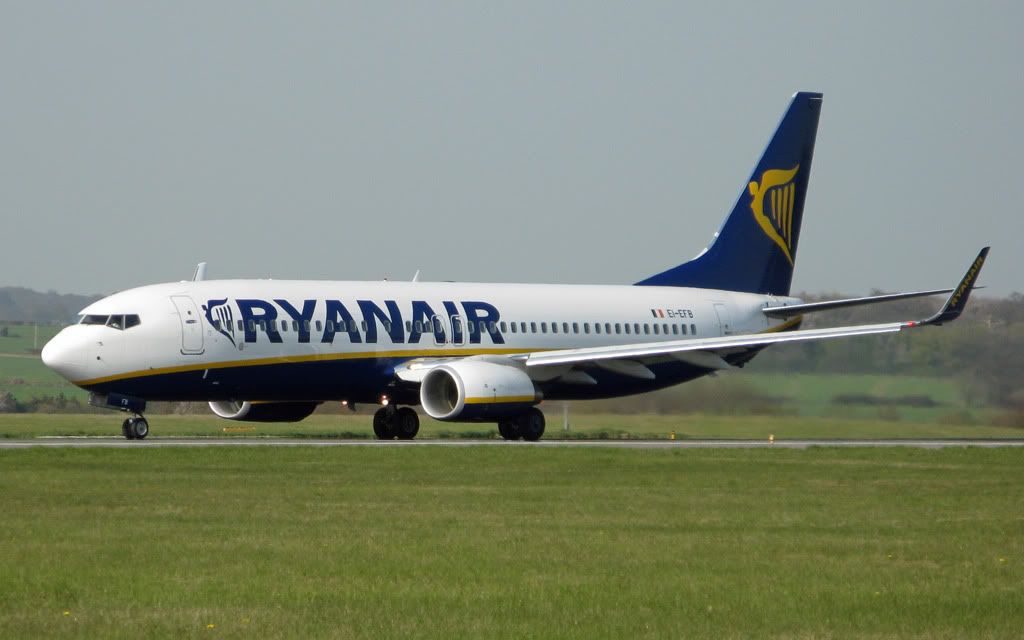
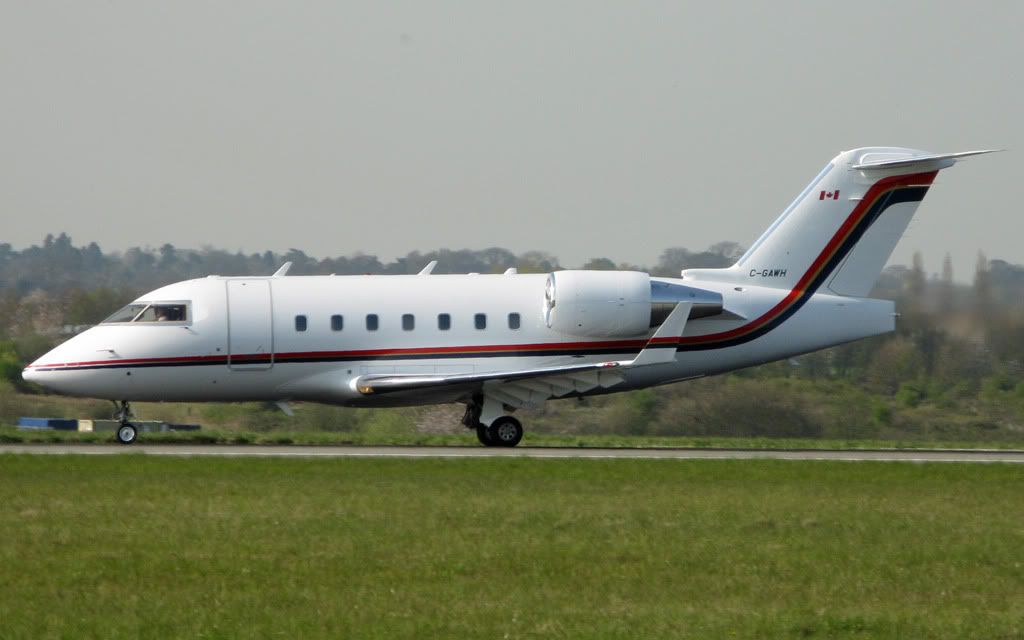
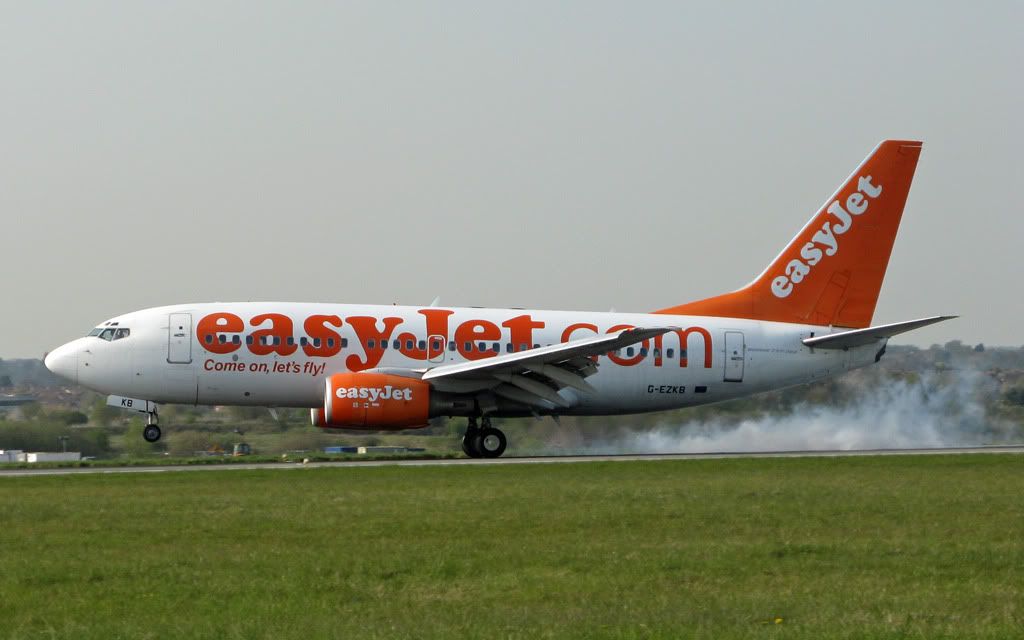
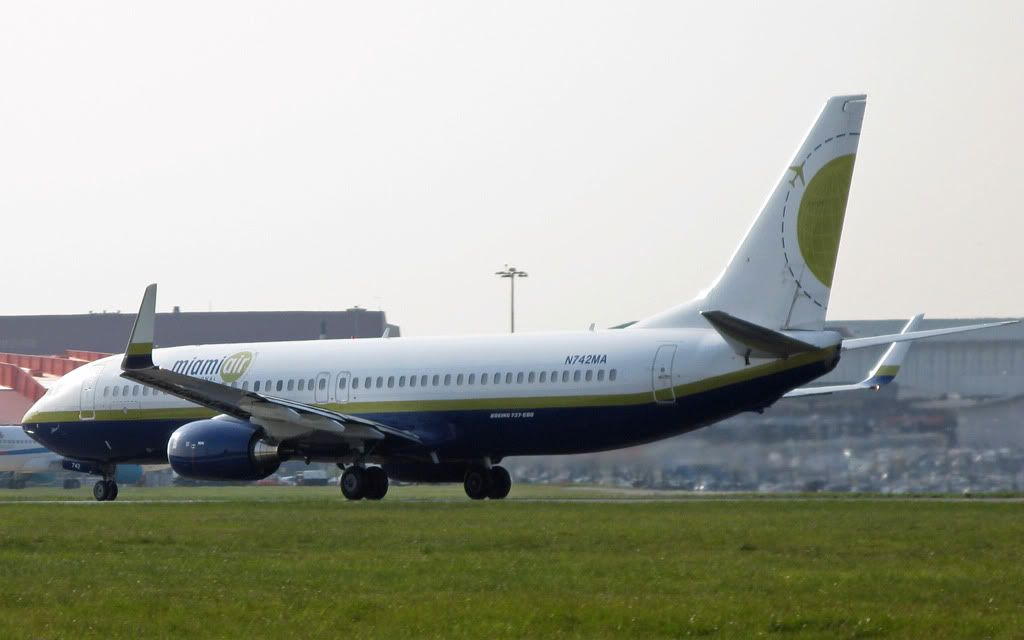
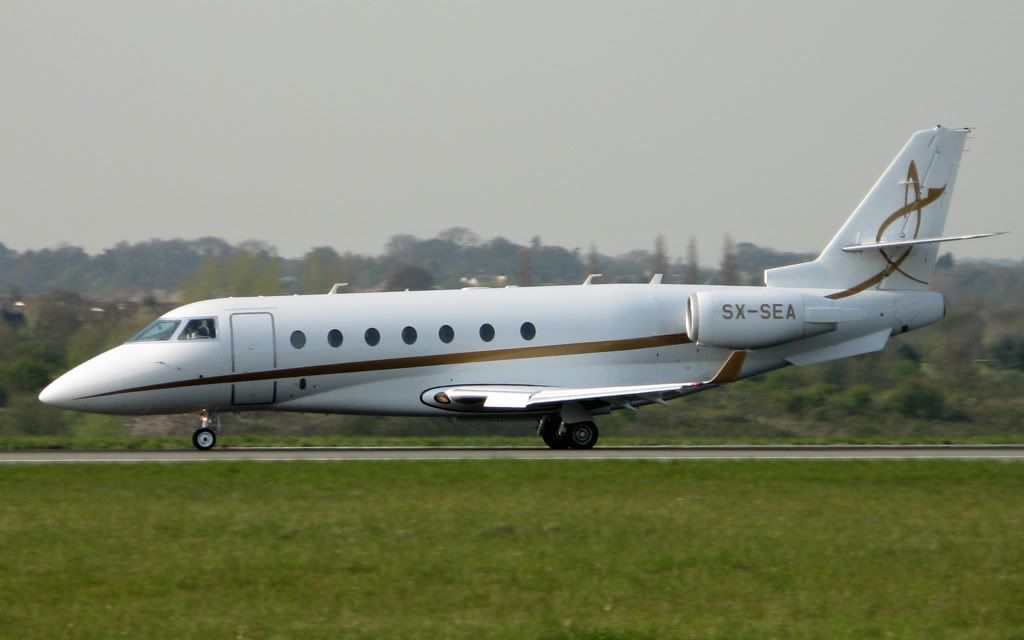
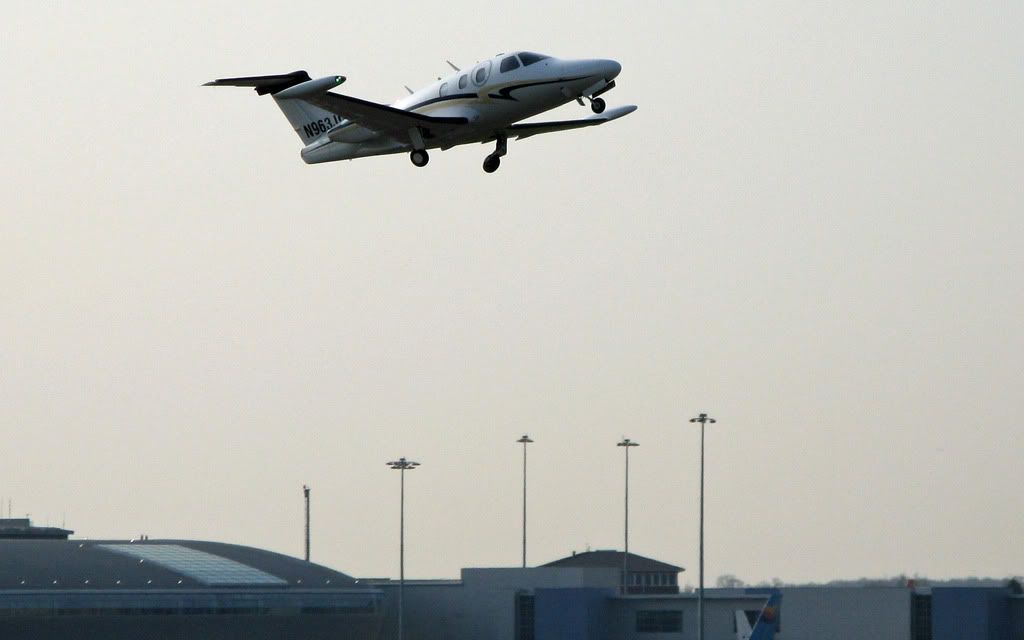
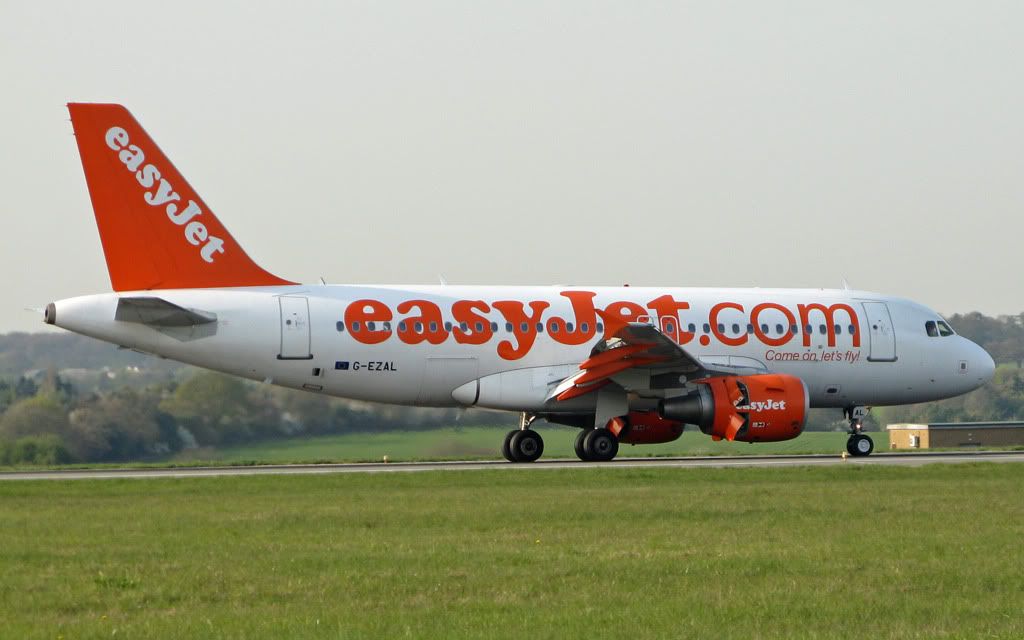
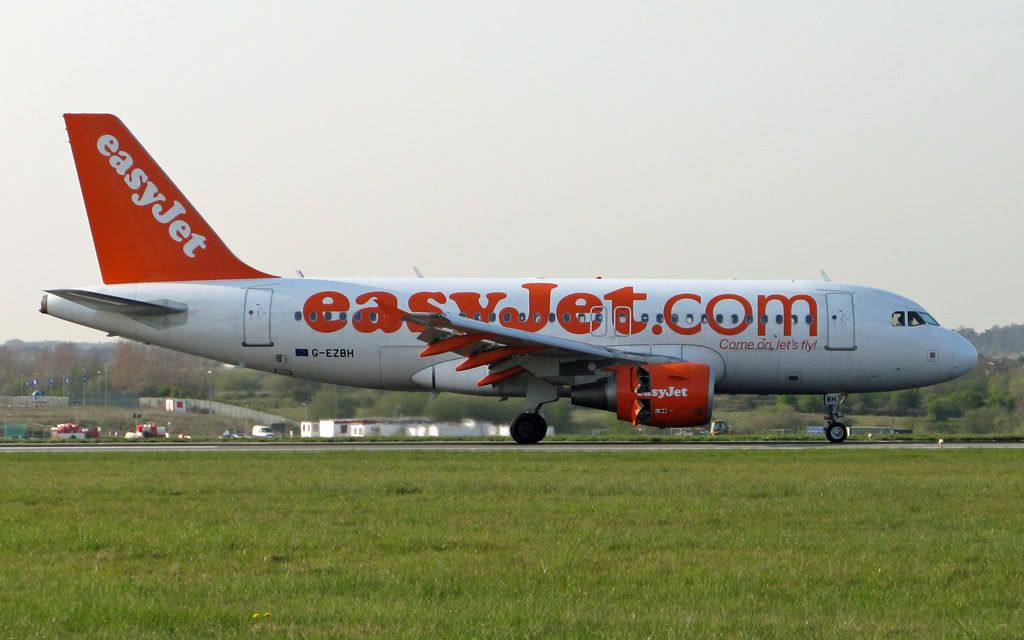
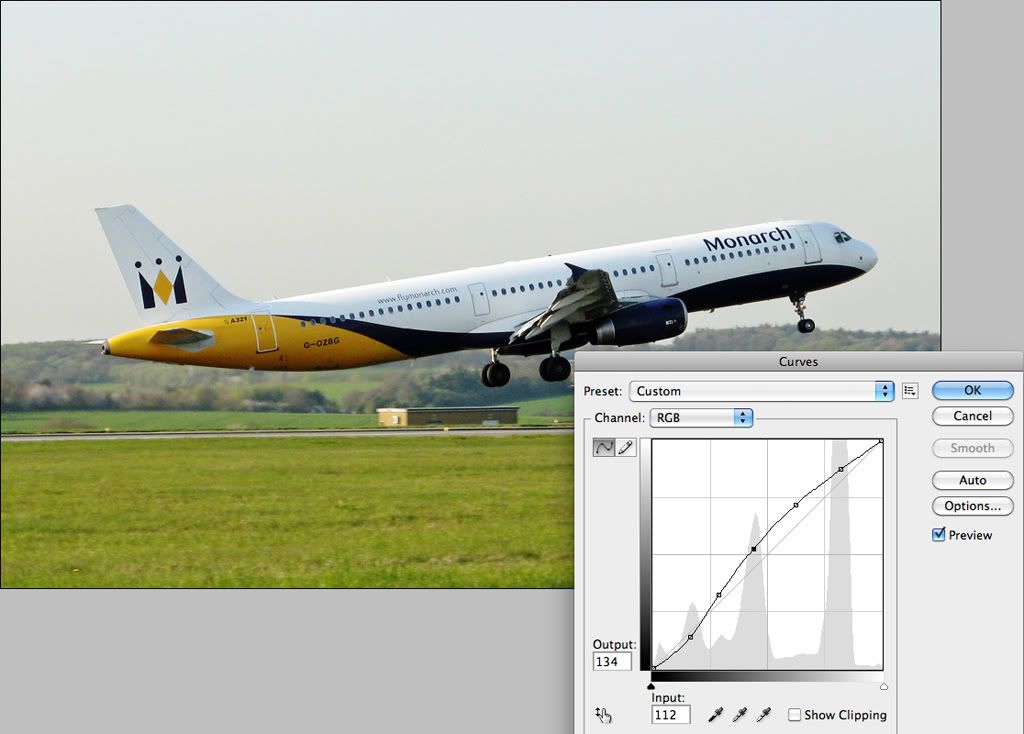
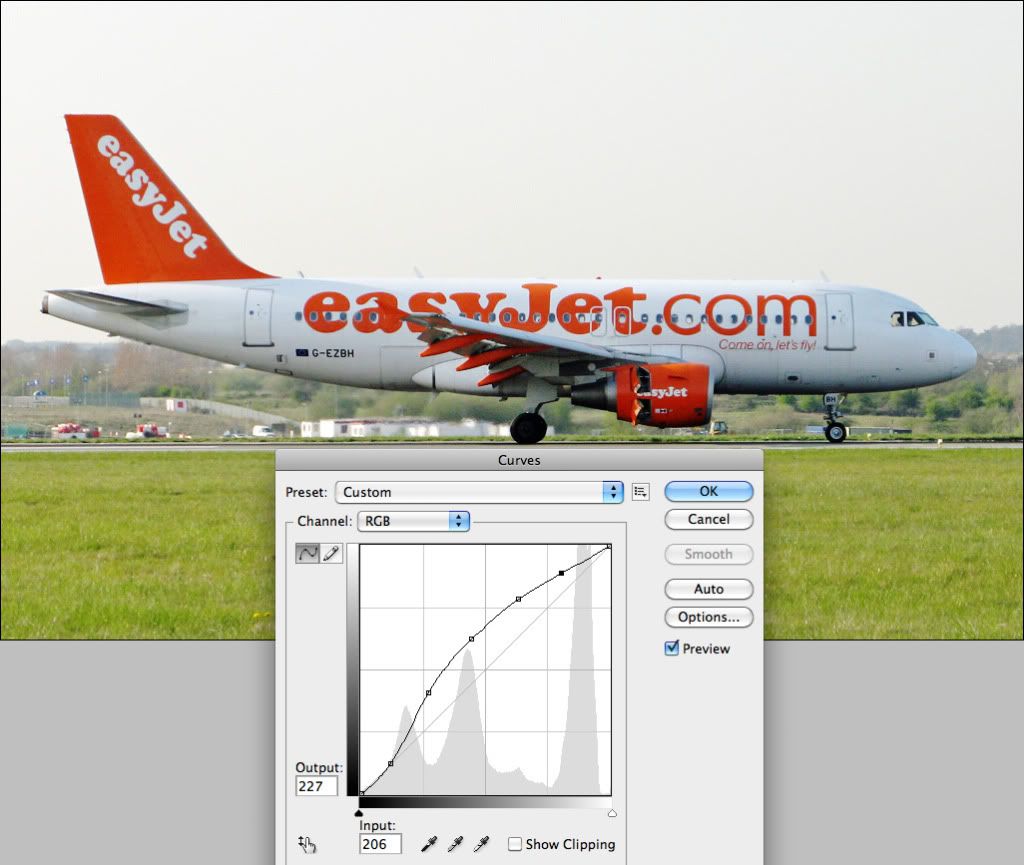
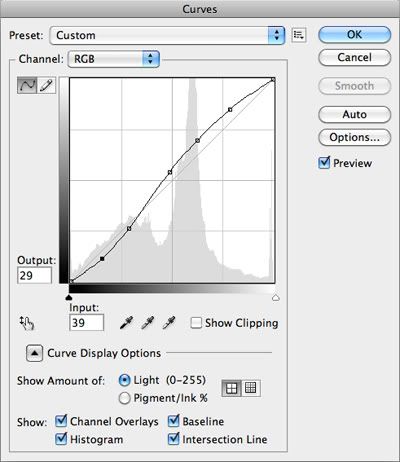
The only real overexposure I’m seeing is in the first image. Others are a little bright along the top of the fuselage but that’s more a result of slight backlighting. Apart from changing position (not that easy to do at LTN if I remember rightly) there isn’t much you can do about it, although there is a little trick using Curves in Photoshop that can improve the contrast. There are two sides of the Curves graph, an input and an output. Basically if you click on a point, say, in the centre and drag it up you can change the brightness value seen on the bottom graph to the brightness value you see on the left. Moving it up makes the selected brightness value lighter, moving it down makes it darker. You can select as many points as you like and tailor the curve to suit the image (I usually find 5 points works well).
A couple of examples (these look softer than your originals as a result of being screenshotted to show the Curves tool as well):
Shifting the lower end of the curve down and the rest of it up darkens the shadows a little but lifts the mid tones.
Here only the mid tones need lifting, so the curve is just pulled up a little.
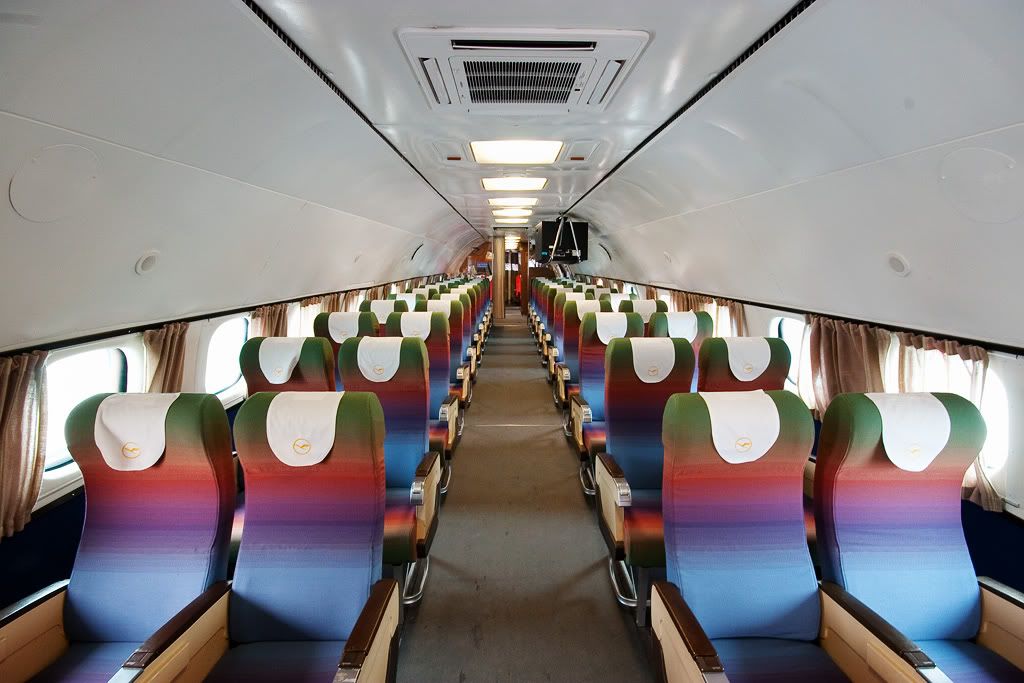
An example of mine that might show it a little better, taken inside D-ALEM, the beautiful old Constellation at Munich. The original has just had standard editing I do to most of my images, but it lacks punch, depth and the colours look quite washed out.
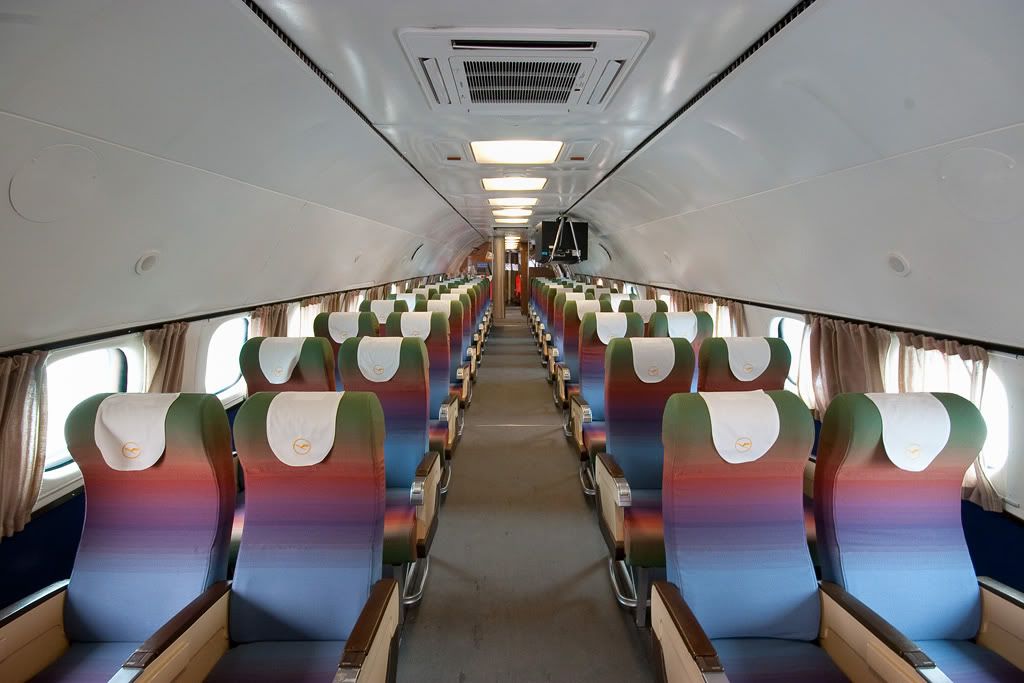
Applying this curve darkens the shadows to the left and brightens the mid tones in the middle, and because the contrast is better so are the colours (no additional saturation was added, the colours look better purely as a result of the contrast adjustment in Curves).
It takes a bit of getting used to, and of course you have to actually really want to spend that much time editing in the first place, but it can really help with some images.
Hope that helps somehow!
Paul
By: Tartan Pics - 24th April 2010 at 12:03
Nice movement indeed.
Did you use an editor like Photoshop?
If you shoot over-exposed(as i do ALL the time) it’s quite easy to fix.
Still great shots.
By: TheMightyOz - 24th April 2010 at 11:07
Thanks and no, it’s not your monitor settings. Some of them are over-exposed. I should probably learn how to use a camera properly and take it out of auto mode!
No idea if that’s a new service, but I’ve never seen them before either.
By: Tartan Pics - 24th April 2010 at 10:29
Hey.. excellent set on all 3 posts there… Esp. like the Miami Air 737 and the Romanian 737… is that a new service to Luton? never heard of them.
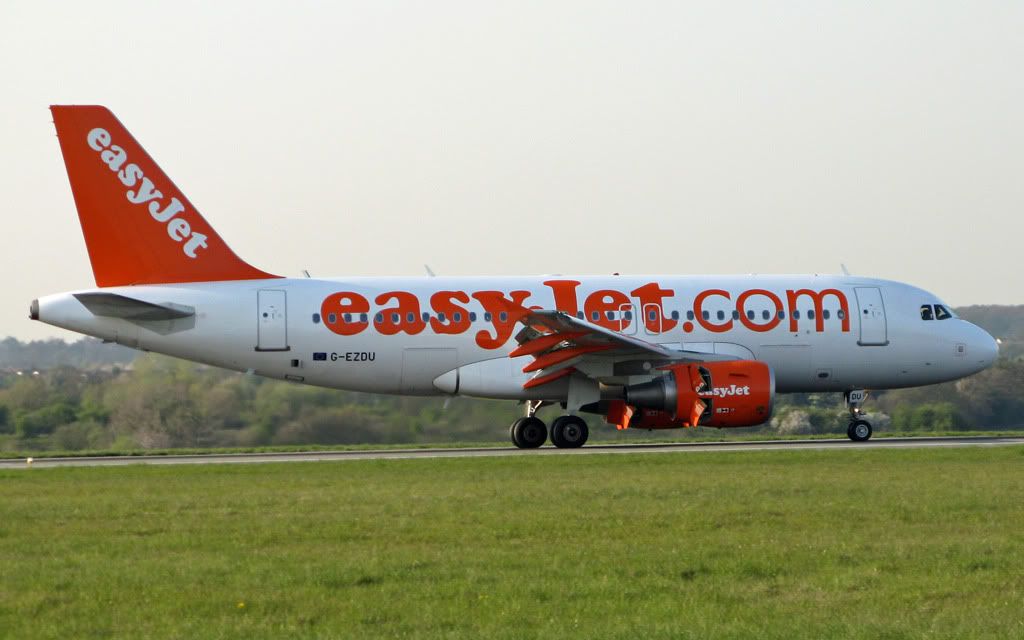
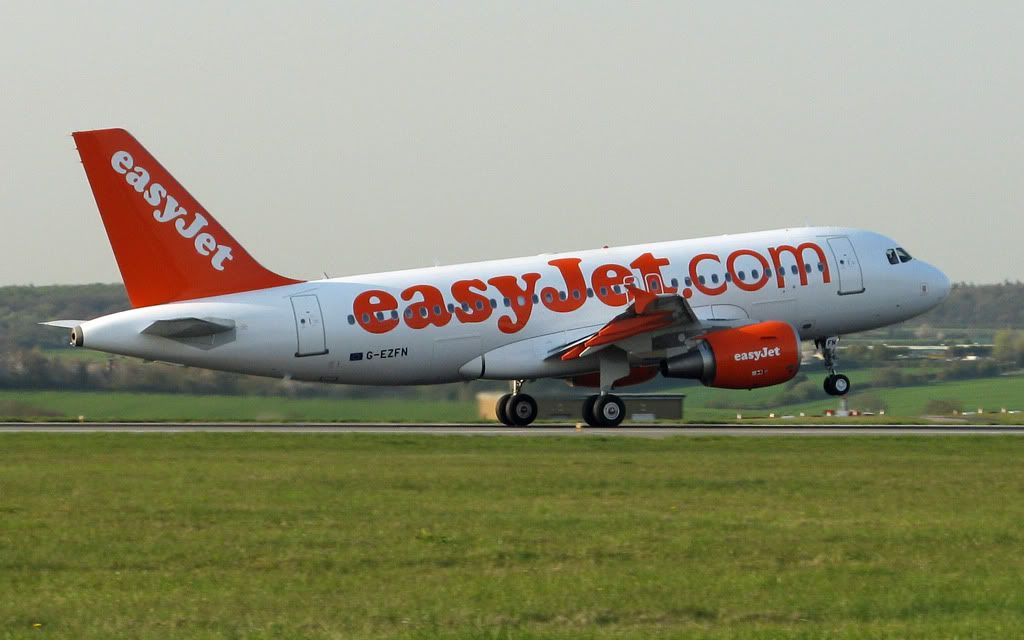
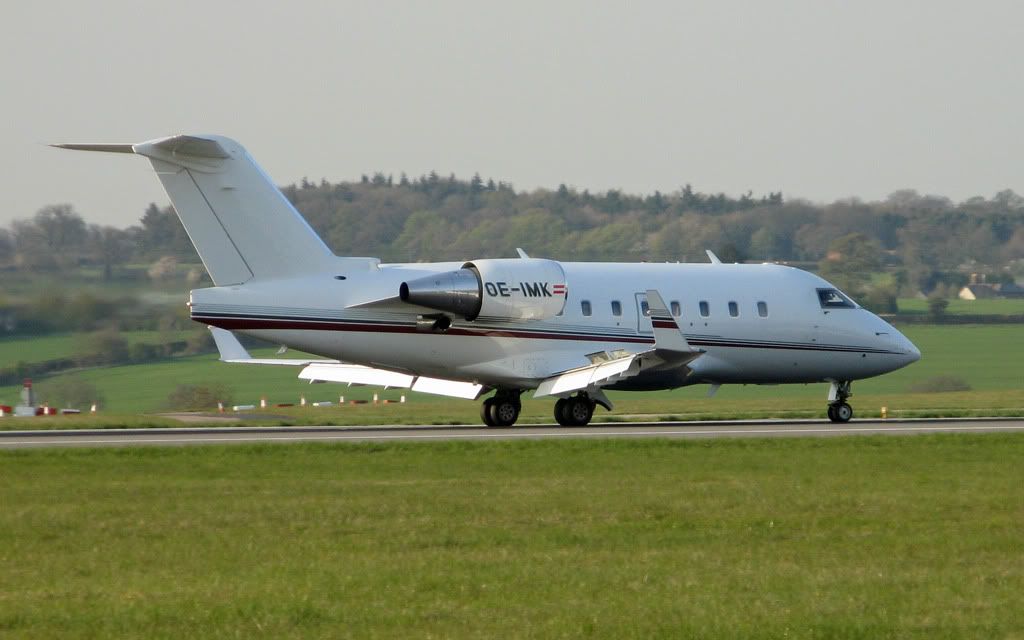
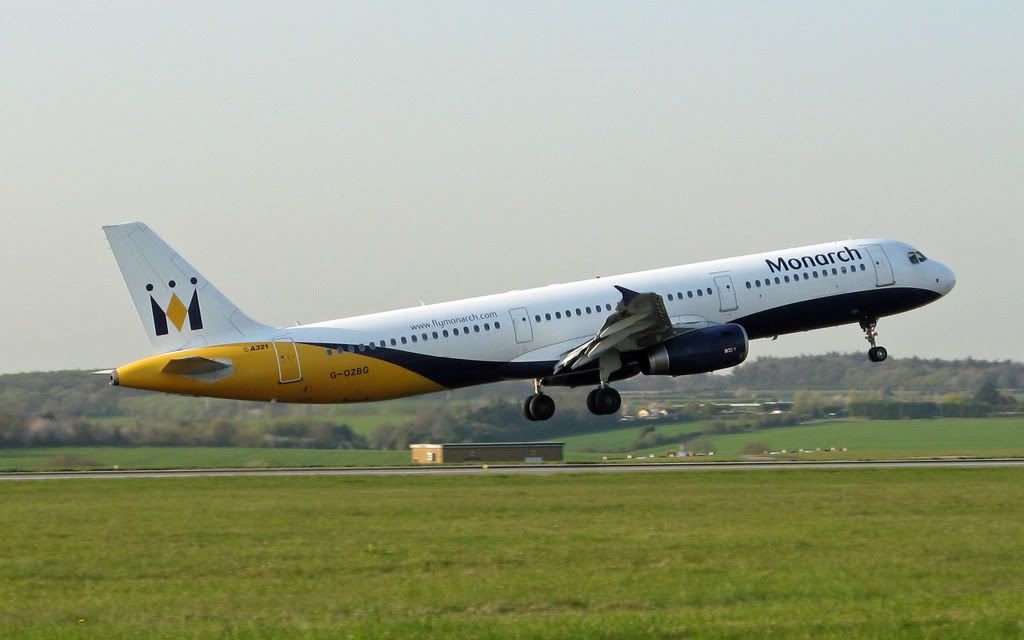
I felt one or two looked a wee bit over-exposed?? or just my monitor settings.. that aside still a great set to look at. well done that man.


 Sign In








 April 24, 2010 at 9:00 am