Hello guys,
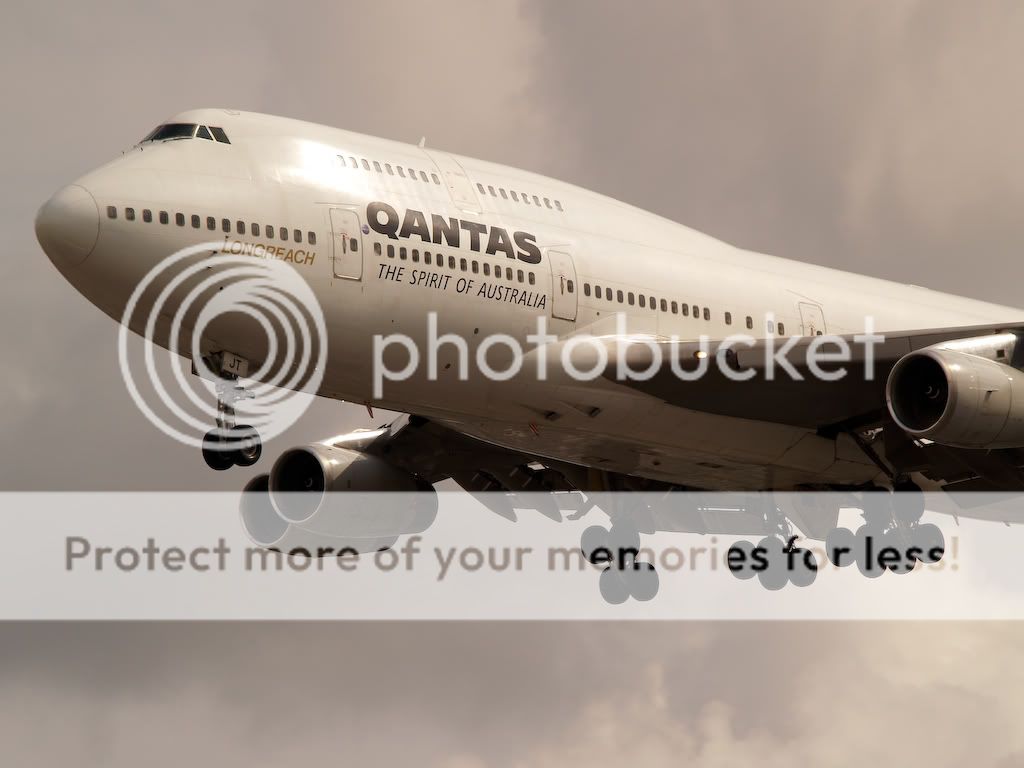
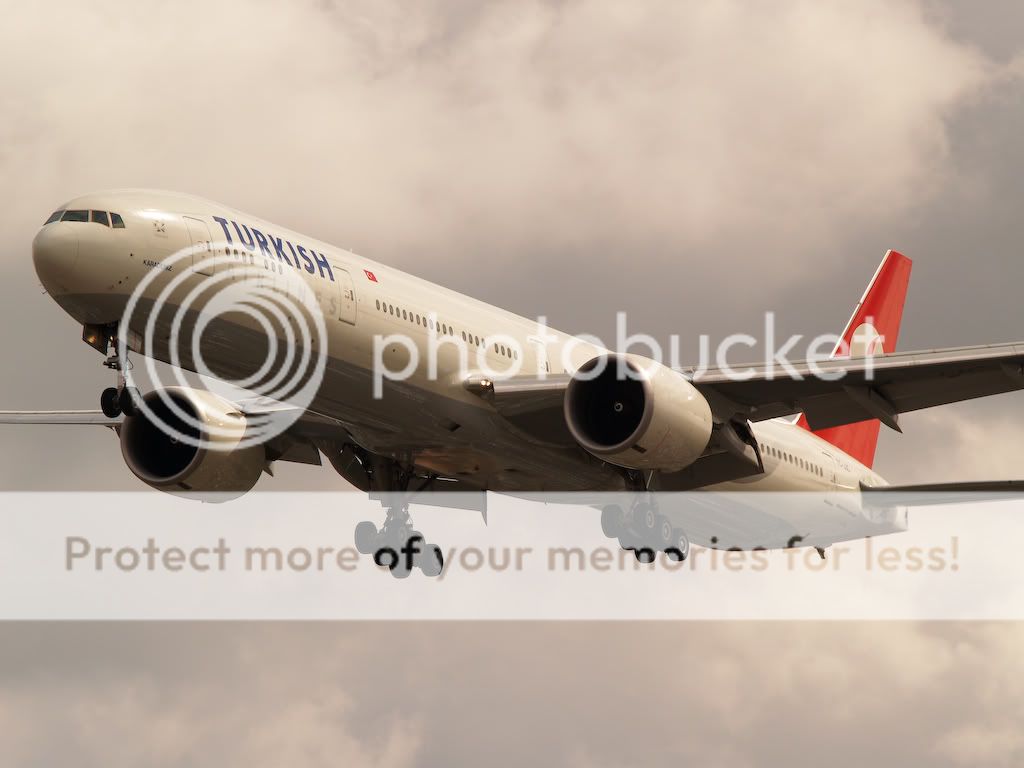
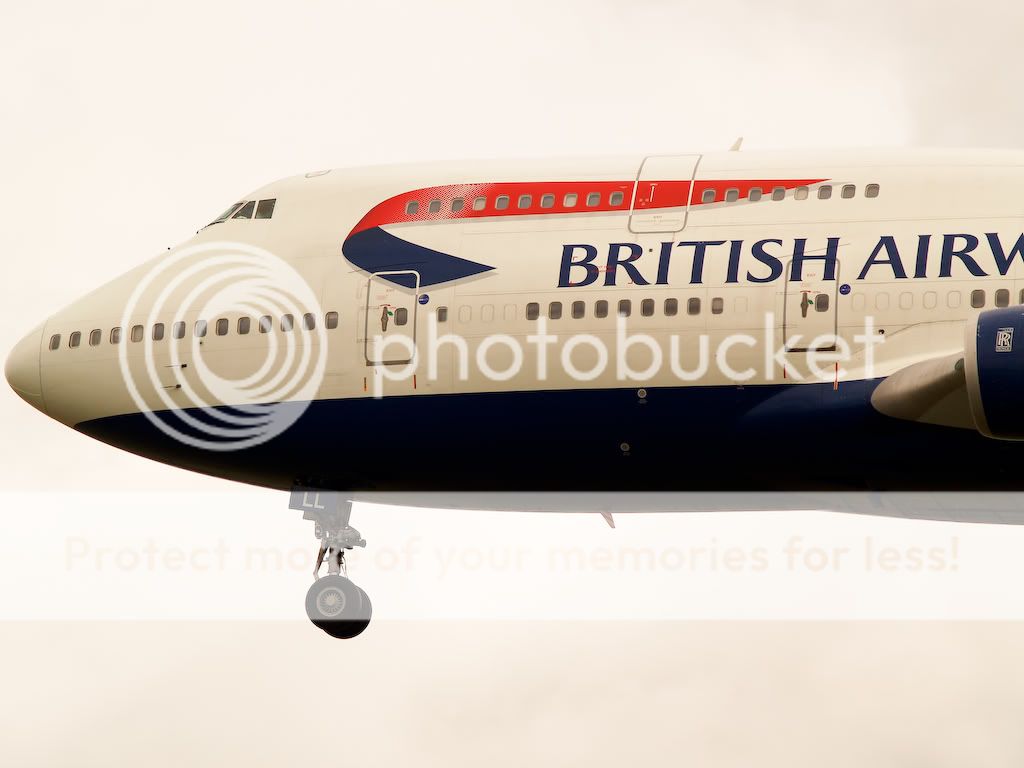
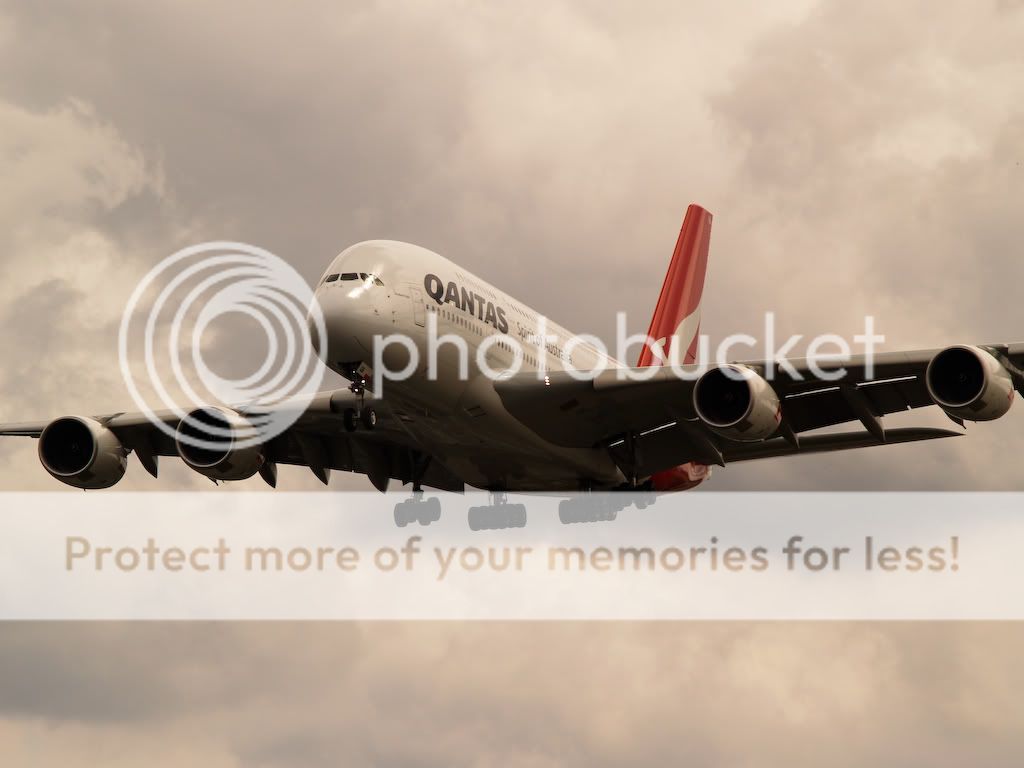
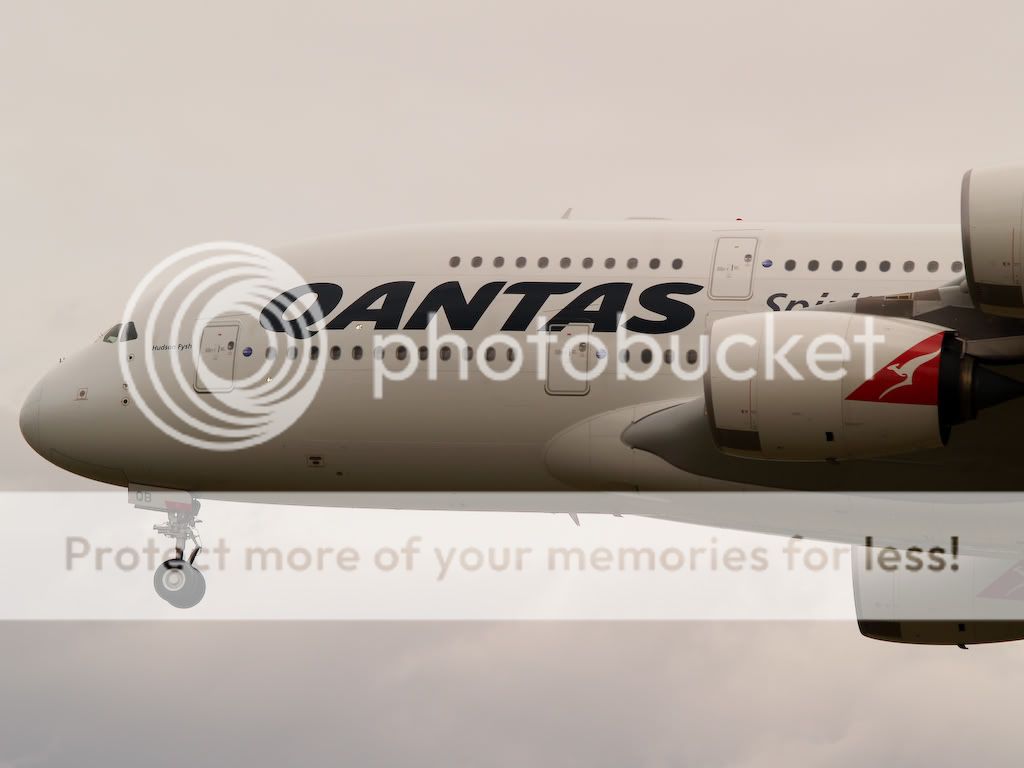
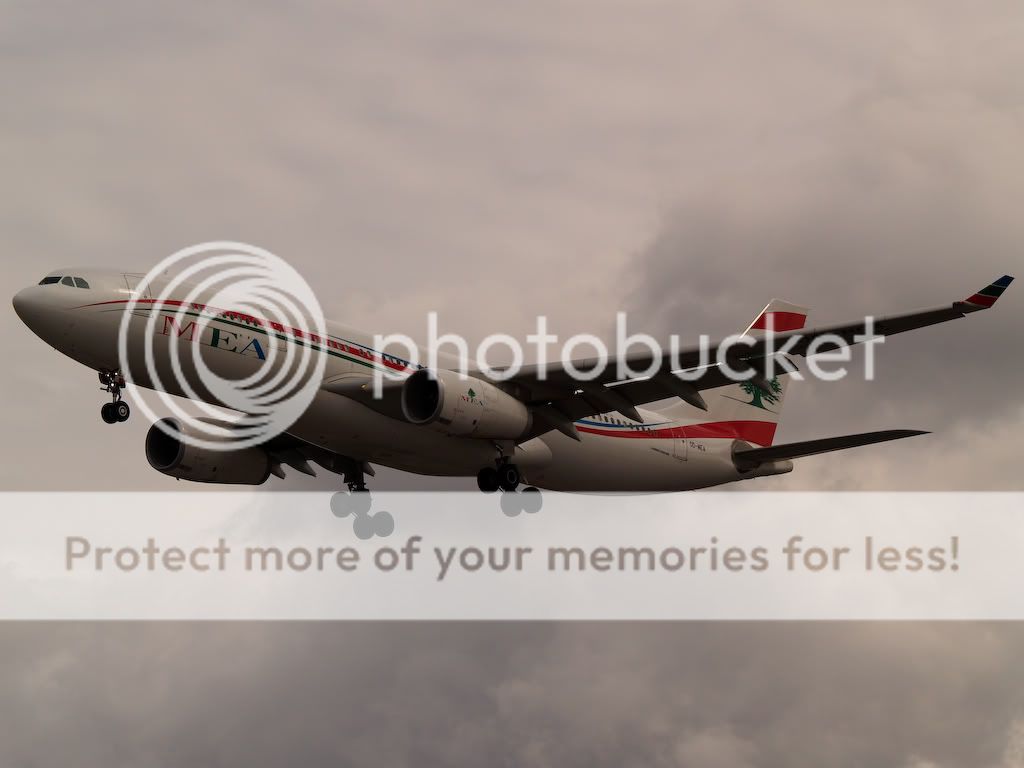
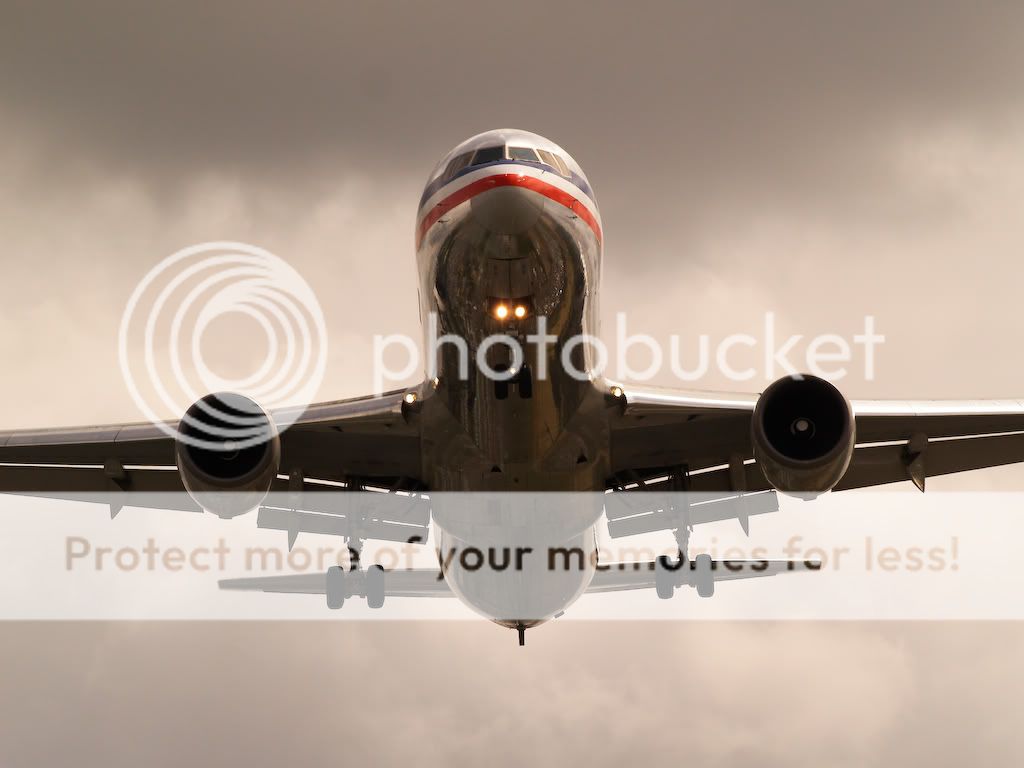
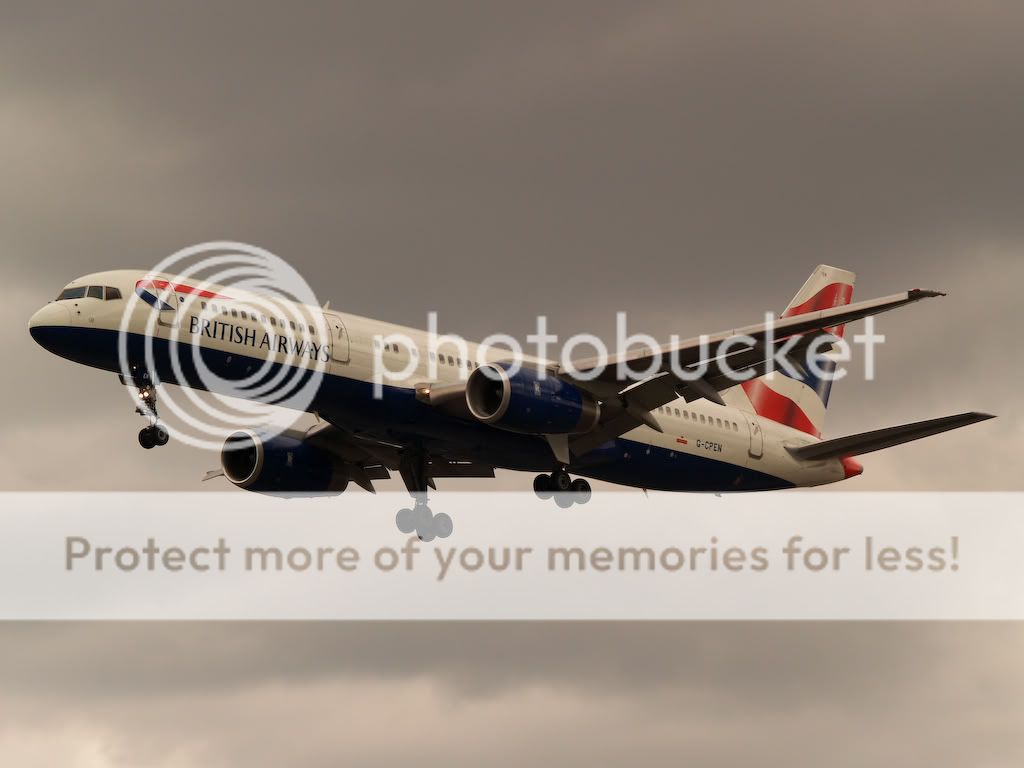
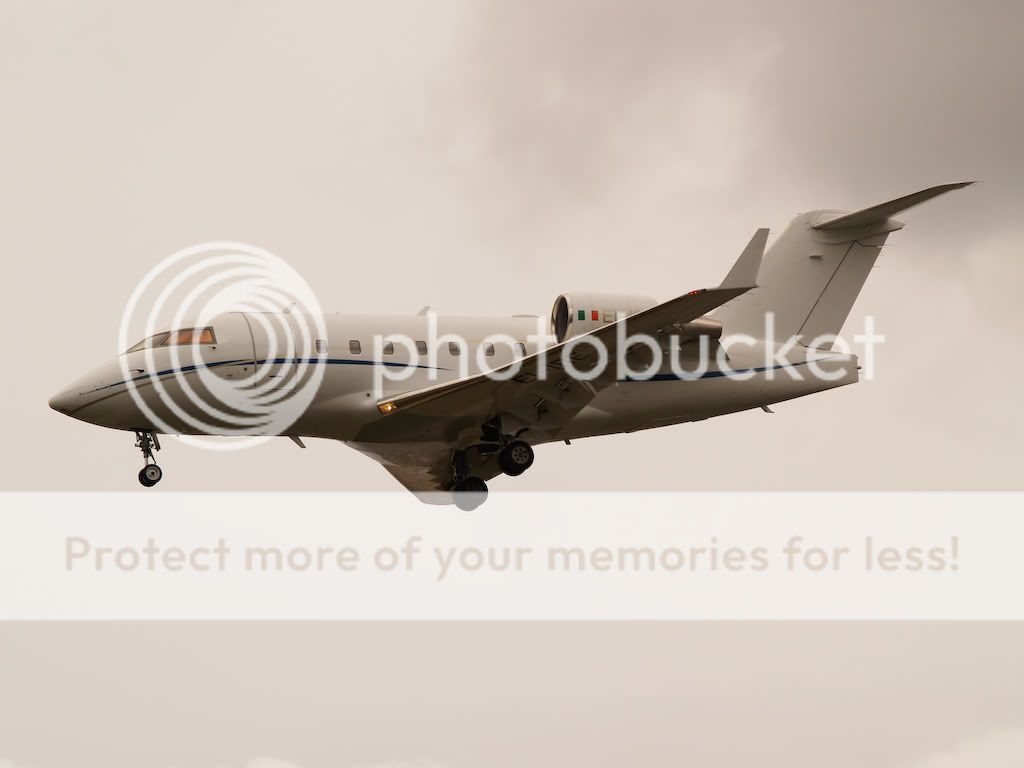
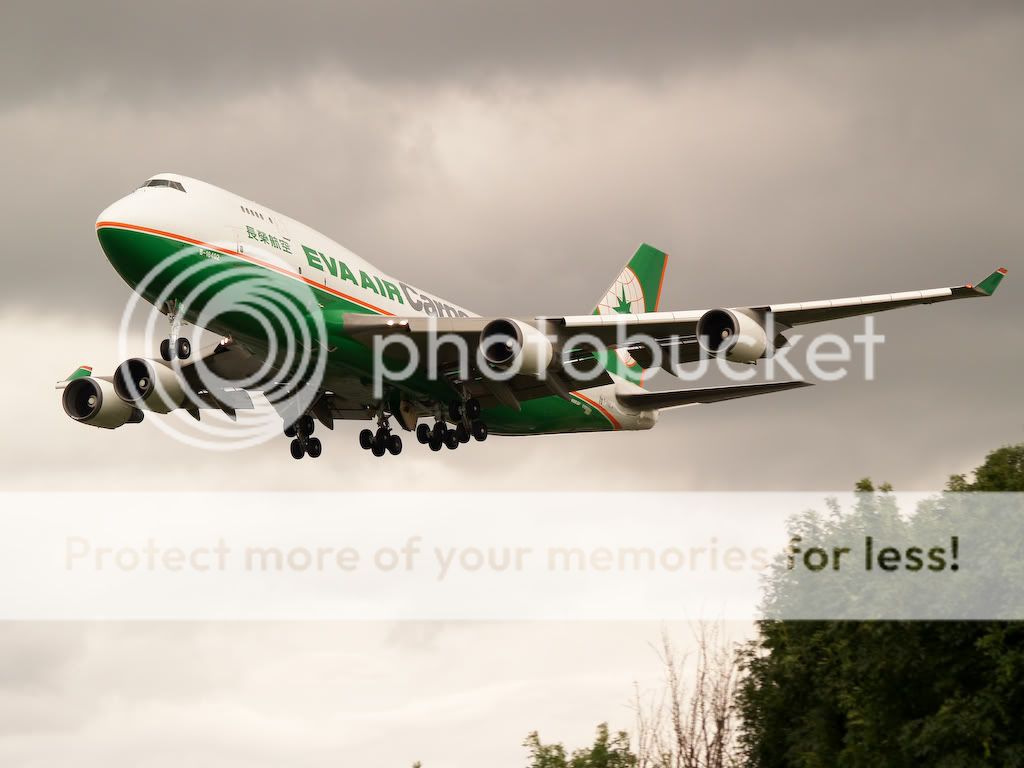
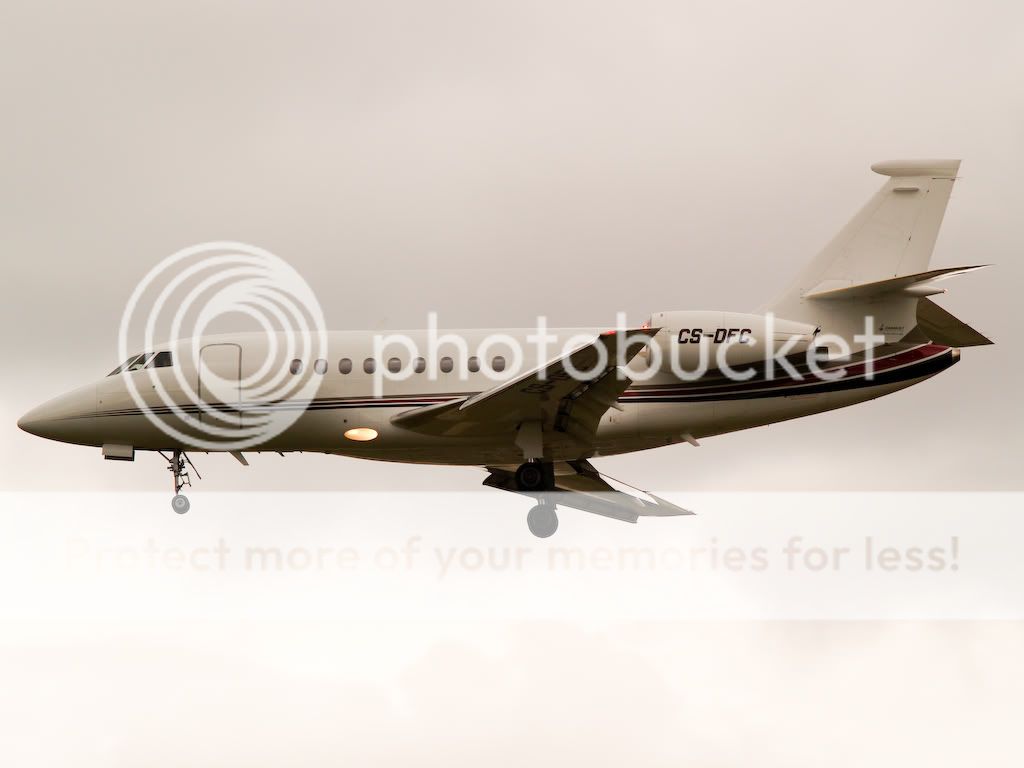
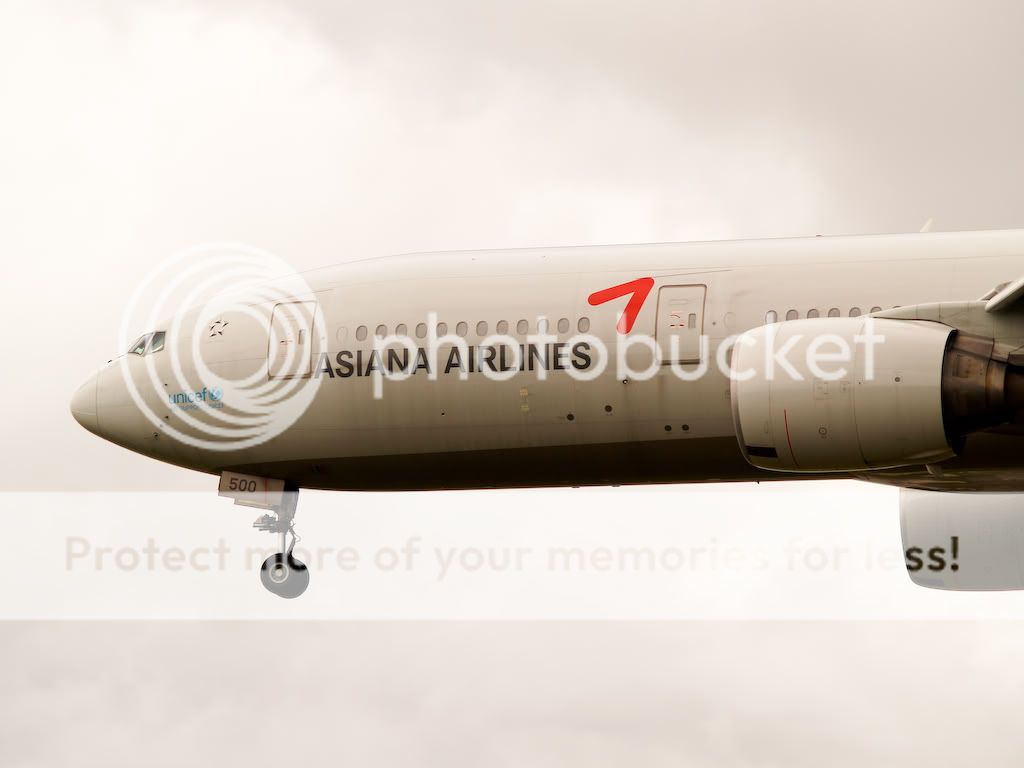
First I wasn’t planning to make any post of this day. BUT when I heard the reactions on the other topic about the white balance that was a wrong I needed to test some and I learned of it. Also some nice tips were given to prevent such things. I adjusted the balance and the temp of these ones. Hope you like these better. There is still stome yellow in a few of them. Replies/tips are welcome. I don’t think the pics need any explanation.
1.
2.
3.
4.
5.
6.
7.
8.
9.
10. This one need some extra info. Actually this was an emergency landing on runway 27R. As you can see all the doors are unlocked. In case of an hydraulic failure the crew can use the hydraulic unlock switch witch deploys all the doors for the landing gear. When the aircraft landed the runway wasn’t used for 30 minutes also some fire fighters were deployed.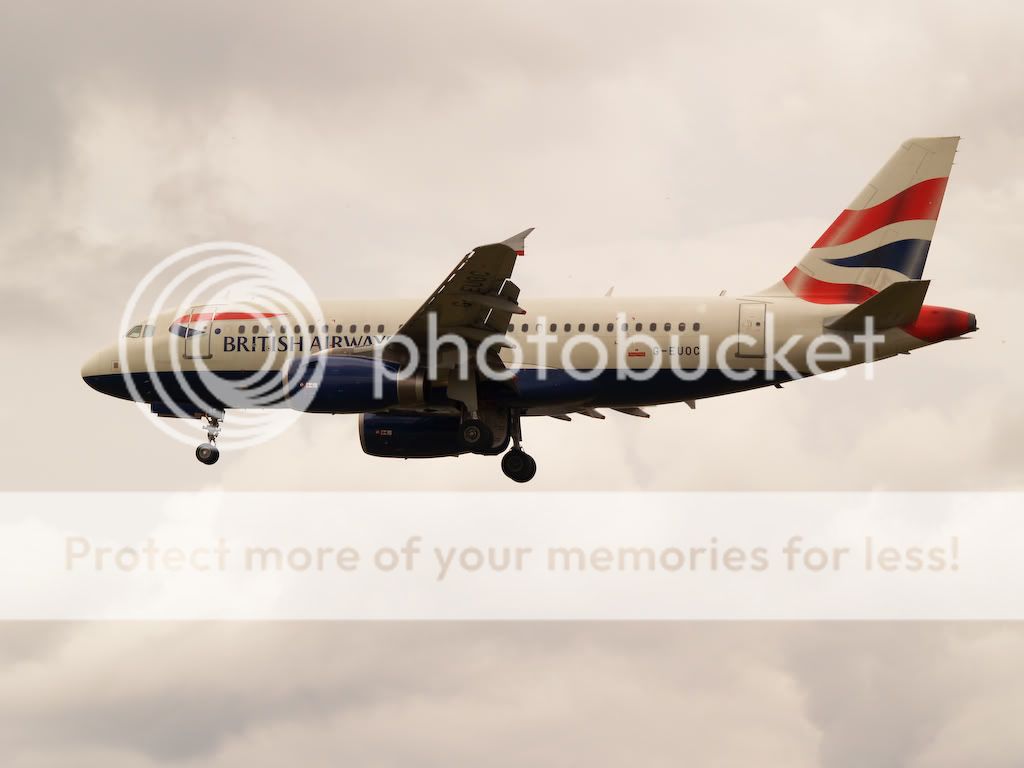
11.
12.
13.
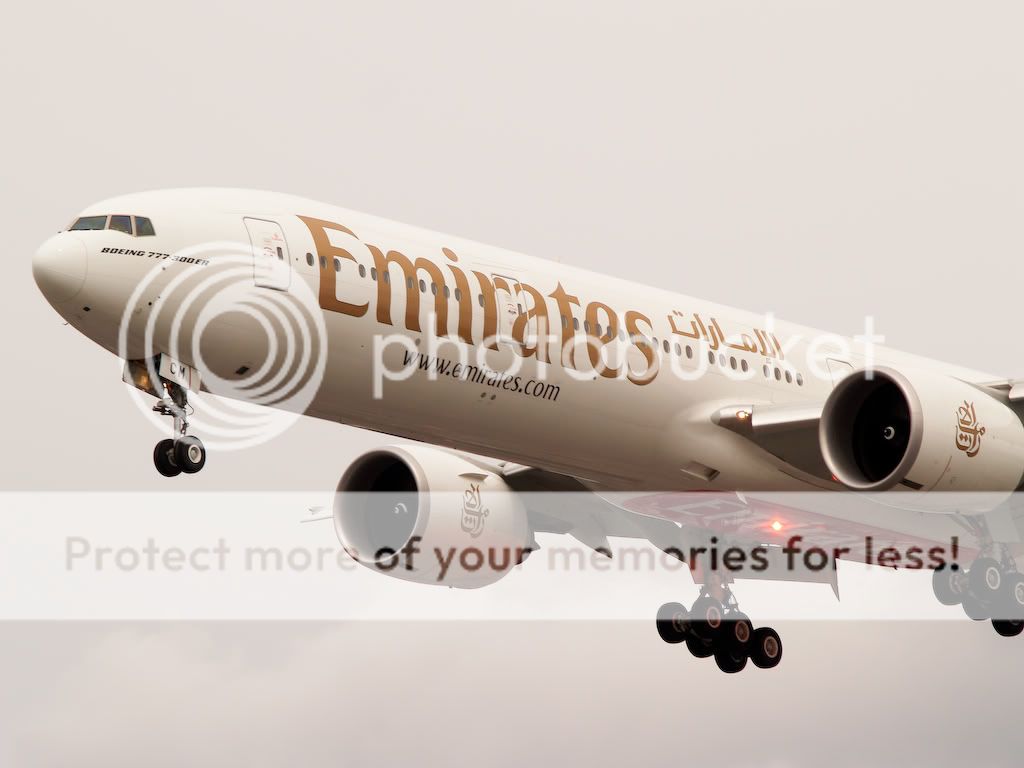
14.
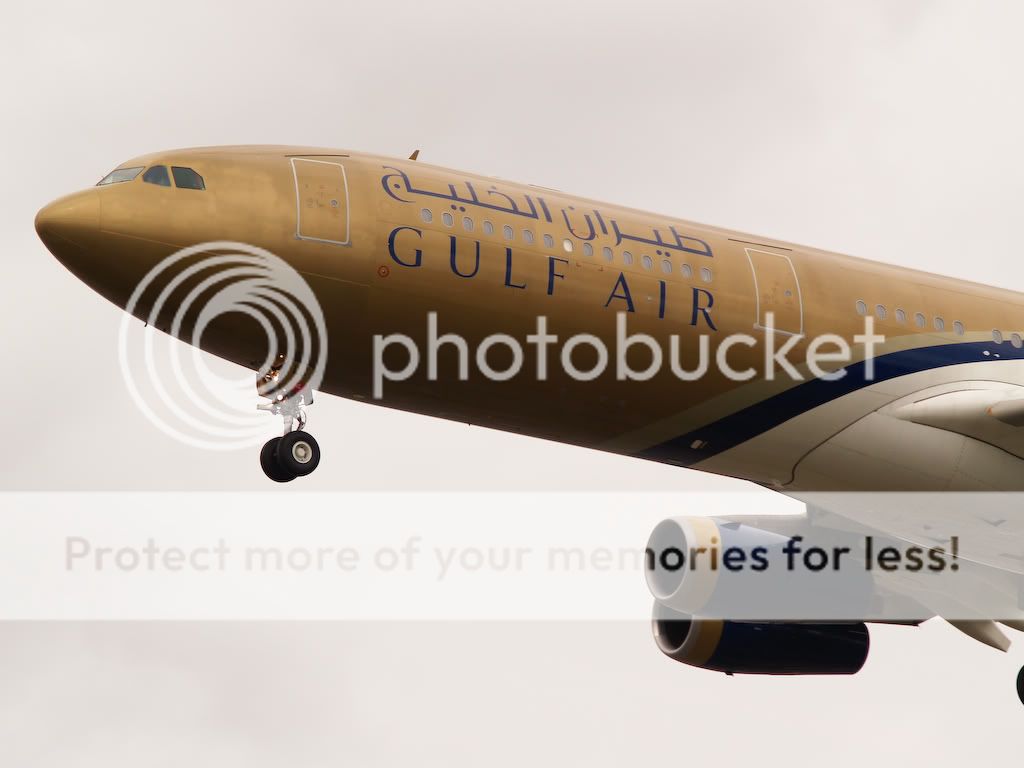
15.
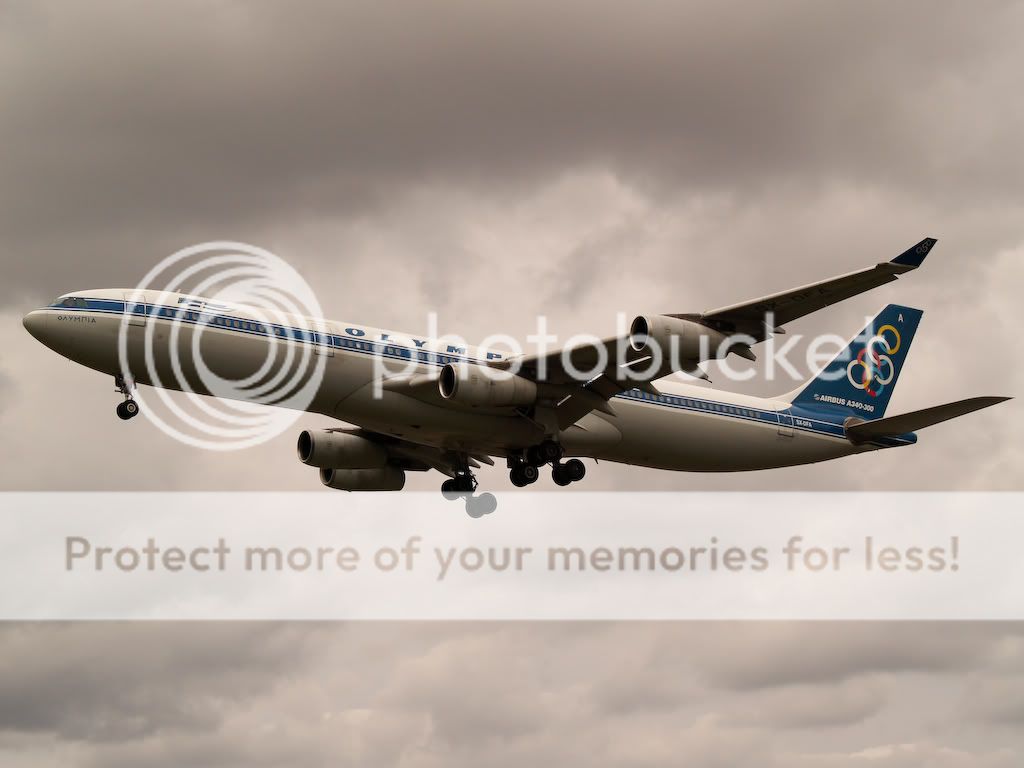
16.
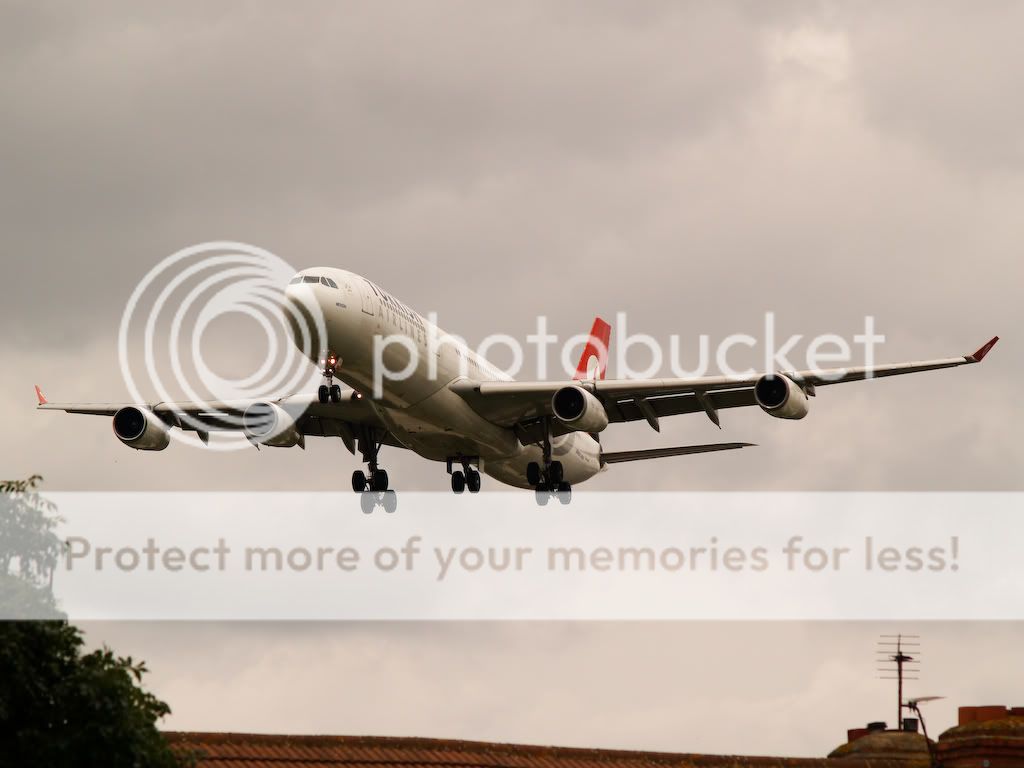
17.
18.
19.
20.

By: EGTC - 17th August 2009 at 21:25
Nice photos.
Nice catch with the A319 landing with hydraulic problems – I saw G-BUSK a few months ago come in with hydraulic problems, but the runway only shut for 10mins then.
By: PMN - 17th August 2009 at 21:08
Normally I also prefer the manual mode. But during the last day it was partly cloudy with sometimes overcast. There were times that suddenly the sum came trough the clouds if I was shooting in M mode the pics will all be gone to waist during that moment.
I have to say, I have no idea why you would choose to use full manual on aviation where the difference in exposure can easily vary by a stop according to where you point your camera when you follow an aircraft. As Grey Area quite rightly says, a few of these images are underexposed slightly and you could probably get much better results by using Av and learning how to interpret the histogram.
Paul
By: Maikel - 17th August 2009 at 20:37
Normally I also prefer the manual mode. But during the last day it was partly cloudy with sometimes overcast. There were times that suddenly the sum came trough the clouds if I was shooting in M mode the pics will all be gone to waist during that moment.
By: PMN - 17th August 2009 at 20:32
I don’t think the WB on Olympus cams is linked to the AUTO function. Otherwise I will have some more useless pics in my database wich is not the case I just looked back.
I’ve never known a camera where the white balance wasn’t switched to auto when shooting in full auto, but admittedly I haven’t used every camera out there! That said, it would be a good thing for you to avoid using full auto. You always get better results telling the camera what you want it to do rather than letting it guess. 🙂
Paul
By: Maikel - 17th August 2009 at 20:28
You mean you’ve never noticed it? 😉
That one:cool:
I don’t think the WB on Olympus cams is linked to the AUTO function. Otherwise I will have some more useless pics in my database wich is not the case I just looked back.
By: PMN - 17th August 2009 at 20:25
@Paul: Are you kidding me?
EHAM-2009-12-05
http://i509.photobucket.com/albums/s331/MaikelHeijden2/20090512_0078.jpgEHAM-2009-05-27
http://i509.photobucket.com/albums/s331/MaikelHeijden2/2009-05-27007.jpgEHAM-2009-06-03
http://i642.photobucket.com/albums/uu149/MaikelHeijden3/2009-06-03023.jpg
These links meaning…?
Paul
By: Maikel - 17th August 2009 at 20:17
I know M had nothing to do with the white balance. I think I found the probleem the WB wasn’t set the Auto it was set to the sunny icoon. So my cam thought sun! woho but the weather was crap.
Just like for us spotters when we are thinking a 747 is comming, when later on it appears to be a cessna 172 (No disrespect). Maybe I changed it without noticing by pressing the wrong button. Next time I’ll have to bring a lap top with me because you can not see this on such a small screen on you’re camera. I thought when I set my AUTO function on everything goes auto including these options behind the scenes.
Think we know the solution now. Thanks for youre time.
@Paul: Are you kidding me?
EHAM-2009-12-05
http://i509.photobucket.com/albums/s331/MaikelHeijden2/20090512_0078.jpg
EHAM-2009-05-27
http://i509.photobucket.com/albums/s331/MaikelHeijden2/2009-05-27007.jpg
EHAM-2009-06-03
http://i642.photobucket.com/albums/uu149/MaikelHeijden3/2009-06-03023.jpg
By: PMN - 17th August 2009 at 20:16
I’ve been making photo’s since I was fifteen years old with this camera and never had this problem even when shooting in auto mode.
You mean you’ve never noticed it? 😉
White balance is set by clicking on the WB button!
Unless you’re shooting in full Auto, in which case Auto White Balance is selected. 😉
Paul
By: Grey Area - 17th August 2009 at 20:03
When I shoot Manual the only thing I can adjust is shutterspeed/F number and the ISO. I’ve been making photo’s since I was fifteen years old with this camera and never had this problem even when shooting in auto mode.
Manual (M on your dial) is an exposure mode. This has nothing at all to to do with white balance.
White balance is set by clicking on the WB button (the up arrow on the group of 5 buttons that appear to the right of the LCD display on the rear of your camera).
Check that this is not set to ‘Custom’. If it is, then set it to ‘Auto’.
If in doubt, always RTFM! :diablo:
By: Maikel - 17th August 2009 at 19:48
When I shoot Manual the only thing I can adjust is shutterspeed/F number and the ISO. I’ve been making photo’s since I was fifteen years old with this camera and never had this problem even when shooting in auto mode.
By: Grey Area - 17th August 2009 at 18:06
Uhm that’s strange, in the beginning I did some manuals shots. After that wasn’t working out as expected I changed to the Auto mode.
Every image that I’ve looked at has a manual white balance. As I said, I’m 99% sure this is where your colour cast is coming from.
Once again, how did you decide what manual white balance setting to use? Did you just guess and hope for the best?
As far as I know you can’t choose you’re cam profile when installing Lightroom.
Perhaps you need to do a little research? 🙂
By: Maikel - 17th August 2009 at 17:56
Uhm that’s strange, in the beginning I did some manuals shots. After that wasn’t working out as expected I changed to the Auto mode. Maybe my cam doesn’t adjust the white balance with the auto mode. That could be the problem.
As far as I know you can’t choose you’re cam profile when installing Lightroom.
By: Grey Area - 17th August 2009 at 17:42
Hi there. For Equipment I use a Olympus E-500 with in this serie a 70-300 f4-5.6 lens. Maybe it’s a Idea to install this program. Here you can see ALL the info of a photo: http://www.opanda.com/en/iexif/
It’s free of charge and it’s really a handy program. For editing I used Adobe Lightroom, with that I changed the temp of the photo’s shown here. I found it rather strange because my other photo’s from Amsterdam and other spots are not yellow tinted…
I use the ‘Exif Viewer’ plugin in Firefox.
Adobe Lightroom, eh? Have you downloaded and installed the correct profile for your camera?
And was this amber colour cast present after processing, or did the images look OK until you uploaded them?
Edited to add: According to the EXIF data, you were using a manual white balance for many of these images.
That’s probably the cause of your problems, as you don’t seem to have got it right. How did you decide the settings for your manual white balance?
By: Maikel - 17th August 2009 at 17:36
Hi there. For Equipment I use a Olympus E-500 with in this serie a 70-300 f4-5.6 lens. Maybe it’s a Idea to install this program. Here you can see ALL the info of a photo: http://www.opanda.com/en/iexif/
It’s free of charge and it’s really a handy program. For editing I used Adobe Lightroom, with that I changed the temp of the photo’s shown here. I found it rather strange because my other photo’s from Amsterdam and other spots are not yellow tinted…
In the last couple of pics the weather was really not working for my equipment when the light is gone you can notice she’s having a hard time.
By: Grey Area - 17th August 2009 at 16:56
Since you mention it, there is still a distinct amber (not yellow!) cast to these images.
Most are a bit under-exposed as well.
It’s a shame, because these two factors are spoiling what would otherwise be a really good set of images.
What equipment are you using, what settings did you use for these images and, finally, does your processing workflow involve any colour correction?
Oh…. and are you processing your images on a calibrated monitor? Here is a very ‘quick and dirty’ colour correction on your EVA B747, done on my calibrated monitor.
It isn’t perfect by any means, but you can see the difference.

By: Maikel - 17th August 2009 at 16:33
21.
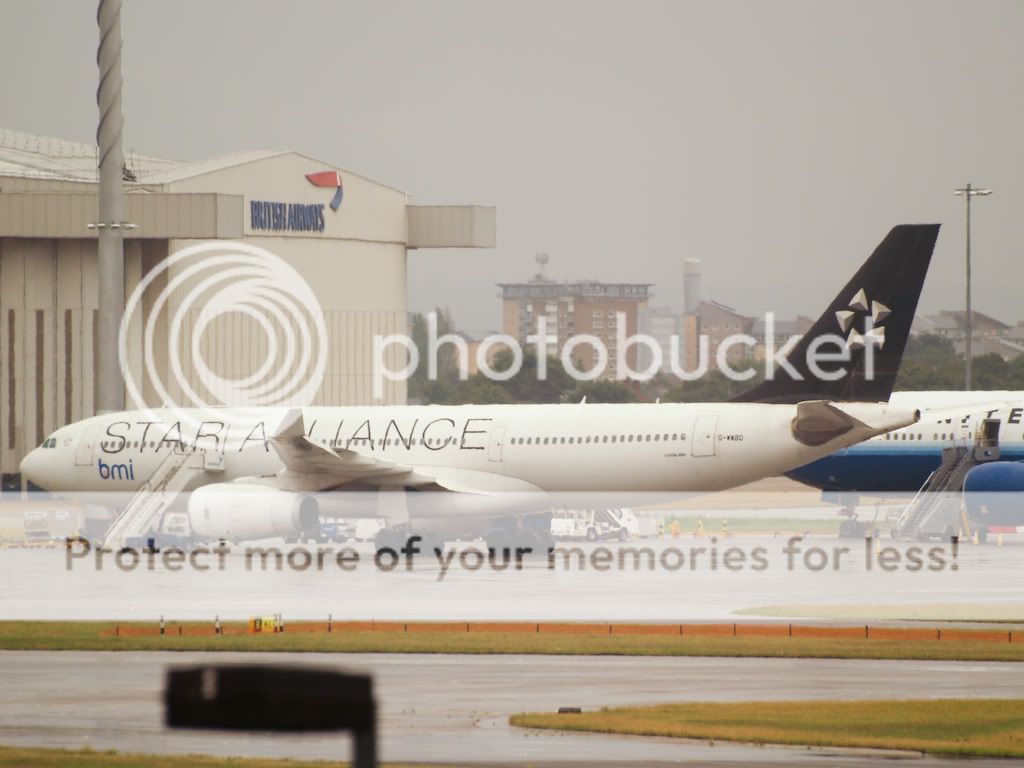
22.
Cya and thanks again.
Maikel


 Sign In








 August 17, 2009 at 4:33 pm