Got to MAN at half 10, really busy aircraft-wise!
Also, Photos from the Air Tattoo here: http://forum.keypublishing.co.uk/showthread.php?t=72361
Still not happy with the decreasing quality of my photos, not sure what I’m still doing wrong. 🙁
Part One

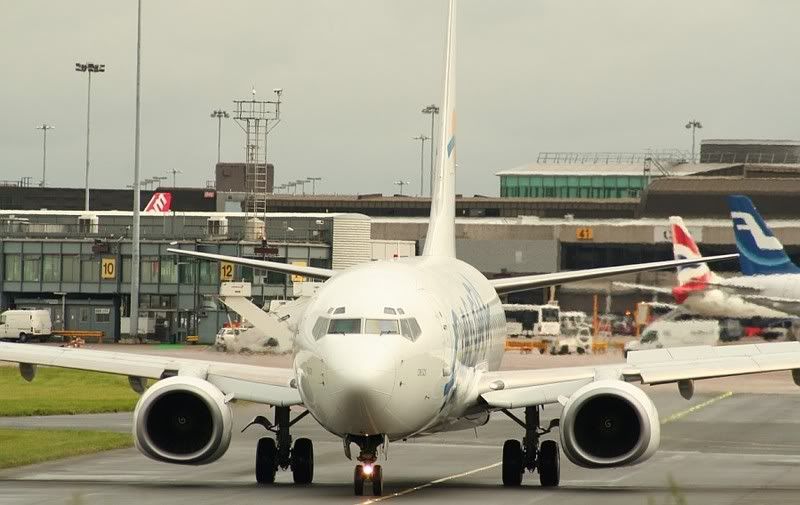
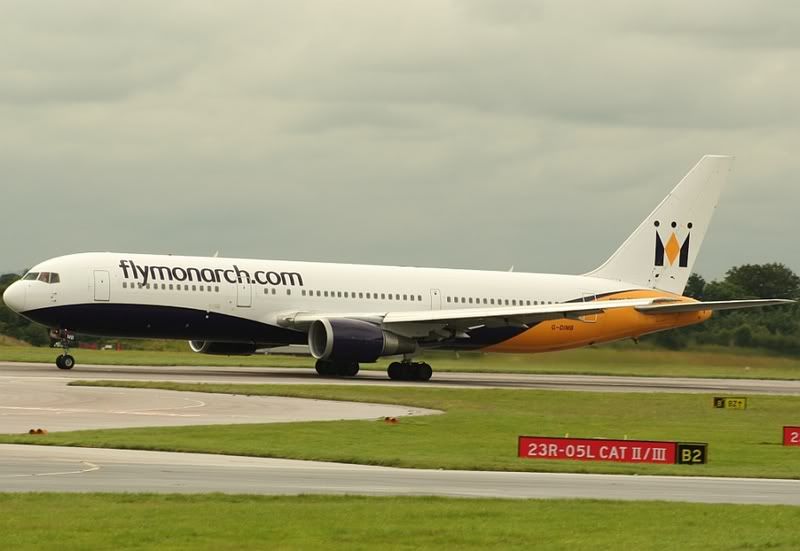
……..

By: RingwaySam - 24th July 2007 at 14:07
Sam – Yep, I did get a program with my camera, I find Irfanview easier to use though. 🙂
You should give the program you got ago, it’s quite easy once you understand the basics. You should try out Jid’s workflow if you install it.
http://www.jid.me.uk/workflow/
Sam
By: Manc - 24th July 2007 at 13:51
I think the questions been answered however also, are the colours on your monitor also OK?
Do you follow a workflow for your pics? If not I suggest you do as it will help, keep doing the workflow for every image and you can then edit pics very quickly and consistantly. For example,
1) dust – layers equalise etc
2) level (alignment, measure tool)
3) Crop
4) levels (sliders, histogram)
5) Saturation / colours
6) Sharpen – layers etc
7) Save or bin it!
In bad weather shoot RAW to give yourself an even better chance of saving the shot.
By: MANAIRPORTMAD - 24th July 2007 at 13:40
:p Cheers for the kind words! 🙂
By: PMN - 23rd July 2007 at 23:37
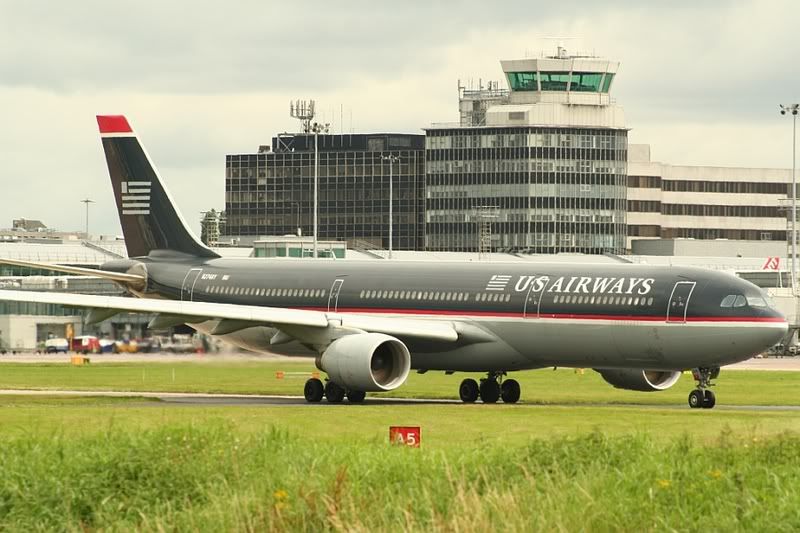
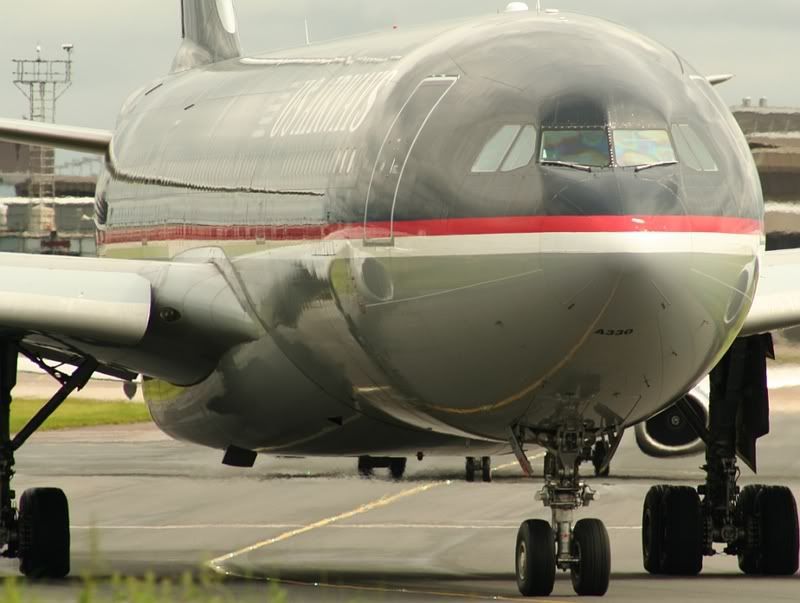
Me and Adam we’re in a muddy swamp when that US Airways A332 came past!! 😀
Yep Mud Mud Mud it was! It wasnt even worth it as i missed the shot in the end
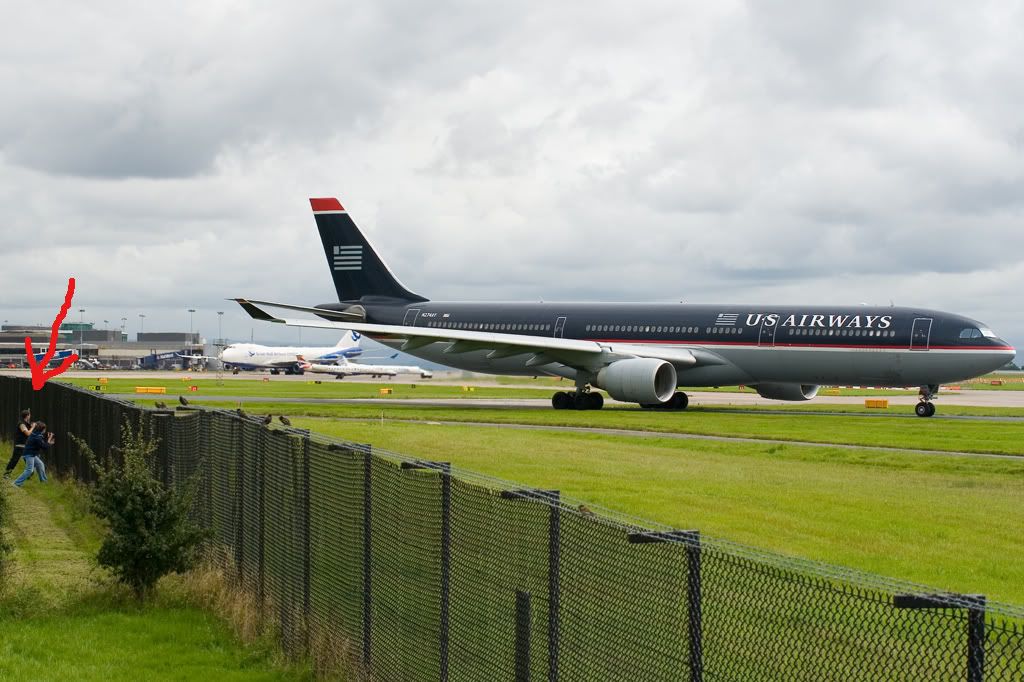
😀
Good work, Matt! The old saying ‘practice makes perfect’ is a good one, so stick at it! 🙂
Paul
By: A Spalding - 23rd July 2007 at 22:54
Yep Mud Mud Mud it was! It wasnt even worth it as i missed the shot in the end
Matt! I took a picture of some ppl on the mound whilst that PIA 777 taxied past – You should be in the picture i took. When i get around to finding/editing it, i’l whack it on.
Some great pictures there mate, and as we know the weather wasnt brill that day
Adam
By: B77W - 23rd July 2007 at 22:23
Fantastic Shots Matt!
I’m guessing I saw you…;)
Me and Adam we’re in a muddy swamp when that US Airways A333 came past!! 😀
By: MANAIRPORTMAD - 23rd July 2007 at 18:08
Sam – Yep, I did get a program with my camera, I find Irfanview easier to use though. 🙂
Dan – Very kind of you to take the time to help me so much.
Firstly, I made sure as soon as I got the camera that I was shooting at the highest quality possible, so that’s ok.
About the auto levels / colour adjustments – I do adjust the colours on the photos, as they have been coming out a greeny colour, started a few weeks ago, so I try and change the colour to how it should be, but easier said than done I suppose.
Anyway, I’ll go back and try and edit some more photos, following your advice and hopefully I’ll start to get the drift of things! 😀
Thanks very much for the info, greatly appreciated! 🙂
Matt.
By: wannabe pilot - 23rd July 2007 at 17:18
Hi Matt,
I’ve been observing your shots recently, but have had too much to do with A-levels etc to spend much time advising you. This afternoon I have just had half hour to take a proper look at your shots, and see what I can help you with.
Firstly, after looking at the EXIFs, I’d say your settings are pretty much perfect for the weather you were shooting in. So it’s not the settings you’re getting wrong. Can I ask an obvious question……are you taking them on the camera in the highest quality jpeg? Just double checking!
After saying that your settings are pretty much right, I think it comes down to editing. Can I also ask….do you use some kind of ‘auto’ levels or colour adjustment on irfanview? Because one of the most striking problems with the photo edits is their rather extreme yellow/green cast, and I wondered whether that was from an automatic colour editing function.
I took 3 shots at random, to see what I could do with them just to demonstrate. I’m afraid these examples aren’t perfect, because I’m trying to re-edit an already edited shot, and then compressing it even further by saving again! But here goes…..
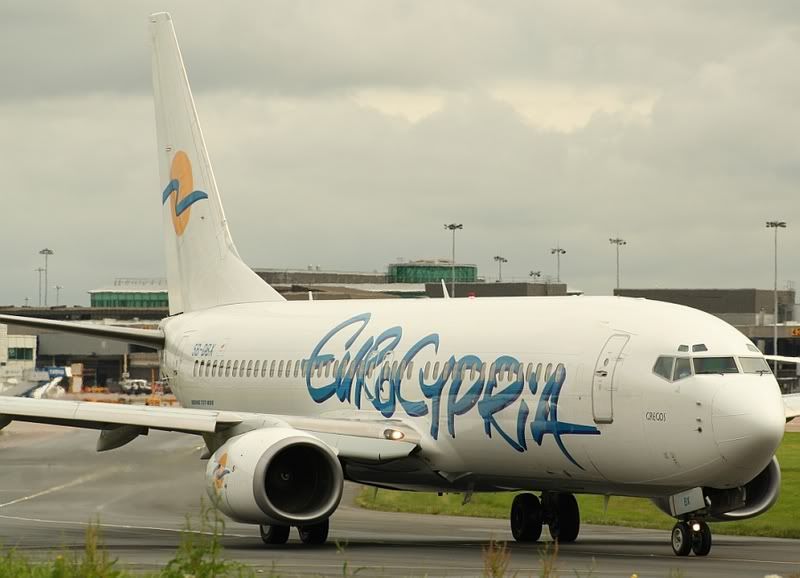
Eurocypria 738
As mentioned, there is a rather extreme yellow/green cast. This meant adding lots more blue and magenta. I then lightened the belly a little (using mid-levels) whilst trying not to overexpose the nose. A tiny bit more sharpening, saturate the blue and yellow to make the livery stand out, and then a bit of contrast to define the colours a little better.
Before:

After:

Air Canada 767
Same situation with the colour cast, adjusted as on the Eurocypria. A little more sharpening on some features such as the windows, and the nose of the aircraft. Saturate the reds and blues to help the livery stand out, and lighten up the belly a little. Some contrast and here we go…
Before:

After:

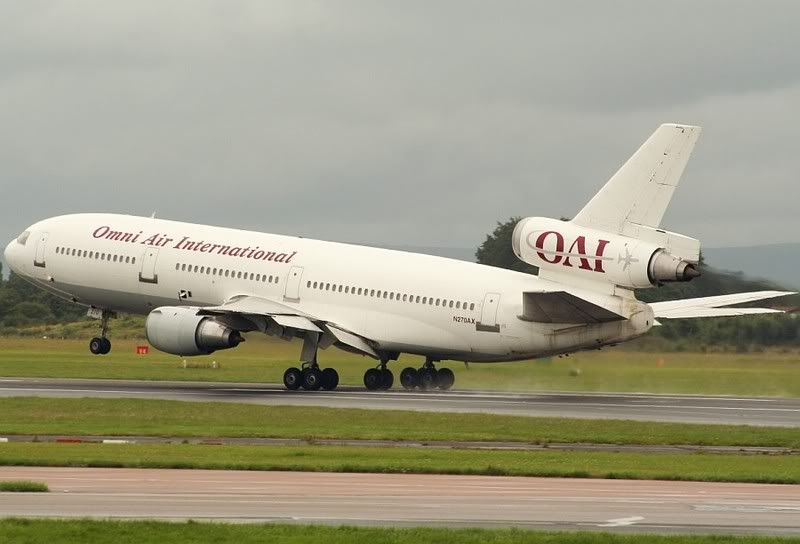
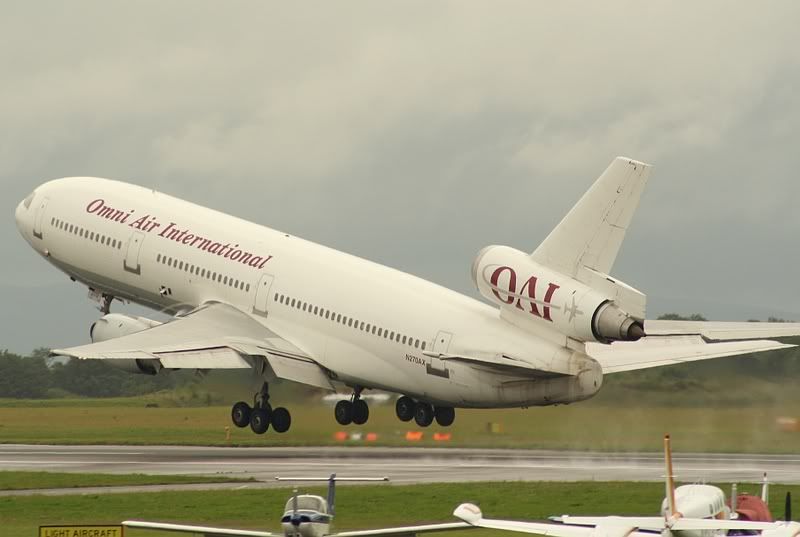
OAI DC-10
Pretty much the same as the last two. Although this one didn’t really need any extra sharpening, aside from maybe a little extra on the nose (this could have been solved by increasing the aperture number slightly. I see it was on f/8.0 for this one, f/10 should have got that nose nice and sharp). Other than that it was fine really,just those colours!
Before:

After:

Quick Conclusions
The weather looks awful, which doesn’t help at all with sharpness. It also makes it difficult to brighten up colours, and make liveries look as nice as they should. Settings look just about fine, so I wouldn’t worry too much there. So really, you may need to practice a little with editing colours, and trying to get the colours looking the way they should. Nothing to be ashamed of, I still don’t get it and I’ve been practising for 3 years! When you’ve got some spare time, look up on google a few tutorials with regards to colours, and how they all work with each other in a photo. And then just go back through old shots (or go out and test some new ones!) and keep on going until you can compare two of your own edits, and honestly see an improvement.
I hope I didn’t sound patronising and that I’ve been of help. Aside from all that, great shots, and keep it up 🙂
By: RingwaySam - 23rd July 2007 at 15:58
Thanks for all the kind comments guys! Too kind even! 😀
Sam – I’m using Irfanview – and I’m saving them at the highest quality according to it, although I’ve noticed when I resize the photos, or sometimes after I’ve cropped them, the quality then decreases. :confused:
Are you cropping the shot then re-sizing? Also you should have got a program with you’re camera, which is usually Photoshop Elements.
By: MANAIRPORTMAD - 23rd July 2007 at 13:21
Thanks for all the kind comments guys! Too kind even! 😀
Sam – I’m using Irfanview – and I’m saving them at the highest quality according to it, although I’ve noticed when I resize the photos, or sometimes after I’ve cropped them, the quality then decreases. :confused:
By: Newcastle - 23rd July 2007 at 13:18
Love the CO 757 and first US 330.
James
By: Shadow1 - 23rd July 2007 at 04:36
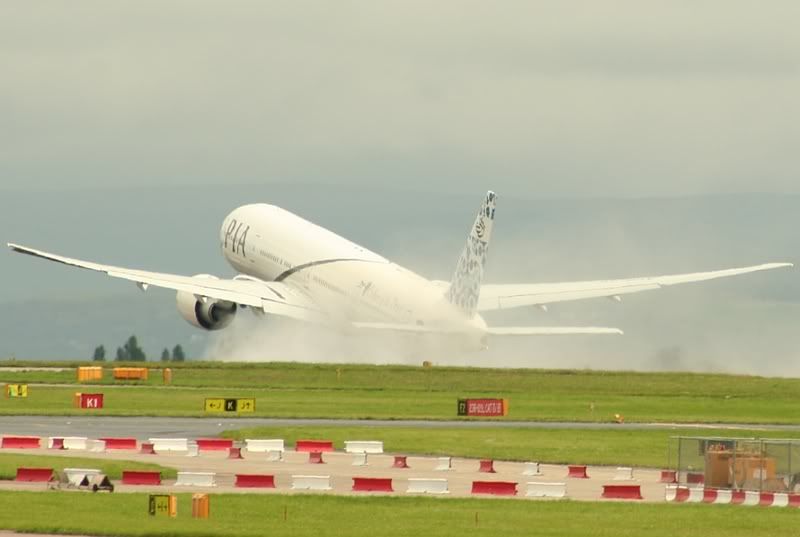
I agree with Deano, the PIA T7 on rotate is an absolute gem… Well done.
By: steve rowell - 22nd July 2007 at 07:50
All those pictures are good lad!!
By: RingwaySam - 22nd July 2007 at 02:06
Lukey, I think one of their A320s whent tech in Kos after a very heavy landing. It re-positioned to Toulouse for heavy maintenance… Another Airbus with a hard landing huh 😮
By: lukeylad - 22nd July 2007 at 00:17
Loveing the DC-10 mate.
Im guessing she was back in for Mytravel.
Are they having problems with there aircraft? Or are they just useing her to help out in a busy part of the season.
By: RingwaySam - 22nd July 2007 at 00:02
Matt, theres not too much wrong with them tbh. You’ve improved alot. The only severe problem, which is probably decreasing the quality is the compression. This is caused by saving the picture at a lower quality. What editing software you using?
By: Deano - 21st July 2007 at 23:35
Great pics mate, love the PIA 777 on rotate
By: MANAIRPORTMAD - 21st July 2007 at 21:13
Part Three
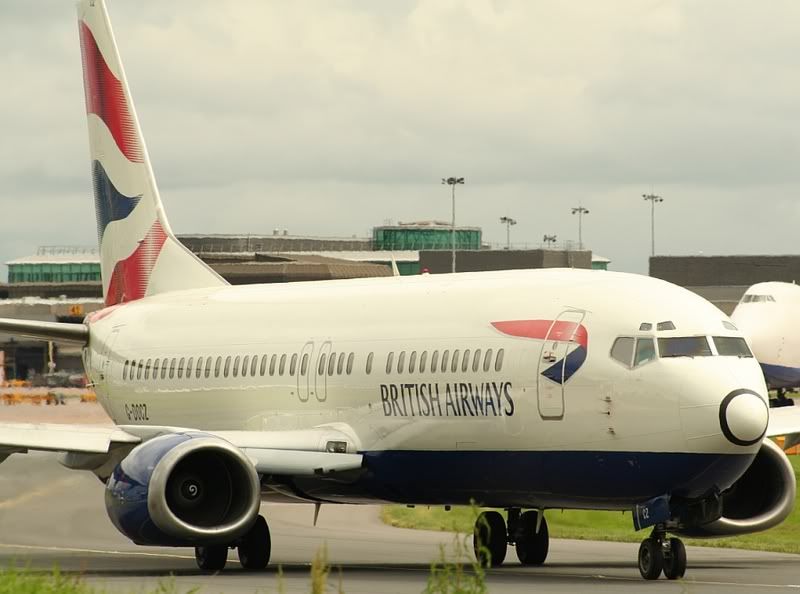
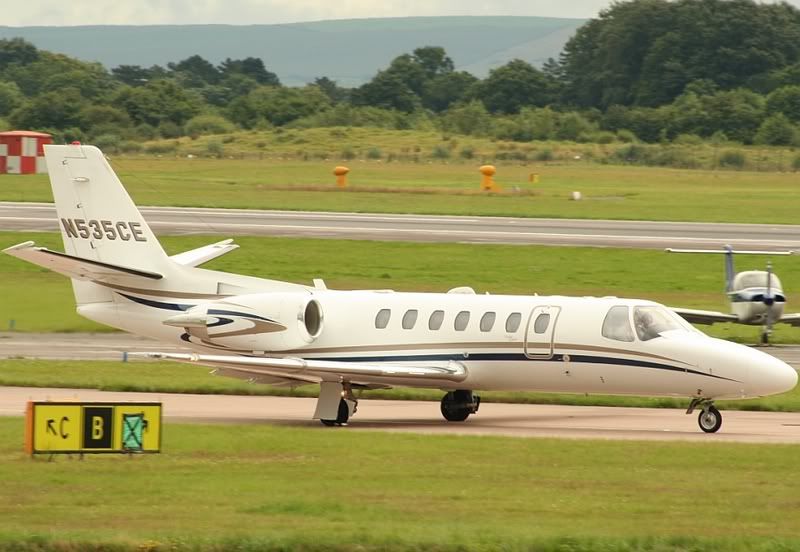
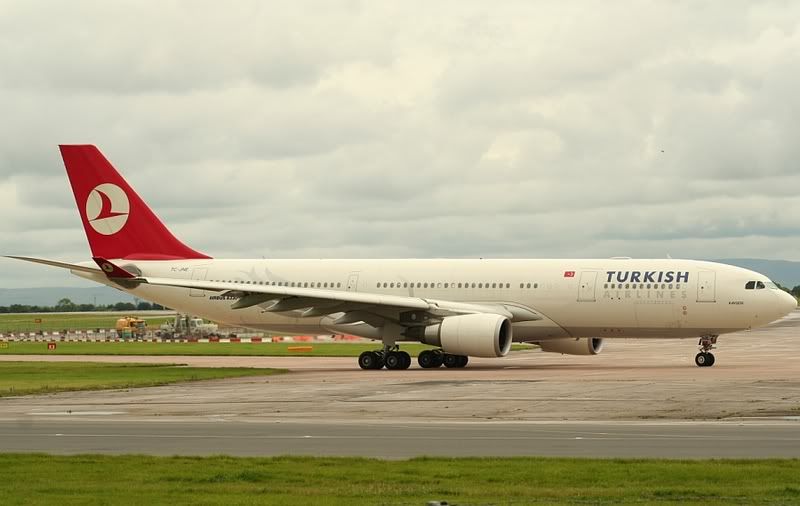
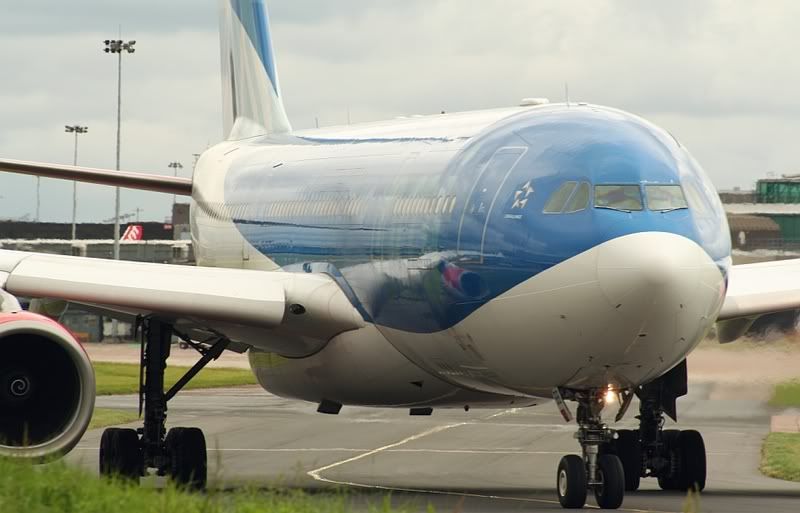

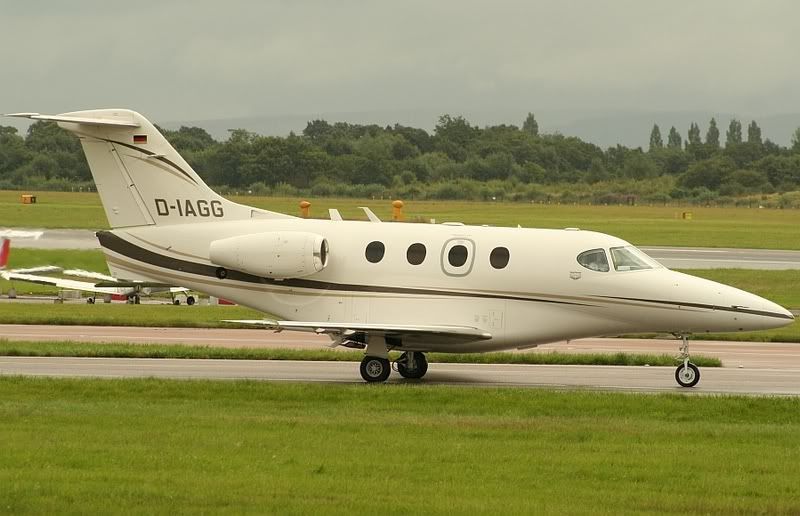
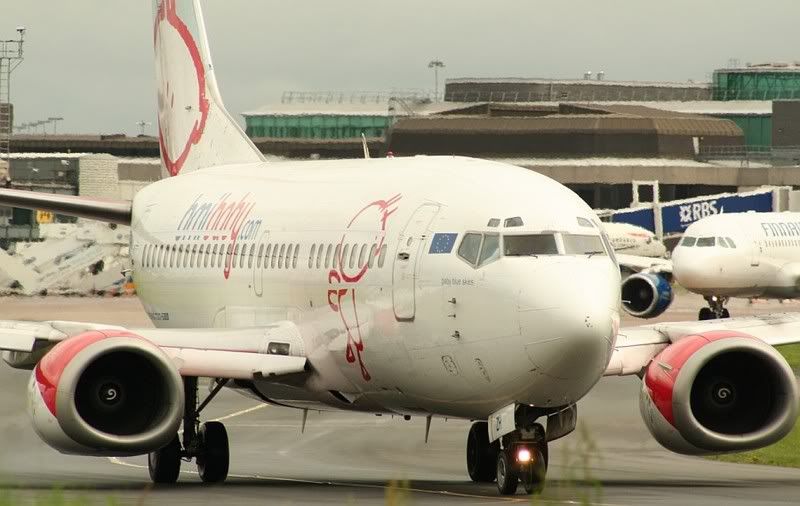
Thanks for looking. 🙂
Matt.
By: MANAIRPORTMAD - 21st July 2007 at 21:12
Part Two
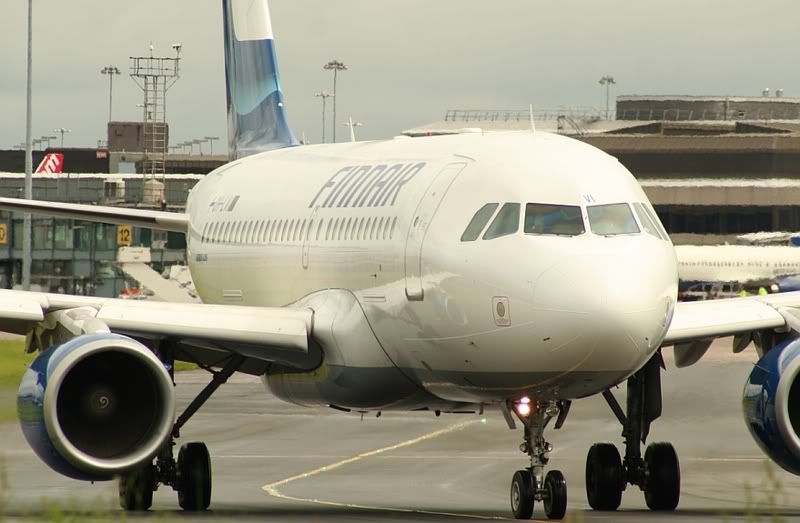
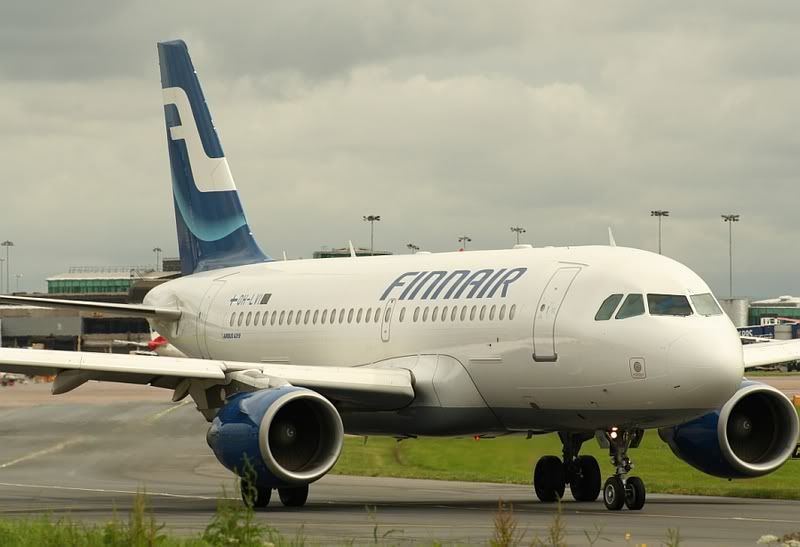
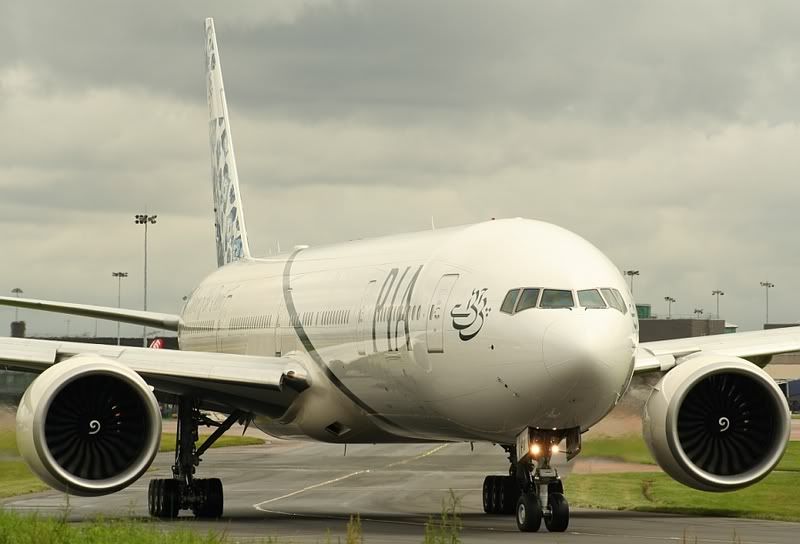
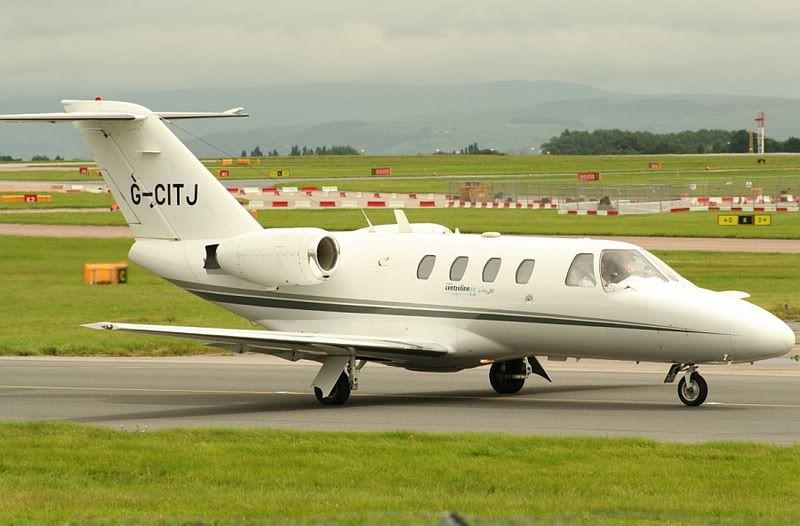
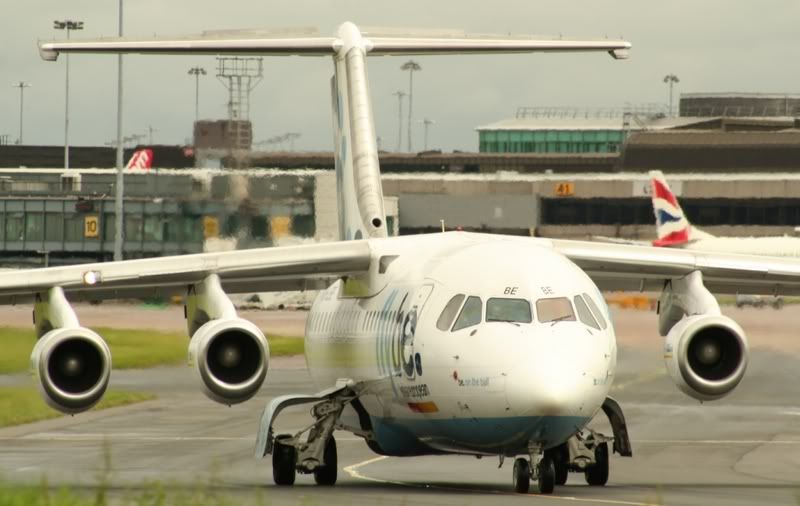
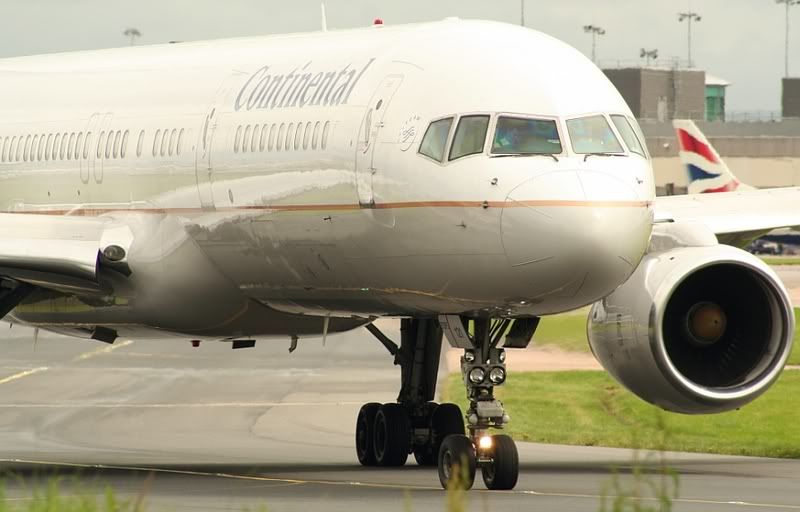
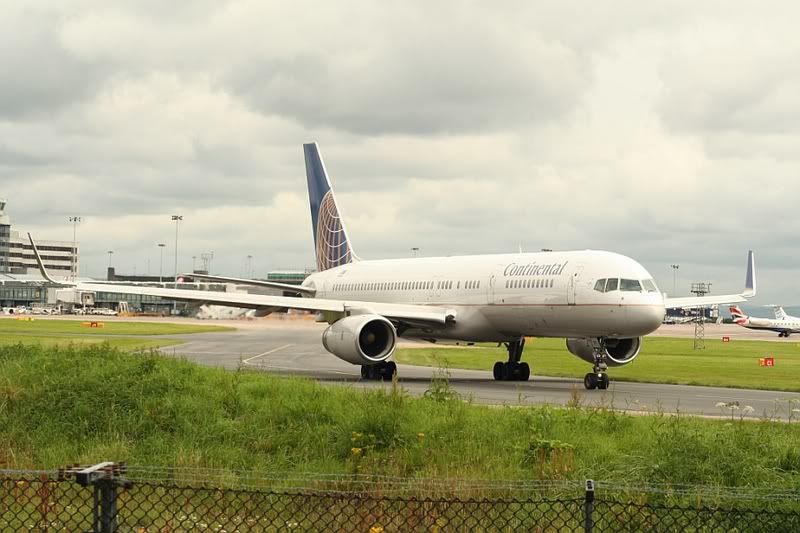
………


 Sign In








 July 21, 2007 at 9:11 pm