Hi guys
Heres a few pic’s i took up at Leeds/Bradford Airport this afternoon from the cemetry. Landings on Runway 14 today with real good sun light as well for once. By the way i’ve just aquired Adobe Photoshop CS2 so these are my first attempt at doing some good photo editing.
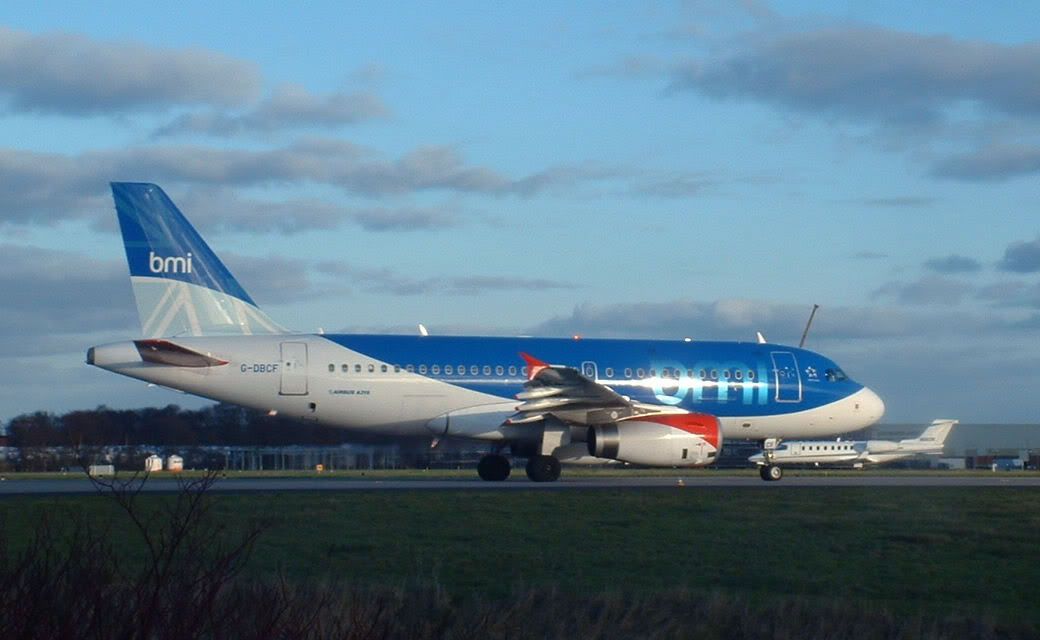
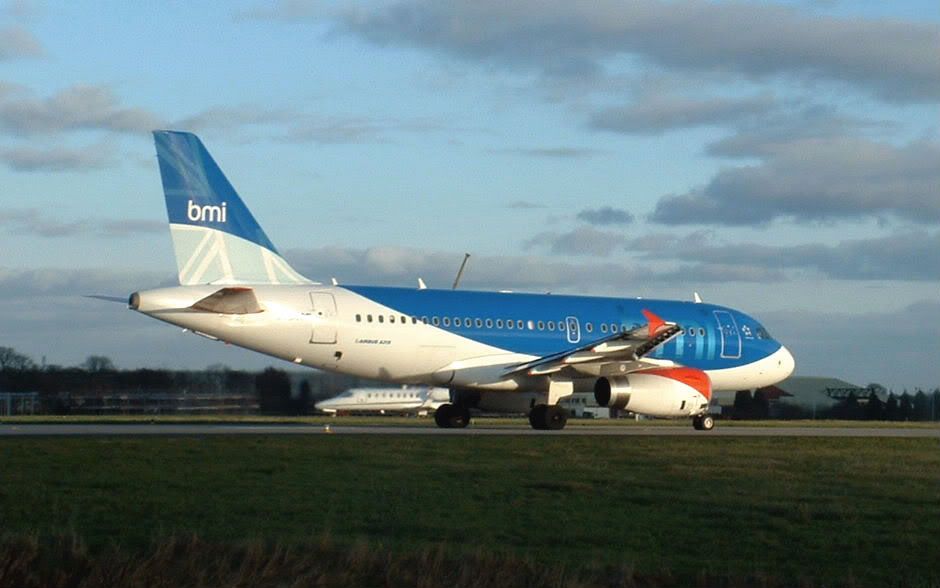
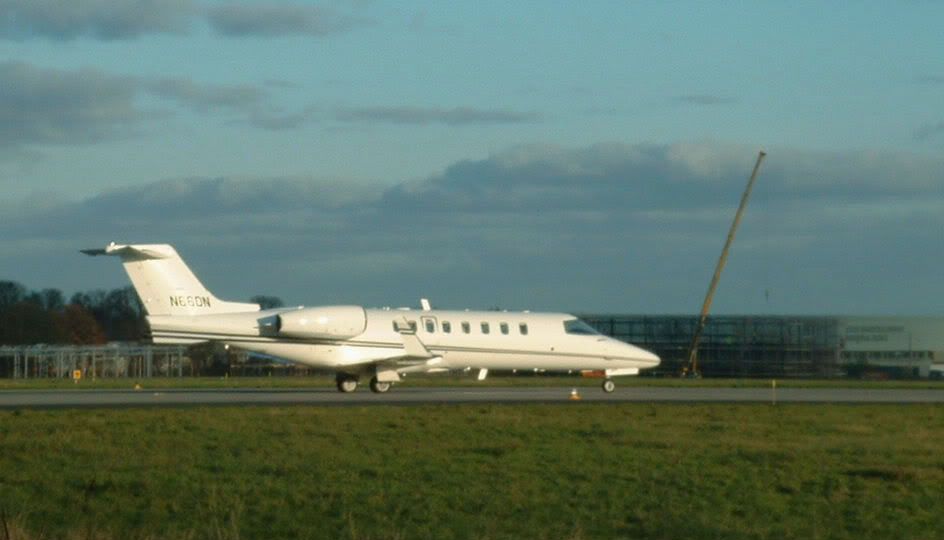
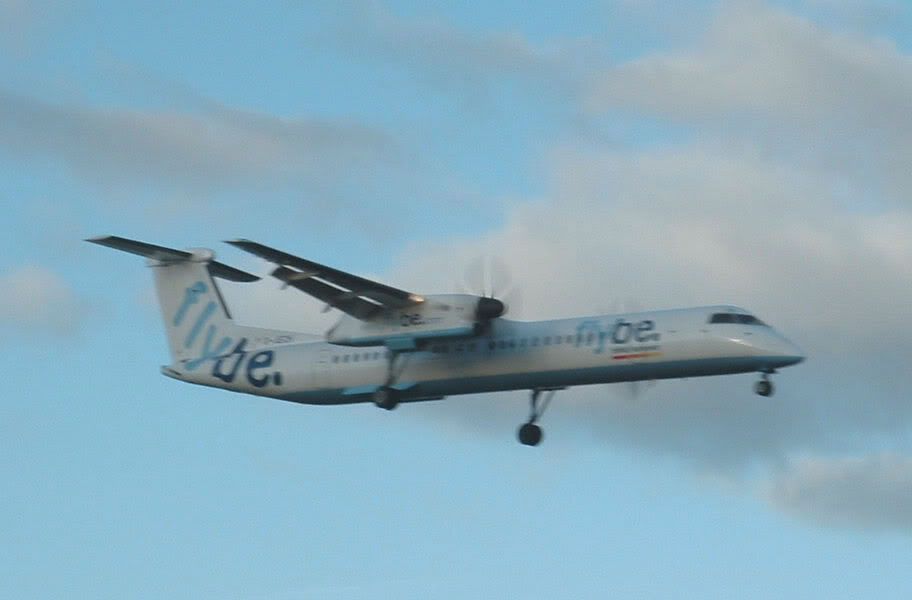
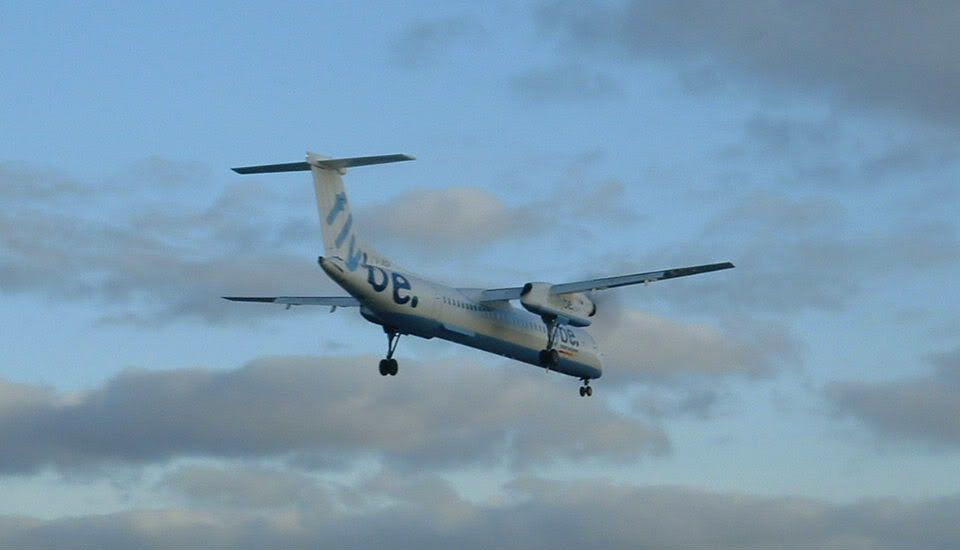
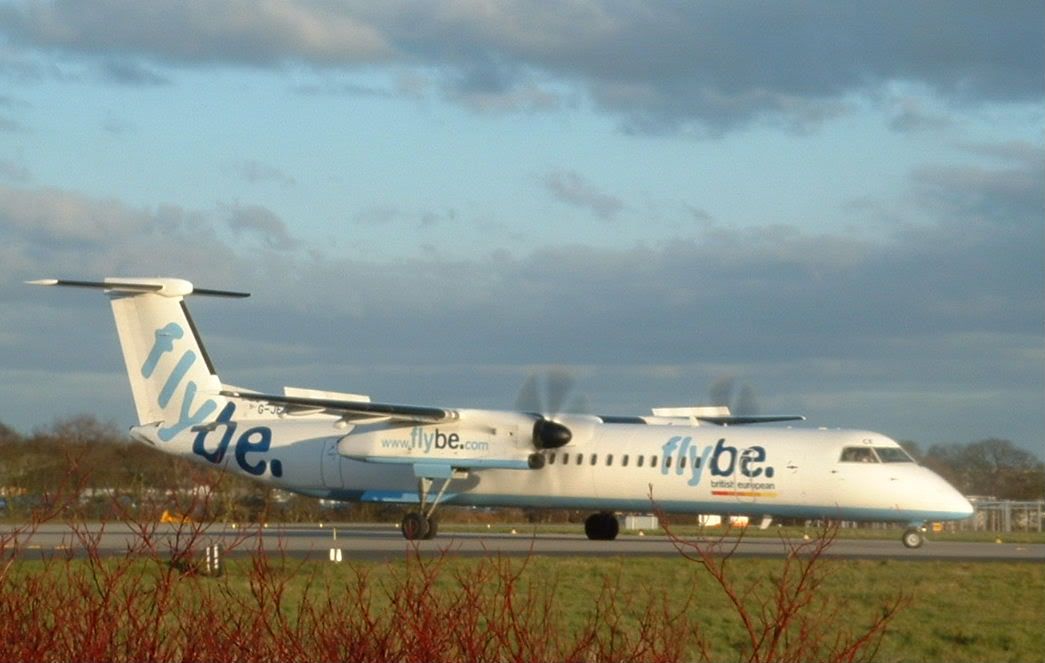
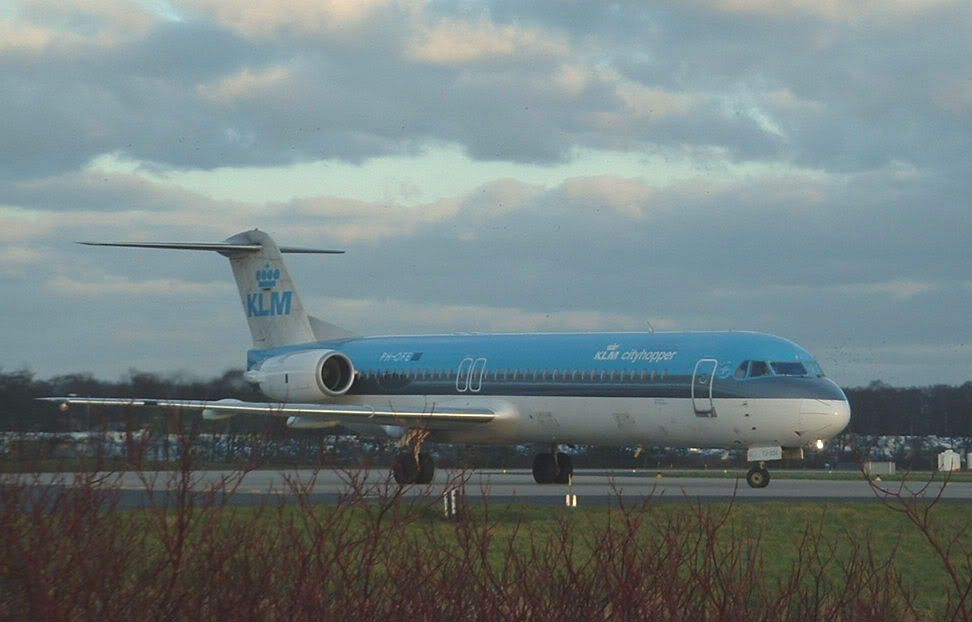
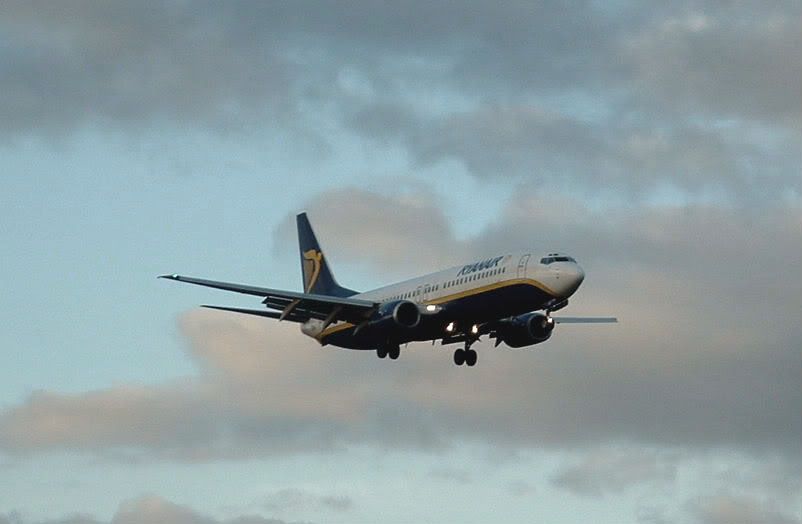
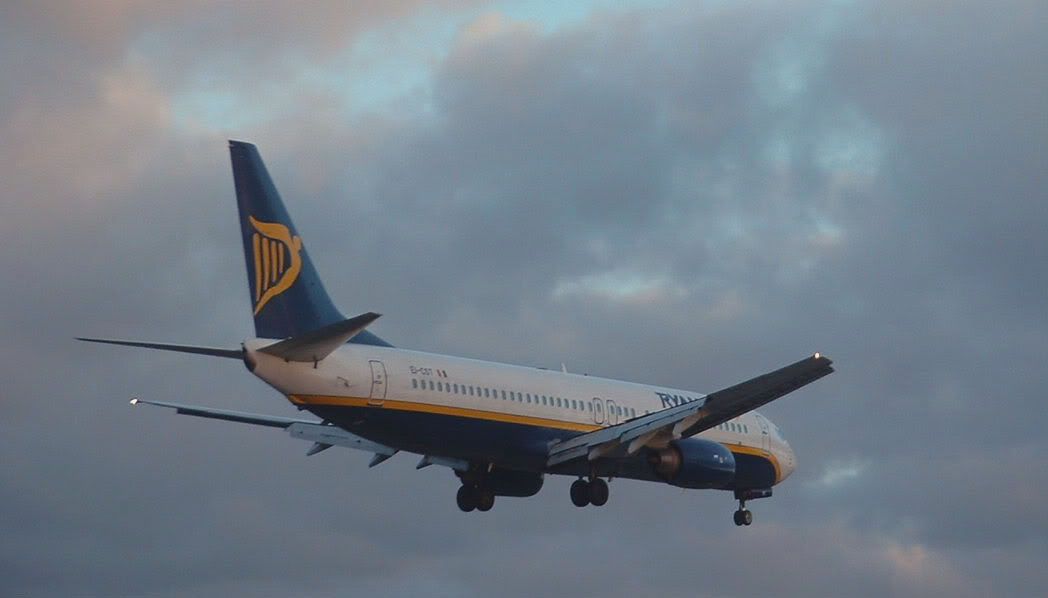
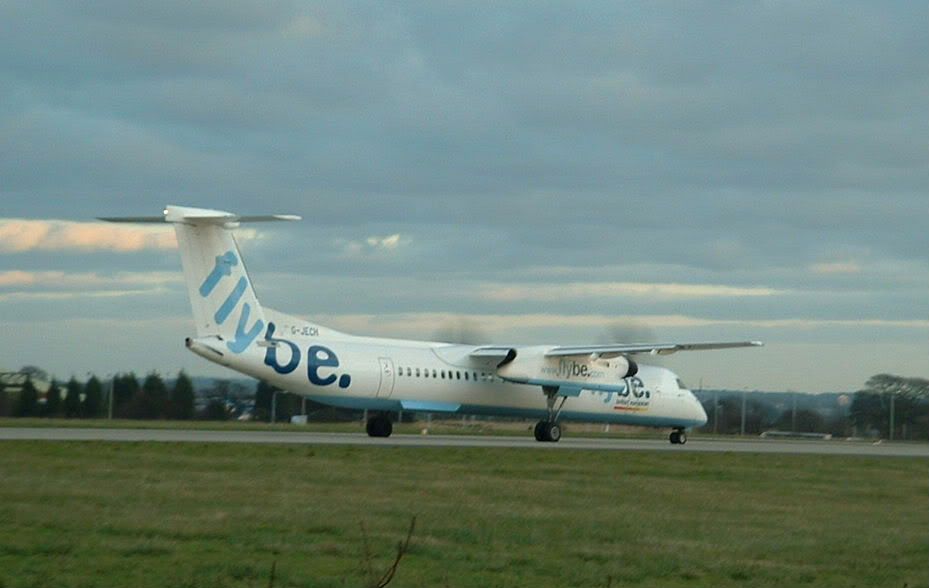
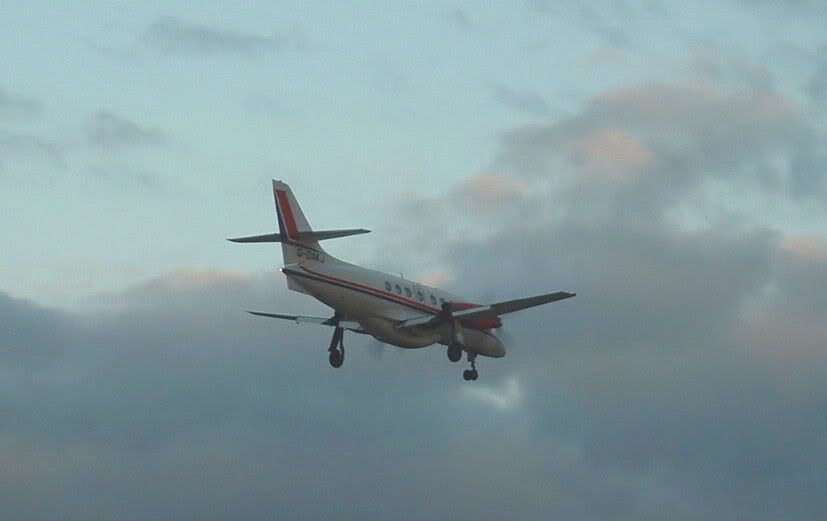
And thats your lot for today.

By: LBARULES - 28th January 2006 at 14:04
Alright guys, you had your fun earlier :D. Bloody camera turning itself off as LSAA started its take off run!
Was incredibly cold up there, couldn’t feel my toes! or my fingers… or my legs.. oh well!
By: Airline owner - 28th January 2006 at 08:57
Nice shots!! im liking the Learjet and the 2nd FlyBe shot 🙂
By: PMN - 28th January 2006 at 00:01
Hey jus a bit cold haha, we stuck it out until the jet2 Tenerife left and then we didnt wait anoter second. Tom we will have some good photos but you forgot to do one important thing … lens cover? haha soz tom jus had to put it.
Lens cover…Not just once…But TWICE!
Also let’s not mention the power switch. Err…I just did didn’t I?…
Silly Tom… 😀
Paul
By: LBA-EGNM - 27th January 2006 at 23:52
Hey jus a bit cold haha, we stuck it out until the jet2 Tenerife left and then we didnt wait anoter second. Tom we will have some good photos but you forgot to do one important thing … lens cover? haha soz tom jus had to put it.
By: Jonathan78 - 27th January 2006 at 18:25
Tom
never thought to look there was bloody cold and abit wet i went home to warm up after jet2 to tenerife left, try o catch you another time
Jonathan
By: LBARULES - 27th January 2006 at 18:16
Paul
i was up there about 1 30 in cemetry and did not see anyone about so i drove up to the other end of the runway behind the hangers
jonathan
Hi Jonathan,
We moved round to the tunnel entrance (We never realised what a great spot that was!), so myself, Steve and Paul will have shots to show :).
By: Manston Airport - 27th January 2006 at 15:28
Brilliant pictures there love the KLC Fokker 100.
James
By: Jonathan78 - 27th January 2006 at 14:44
Paul
i was up there about 1 30 in cemetry and did not see anyone about so i drove up to the other end of the runway behind the hangers
jonathan
By: PMN - 27th January 2006 at 00:38
Probably around about mid day but I might well be there from around 9am. We should all be there by 12-ish though.
Paul
By: Jonathan78 - 27th January 2006 at 00:04
what time will you be up there
By: PMN - 26th January 2006 at 23:50
Jonathan…Myself, LBARULES, LBA-EGNM and Mark L will be up there tomorrow. You joining us?
Paul
By: Jonathan78 - 26th January 2006 at 23:43
great pictues there anybody up there friday??
By: tenthije - 26th January 2006 at 21:03
BTW, here is my 4 minute edit of one of your photos. With the original files no doubt this edit would have been better.
By: tenthije - 26th January 2006 at 20:55
Nice photo!
Some tips on photoshop. This is the order I normally use when editing photos (names of functions may be slightly different as I am translating from Dutch from a slightly older version of PS):
Leveling
Press the U and you can draw lines. Draw the line paralel to a line you know 100% certain to run straight and vertical (a house, lamp post etc). Then go to: Picture – Rotate Canvas – Choose rotation. The computer will select the right amount of levelling to make the line you draw perfectly vertical.
Picture – Edits (adaptation/changes???) – colourtone/saturation (CTRL-U)
Change the colourtone and the saturation. Usually a slight increase is best. The brightness depends on the weather. Bad weather needs more brightness, good weather needs less brightness.
Picture – Edits – Brightness/Contrast
A bit more contrast usually works best.
Picture – Edits – Curves (CTRL-M)
Great tool to make dull colours a bit more vibrant. Remember you can also select the colour you want to change. Mostly I find that a bit more blue works quite nicely. My lense is (or rather was since it passed away) rather cheap and tends to make pictures a bit greyish at long zoom due to fog/smog/glare. This tool should remove the worst of it.
Filter – Sharpening – Unsharp Mask
This is a great tool that will sharpen your photos very well! The below settings are what I normally use. Do not go higher for the radius or the threshold, as that will give edges. The amount can be changed as you like.
amount: whatever you like but usually 200-250% works for me
radius: 0,3
threshold: 3 levels
Have fun but be warned, photoshop can be a very adictive program!
By: Flyboy Transat - 26th January 2006 at 20:34
Very Nice Shots!
By: BHXlocal - 26th January 2006 at 19:49
Great shots there! CS2 can be great once you get the hang of it 😀 I know from experiance!
By: PMN - 26th January 2006 at 19:37
Too bad it was freeeeezing though. ^
A small matter of insignificance to silly ‘photographers’ like myself, who will be spending most of tomorrow sat on the wall of the Cemetary 🙂
Paul
By: G-CDFF - 26th January 2006 at 19:36
Nice pics! 🙂
By: A330-300 - 26th January 2006 at 19:33
Too bad it was freeeeezing though. ^
By: PMN - 26th January 2006 at 19:32
Nice to see a bit of sunshine up at LBA!
Paul


 Sign In








 January 26, 2006 at 6:59 pm