Hi All,
I know these are a little late, but there is a reason! My 30D has had a little dust problem for a while, but when I returned home from this day I found all my shots were pretty much destroyed by dust. In a fit of annoyance I almost just deleted the entire folder containing the afternoons shots, but having just found them I thought maybe my poor little dust ridden photographs could have a home on the internet here. 🙂
All taken with with a Canon 30D + EF 75-300 USM.

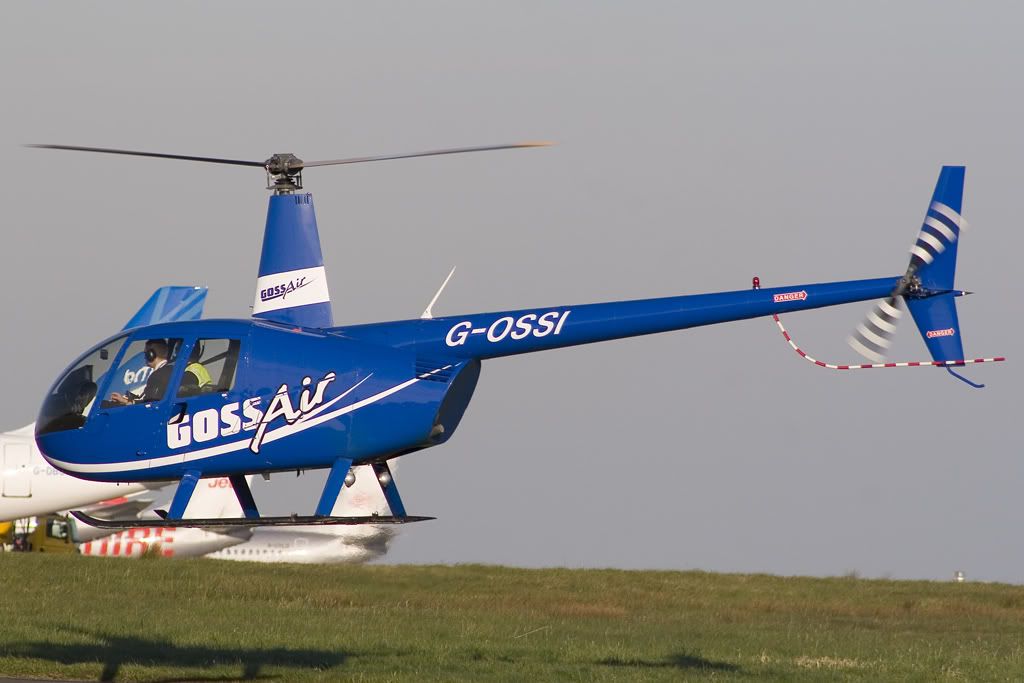


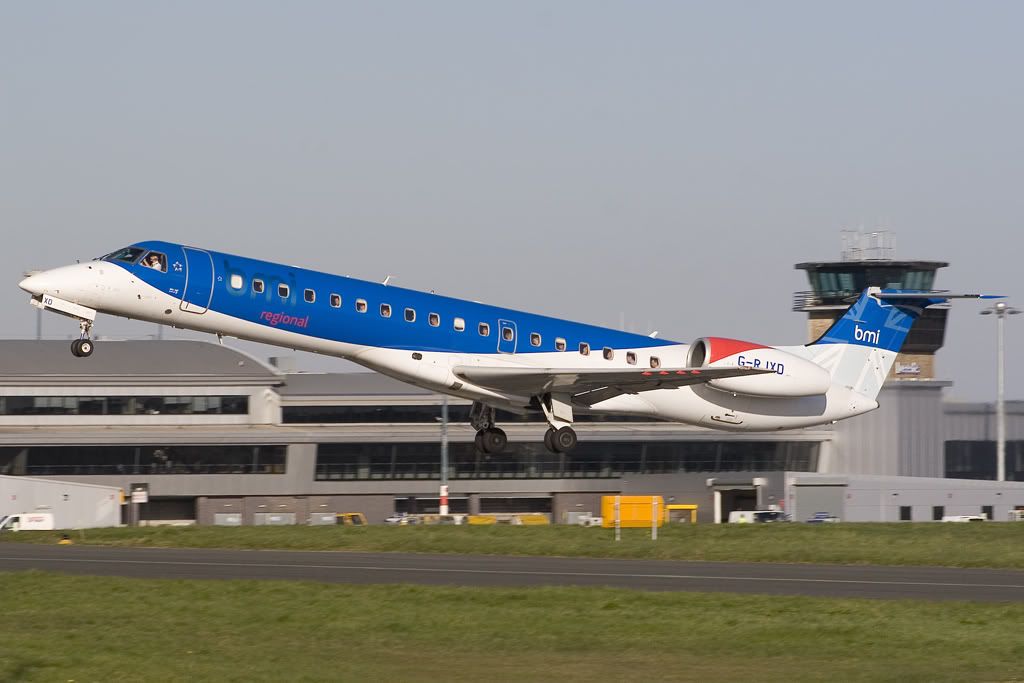




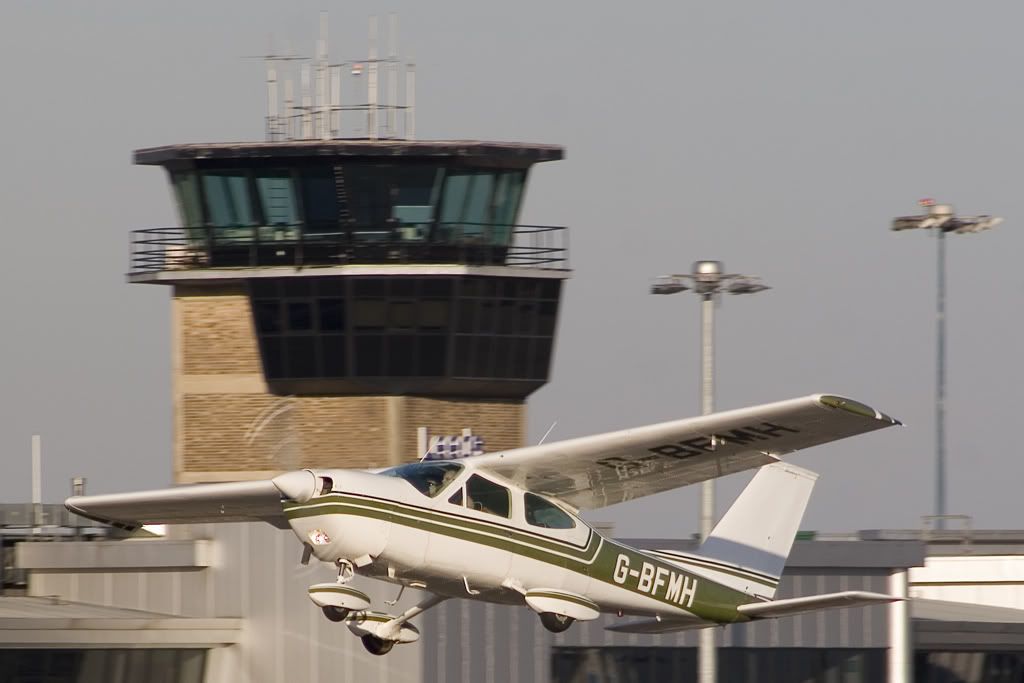
I have some sensor swabs arriving tomorrow so hopefully my beloved 30D will be back in action soon!
Hope you enjoyed, and thanks for looking!
Paul

By: adamkendall - 13th April 2007 at 21:03
Impressive shots as usual, Paul! The Jet2 757 and that last shot are awesome!:D
By: adamdowley - 13th April 2007 at 14:15
Excellent shots Paul. Glad you managed to sort the dust problem. 🙂
By: PMN - 13th April 2007 at 13:34
Thanks for that, Ian. That’s actually the exact process I use now (copy background, equalise, etc) except I’ve been using the clone stamp. Spot healing definately seems a much better way of doing it! There were just too many spots on my sensor to be ‘cloneable’ though, and many were right in the centre of the frame.
I cleaned it yesterday morning and I now just have two stubborn spots in easy to get rid of places, so I’m happy!
Thanks again,
Paul
By: Manc - 13th April 2007 at 11:39
Paul
I’m at work at the moment so don’t have CS2 open in front of, but I can outline the basics now and then try and fill in more detail later.
Took me a while to get this down but once you practise its 2nd nature.
The key is open your image. The make a duplicate layer then Equalise the duplicate layer. You will see the whole pic change and hopefully the dust spots will jump out at you.
In the Layers pallette you will see your original layer with a thumbnail that looks like the original and the dup layer looking like an equalised version.
Now select the original layer in the layers pallete, it will become highlighted. you won’t see any change to how your viewing the pic on the screen, as you will still see the equalised.
THIS IS IMPORTANT! cos if you don’t work the original layer as you will see later you will delete all your changes if you work on the dup layer.
OK so with the original layer selected, now select the spot heal tool. (ensure caps lock is off!)
You will see that the tool should be a circle and you can change the size of the circle at the top left of the screen.
So now pick a dust spot to attack! Drag the tool next to the dustspot and press and hold ALT, you will see the tool change to with + sign in the middle. Click on a piece of sky next to the dustspot that has similar colours to the dustspot you want to cover. release ALT now.
Now click on the dust spot and your done! Don’t panic at this point as the dustspot you have just clicked on hasn’t disappeared, it will do!
Now go and delete the duplicate layer.
Equalise the original layer again and you should hopefully find the dust spot has gone?
OK thats just a quick 5 mins, dunno if it makes sense but have a play and ask more questions, I’ll check this thread later tonight when I am home.
By: PMN - 13th April 2007 at 11:24
The spot heal tool in CS2 is your friend 😉
Ian, could I possibly trouble you for 5 minutes of your time? A brief explanation of that tool would be much appreciated. It isn’t one I’m familliar with, I usually just try clone them out!
Believe it or not this is the second time I’ve had to swab my 30D since buying it and I’ve only had it 5 months! The sensor was covered in crap right out of the box when it was brand new, but that’s a problem I’ve heard a lot of people have had with the 30D. My 350D is still fine after 14 months. Ah well… The joys of the DSLR!
Thankyou again for your kind comments, all. 🙂
Paul
By: Si Jones - 13th April 2007 at 07:47
Nice shots Paul, just make sure you haven’t had a few pints before you clean the sensor……steady hand and all that!;)
All the best
Si
By: Manc - 13th April 2007 at 07:42
The Jet2 757 is the best for me.
Enjoy the sensor swabbing! I always love doing that! arghh!!!
The spot heal tool in CS2 is your friend 😉
By: Tartan Pics - 12th April 2007 at 22:02
Great stuff,Paul..way up there with your usual high standard 😀
Never noticed any dust spots at all here (mind you my monitor is like a speckled eggshell:o ) Jet 2 757 is a belter.
By: jonezi06 - 12th April 2007 at 12:00
Really nice Paul! Dispite your problems you have produced some good photos 😀
Danny
By: PMN - 12th April 2007 at 00:31
Brilliant photos and great weather. Will any of the locals from LBA be there on friday afternoon as I’ll be inbound on BE644 from Aberdeen.
I might be if the weather’s OK!
MonkeyHugger… Dirty aircraft – KLM – Air France… 😀
Thanks for your kind words so far, guys!
Paul
By: Manston Airport - 12th April 2007 at 00:20
KLM looking a bit grubby too 🙂
Looks like Fat Albert could do with a wash and a new paint job KLC F100.
Great shots Paul Like the Jet2 757 ,The R22 and off course the Sexy Fokker 100 :rolleyes: :diablo:
James
By: Craigston_Tom - 12th April 2007 at 00:19
Brilliant photos and great weather. Will any of the locals from LBA be there on friday afternoon as I’ll be inbound on BE644 from Aberdeen.
By: E-GPF - 11th April 2007 at 23:45
Nice selection there Paul i like that 2nd chopper seen ONE like it at Cumbernauld
Regards
Peter
By: MonkeyHugger - 11th April 2007 at 23:35
Oooooh err after all that you saved em anyway :p 😀
They iz kewl shots Paul 🙂 Liking Goss Air, as usual, what a crap name, KLM looking a bit grubby too 🙂


 Sign In








 April 11, 2007 at 11:29 pm