I use a ‘bridge’ camera for my ‘visual diary’ and it is perfect for the task.
However, in my working life I am from regularly asked to take pictures of agricultural machinery for use in ads, brochures and exhibition panels.
I am conscious that a camera with a larger sensor would make… sense
So here’s the parameters
A full size sensor
A modestly wide angle lens
Second hand
Cheap
All the shots will be taken from a tripod, outdoors, daylight
What should I be looking at?
Moggy

By: PeeDee - 3rd March 2011 at 21:54
The last one was a Merlin Engine, once in the Cafe / Building at Sandown on the Isle of Wight.
By: PMN - 3rd March 2011 at 20:58
Shame the quality’s not there. It’s difficult to tell how good or bad they are in such tiny images; a camera phone wouldn’t look any different. Thanks for giving me an idea what you do anyway, quite nice composition in a couple of them.
What’s the story with the last one?
By: PeeDee - 3rd March 2011 at 20:28
These are terrible version of the real prints, which you would cut your finger on. I put low count on the web, and the colours have washed too.
Gone in 60 seconds!
By: PMN - 3rd March 2011 at 19:02
The last kit lens I bought was the Canon 18-55 IS but the other two Canon ones I’ve had were bought maybe 3 years ago and 5 years ago (originally with my 350D when I bought it). My Nikon one is probably 5 years old. All give pretty decent results.
It’s a shame you don’t have anything serious on the net, I’d be intrigued to see it.
By: PeeDee - 3rd March 2011 at 17:57
Good link.
Everybody has an opinion of sharpening techniques.
Mine is: –
Contrast it initially, the 2nd thing I do after removing unwanteds.
At the end of the workflow, I add my sharpening layers. If a portrait or a girly, then I selectively sharpen things that people will look at. Nails, eyes / lashes, jewellery etc. I just use the basic sharpen edges tool for that whilst in megga zoom mode.
Then I add a complete layer copy, select Filter/other/high pass. This correctly removes any artefacts from the anti moire filter in front of the sensor. Select the layer properties to Hard Light or soft light or pin light (To suit….low pixel count will need soft light), then alter the opacity and fill to taste.
Then, I use USM, in several stages of about 20%. Maybe 3 or 4 hits, then step back one as soon as get sparkles. I find several hits with a low % works better than one big 80%er.
As the link states, contrast and levels is a form of sharpening, it’s all to do with how we see the border betwixt light n dark. It’s called acutance.
Curves, I don’t do curves that well, I seem to end up in Andy Warhol territory very quickly.
In the better softwares, one can sharpen within the colours. This is superb, as light focuses at different wavelengths/focal lengths (Hence the invention of the apochromatic lenses way back)
But GA needs a Bridge for the job! If he wants to get as deep into it as we are going, then he needs a DSLR!
PMN. When was the last time you bought a kit lens? I got the 450 from brand new, and the lens is actually the 2nd one as I swapped the camera within 2 days, there was an electronic fault! I have the pictures from lens 1 and lens 2, they are the same “Disapointing” results.
Good for Nikon using Thailand. Better skills of workers than China IMO, and a better economy to be supporting.
By: Moggy C - 3rd March 2011 at 15:01
Thanks to all who have posted so far, and even for the thread creep.
That I haven’t responded is to do with some broadband issues I have (This is being typed on my laptop using my phone as a wi-fi router) rather than lack of interest.
Once these are sorted (It could take 3 or 4 weeks ) I’ll catch up with the thread and let you know where I’m up to.
Moggy
By: PMN - 3rd March 2011 at 12:46
Correct. Digital cameras are I herently soft, as I said, so all digital images need sharpening to some degree.
I didn’t actually notice the link at first but it does indeed explain it well. That looks a good site, I’ll have a nosy around it later. 🙂
By: tornado64 - 3rd March 2011 at 12:35
i was simplifying it !! the article link explains it bob on !!
as it says by the very nature of digital imaging all shots bennefit from sharpening done correctly
By: PMN - 3rd March 2011 at 12:27
as pixels are square it actualy rounds the corners off in effect making them closer to the round
That isn’t quite what happens, you can’t make a square pixel round no matter how much you process. Here’s what actually happens:
Imagine two pixels side by side so you have a rectangle, then shine light at exactly half of that rectangle. The effect, as there are two pixels and we’re shining light at half of them is a very clear and defined line between the two. In a sense this is the perfect scenario because it will give perfect sharpness due to the clear line between light and dark but in reality that never actually happens.
Now imagine three pixels side by side in a line and shine light at half of them (think of them as pixels 1, 2 and 3 from left to right and we’re shining light at the left side). Pixel 1 is light, pixel 3 is dark and pixel 2 is grey. It’s this grey ‘inbetween’ pixel that causes softness in digital images.
To explain how sharpening works imagine 5 pixels in a line, 1 to 5, and we’ll again shine light at the left side. Pixels 1 and 2 are light, pixels 4 and 5 are dark and pixel 3 is grey. What sharpening does is to make pixel 2 lighter and pixel 4 darker, and in doing so it tricks your eye/brain into thinking the line is more defined than it actually is. The Radius control adjusts how wide an area this effect works on, which is why if the radius is too high for the size image you’re working with you’ll soften rather than sharpen.
From this you can also see why images with less contrast appear less sharp. As sharpening relies largely on contrast to work if you don’t have contrast the sharpening effect doesn’t have much to actually work on, and this is one of the reasons why accurate exposure is so important when shooting digital.
This is also the reason higher megapixel cameras with a smaller pixel density require sharper lenses than less densely populated sensors. The more pixels you pack in, the more pixels lie in these areas between areas of light and dark that you want to appear sharp, so the lens needs to be sharper to try match the resolution of the sensor.
By: tornado64 - 3rd March 2011 at 12:19
Hmm… Not quite. ‘Unsharp Mask’ or ‘USM’ in Photoshop is actually a kind of sharpening. Because of how they actually record images all standard digital cameras inherently produce soft images so there’s no need to ‘unsharpen’ the images, they’re unsharp when they’re created and processing sorts that out.
.
actualy what unsharp does is unsharpen but the effect is to sharpen
as pixels are square it actualy rounds the corners off in effect making them closer to the round
in effect it is done by filling in diagonals between pixels with the colours and values from adjoining pixels
thus when you come to sharpening it gives smoother sharpening
therefore every image from every digital camera bennefits from unsharpening then sharpening
By: PMN - 3rd March 2011 at 11:50
a little known one is to unsharpen before sharpening in photoshop
Hmm… Not quite. ‘Unsharp Mask’ or ‘USM’ in Photoshop (or any other editing software) is actually a kind of sharpening. Because of how they record images all standard digital cameras inherently produce soft images so there’s no need to ‘unsharpen’ the images, they’re unsharp when they’re created and processing sorts that out.
“Rubbish”. I am comparing my top lenses (And L series I’ve borrowed) to it. Then it becomes rubbish.
Maybe you just had an exceptionally bad copy because even compared to my L series and higher end lenses I’ve never had that problem on any of the 4 kit lenses I’ve had, be they Canon or Nikon.
By: tornado64 - 3rd March 2011 at 09:19
It’s a crap lens offered as the entry level all rounder. Probably made in China under licence hence the cheapness of the build.
.
wrong nikons entry level isn’t as expensive as china it’s thrown together in thailand !!
we all know processing tricks a little known one is to unsharpen before sharpening in photoshop
i have had experience of many lenses from mamiya medium format , old film slrs , and digital compacts/bridge and dslr
and can recognise an underperforming lens !!
By: PeeDee - 3rd March 2011 at 02:09
Yeah we’ve all had a thousand hours on photoshop. And there’s still a thousand things I don’t use on it. It’s the sequence of layer building I’m talking about, and how/when and why to lock layers yadda yadda yadda. I don’t do any sfx stuff, it’s not my bag.
With all the perigrinations around them, the following is the basic sequence: –
Crop / Clone / Clever stuff / Crisp / Commit to Cellulose!
“Rubbish”. I am comparing my top lenses (And L series I’ve borrowed) to it. Then it becomes rubbish. I have of course had some fantastic pictures from it, but I’ve had to crop the edges off, not just for composition but to get rid of poor lens artefacts at the edges! It’s a crap lens offered as the entry level all rounder. Probably made in China under licence hence the cheapness of the build.
I don’t have a website, and I only put 500 x 333 on the net anyway. My FlickR account is only used for informal jibba-jabba and does not show or prove my tastes or style in camerawork.
By: PMN - 3rd March 2011 at 01:16
Hmm… We’re kind of going round in circles here but the thing I disagreed with you specifically on, PeeDee, is when you said your kit lens gives you rubbish results. I don’t know what you and your 40 years of experience are doing wrong but I don’t have any problem at all getting good results from it. I’m just trying to give a fair representation of the equipment we’re talking about and show that while it may not be the best in the world it’s still perfectly capable of high quality results – almost certainly higher quality, if used effectively, than any bridge camera will give you. I have over 150,000 images I’ve taken on probably 20 different cameras ranging from mobile phones and point & shoots to Nikon D2x’s and Canon 1D’s and lenses ranging in price from 50 quid to 3000 quid sitting here on my external drives, and they give me all the proof of that I need.
Tornado64, I guess you have to use whatever you feel comfortable with and whatever works for you, but I still have to wonder with slight bemusement why people get such poor results from kit lenses when I get perfectly good results doing the bare minimum of processing.
My sequence of Photoshop workflow is as per the lectures I attended and the same can be found by the “Experts” on Youtube.
Mine’s a result of thousands of hours experimenting, which I trust infinitely more than the vast majority of “experts”. At least as far as a PS workflow is concerned. 😉 :diablo:
Just out of interest do you have any of your work online anywhere? Photography’s clearly something you’re into a lot so it would be interesting to see what kind of photographer you are and what kind of things you produce.
By: tornado64 - 3rd March 2011 at 01:11
the thing is i use nothing but manual shooting on all cameras
and if i have to be 100% honest i find the kit lens a huge let down
i honestly rate the zenit e’s basic lens above the modern nikon results
i know what i see without technical blurb and it is consistent c**p
i used the kit lens in all sorts of situations and all i can report was consistent dissapointment
the first thing i’m doing to the kit lens from my next upgrade in a couple of weeks is the decent thing and putting it out of its missery and buying a prime lens
By: PeeDee - 3rd March 2011 at 01:08
PMN. yer preaching to the converted on the Technical merits.
I’ve been taking pictures 40+ years, I know all about the fundamentals of photography and sensor size etc. etc. etc. But lets not turn it into a peeing contest.
As I said, it’s horses for courses. The OP wants farmyard kit to look good. He doesn’t need to zoom in on the PC to count the orange peel effect in the final gloss finish of the paint.
As for my kit lens, it’s the Silver-lined 18-55. Plastic build, weighs about 3 grams. I think the internal glassware may be plastic.
I compare it to the USM IS 70-300 and the 28-200 non-IS USM. The latter is the sharpest, but not by much. When I’m in the mood for total manual and Lightmeter, I stick on my olde worlde Sigma 70-210 Apochromatic. That was from my Contax days, I got a non-electrical mount to fit Canon 450. That was / is an outstandingly sharp lens, all through the range.
All the above wup the a55 off the kit lens. However, as I said, the kit lens is perfect for a walkabout with the kids. I wouldn’t even consider it for a landscape or a portrait, or even a still life.
My workflow is just fine. The Camera is set to neutral all over except for 1/3rd stop under exposure for all my work. Photoshop CS5, which opens up the raw files. I went from CS2+Canon DPP. I occasionally use Lightroom but less now I have CS5. Genuine Fractals for upsizing the carp from my phone camera or rescuing a scan. My sequence of Photoshop workflow is as per the lectures I attended and the same can be found by the “Experts” on Youtube.
The Leica (Under licence) lens on my Panasonic Bridge is tremendously better than the dirty end of the Canon range Kit lens. The Panasonic is able to focus at 15mm from the glass too………..another reason I still use it.
Obviously, when I take the same shot with one of the decent Canon lens’s or the Sigma, they wup the Bridge.
So, to the OP.
DSLR plus a decent prime lens is going to be £600ish. Lets ignore 2nd hand for the example.
Panasonic Lumix DMC-FZ38, £175ish. With HD movie mode chucked in.
And, I am convinced that the Bridge will do the job in hand for the OP.
The Bridge(s) are also a one camera option. (Yeah yeah Jack of all trades master of none). No faffing about picking the correct lenses for the job in hand. My kit bag for a photoshoot is about 15kg, maybe more.
“Master of none”. But the OP, and most people taking pictures, do not need to be at the master level. 80% of the master is adequate for the needs of the OP.
By: PMN - 3rd March 2011 at 00:58
Well the first question I’d ask is what apertures were the DSLR images taken at and what processing, if any, did you or the camera do? A little understood fact about point & shoot and bridge cameras is they’re designed for pointing at subjects and instantly producing good images. They’re not really designed with putting images into Photoshop and really pushed in mind, so your s3000 and s8000 are both doing much more noise reduction, sharpening, colour correction and applying a tonal curve than your DSLR is doing, so in that sense if you’re looking at images directly out of both cameras then it isn’t a fair comparison. Lenses also have ‘sweet spots’ which tends to be between around f/7.1 and f/11, so unless you’re shooting with the lens stopped down to those apertures you won’t be getting the best from it. The vast majority of lenses are naturally softer wide open than they are stopped down a little.
Anyway, here are a few examples from me. These are all 1600 pixel wide edits and all taken on the “rubbish” Canon EF-S 18-55 kit lens and either my 350D or 30D (both 8MP). Be sure to view them full size and not reduced to the size of your browser window or they won’t appear as sharp as they should.
https://dl.dropbox.com/u/22470279/1600-1.jpg
https://dl.dropbox.com/u/22470279/1600-2.jpg
https://dl.dropbox.com/u/22470279/1600-3.jpg
https://dl.dropbox.com/u/22470279/1600-5.jpg
https://dl.dropbox.com/u/22470279/1600-G-EZAB.jpg
https://dl.dropbox.com/u/22470279/1600-G-TAYC.jpg
https://dl.dropbox.com/u/22470279/1600-Tap.jpg
I know beyond all shadow of a doubt that there’s no way I’d have managed to get results like those with something like my old Fuji s5500 bridge camera, and from what I’ve seen I wouldn’t have had those results from the vast majority of bridge cameras out there. The Canon S5 IS for example produces great results but it can’t match these. They’re not perfect by any means and the quality would have been better with a lens like the EF 17-40L, but nonetheless there’s absolutely nothing wrong with them. When I get results like these with very little effort out of low end equipment I have to question exactly what people are doing when they claim kit lenses are total rubbish – they’re clearly doing something wrong either in their shooting technique or their processing!
By: tornado64 - 3rd March 2011 at 00:43
fuji s3000 3mp

fuji s8000 8mp you can go even further into this image and see all the squashed flies on the screens
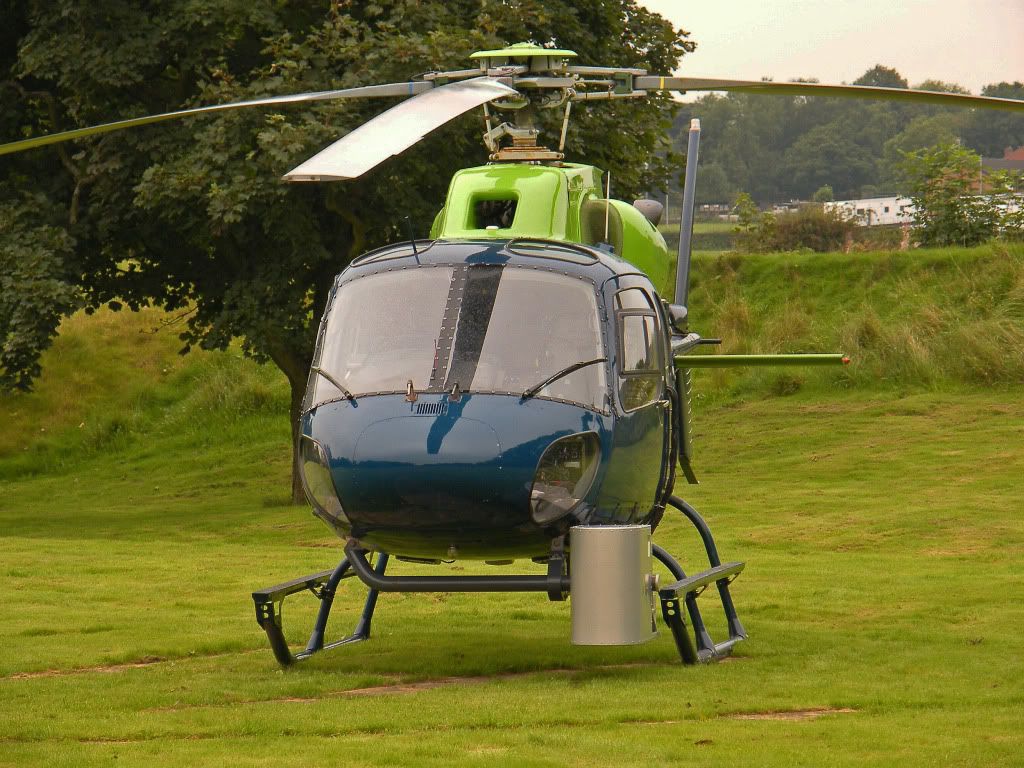
nikon 18 55 kit lens
you will notice it is a softer image and it is consistent ( so much so i eventualy gave up all hope and it rarely goes on the camera!!)
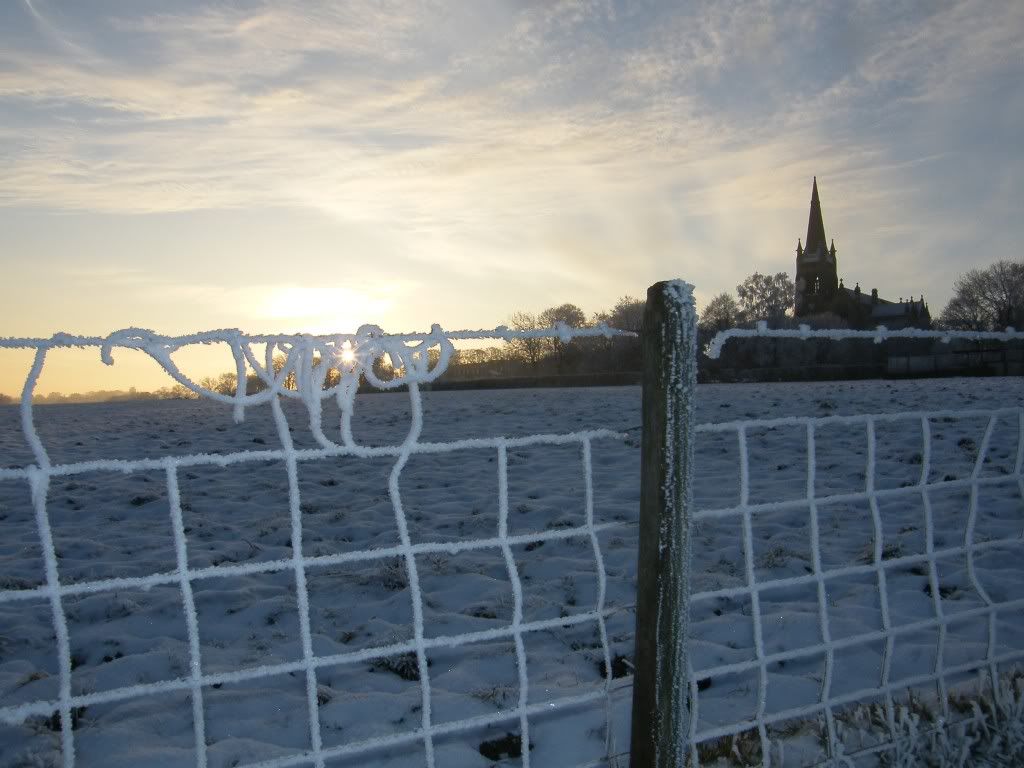
as opposed to the tamron 70 300 macro

but for my personal bucks here the fuji bridge wins on all points over the nikon dslr !!
a reason why i will pick up the fuji just as much as the nikon dslr!
By: PMN - 2nd March 2011 at 23:40
I was more thinking you post one from your bridge camera and I’ll post one from my Canon EF-S 18-55 kit lens as it’s bridge cameras and kit lenses we’re talking about. Can you edit to 2500 pixels wide reasonably or would you rather do something like 2000 or 1600? My screen’s 2560 pixels wide so I can easily edit to 2500 but I don’t know how big your monitor is. There’s probably no real point in going any lower than 1600 because the difference will be less clear.
By: tornado64 - 2nd March 2011 at 23:33
I have thousands of images taken with basic kit lenses, we can do a quality comparison if you like? Let’s edit some to 2500 pixels wide, put them side by side and see which ones looks best. You up for it? Seems the fairest way of putting our two perspectives to the test. 🙂
depends wich one from i was going to post one from the bridge and one from the nikon although i would have to check for sure it came from the nikon lens rather than the tamron ( probably fairly easy as i have never been happy with the nikon kit lens !! )
but i’d be happy enough to give it a go !!


 Sign In








 February 28, 2011 at 10:06 am