Not a big fan of flash photography, much rather use manual settings or in the case of Hendon, a tripod and long exposures. I was a bit impressed with the on-camera flash photos I took at the Science Museum a couple of week back using the ‘Night Portrait’ mode on my Sony Alpha. Being a camera function I had no control over the settings which got me thinking. Could I get the same effect using manual settings. I was hand holding my Sony Alpha SLT A-35 with a Sony 16-80mm lens attached. I adjusted the intensity of the flash using the ‘Flash Compensation’ available in the function menu. If the subject was further back, I upped the setting to plus numbers and if closer, down to minus numbers. If that wasn’t enough I placed a bit of tissue over the flash just to diffuse it a bit more. Although I shot in Jpeg, I left the White Balance on AUTO and adjusted it in Camera Raw along with initial processing before finishing off in Elements 9. One thing I did find out was that at say 1/3sec with the flash on, the images were sharp and in focus. Flash off and they were soft and blurred. For a first attempt, could do better.
1/10sec – F7.1 – ISO200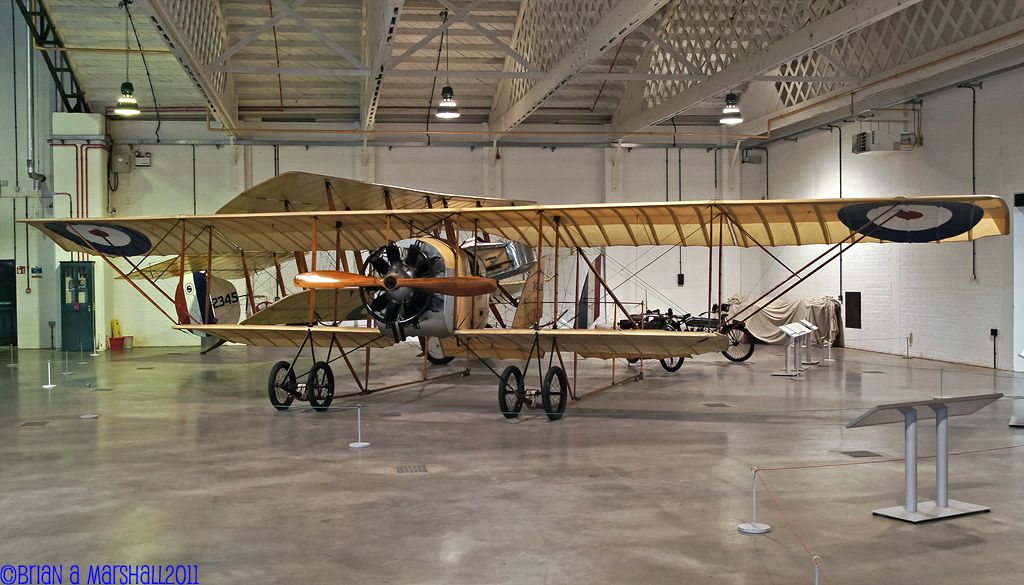
1/8sec – F5.6 – ISO100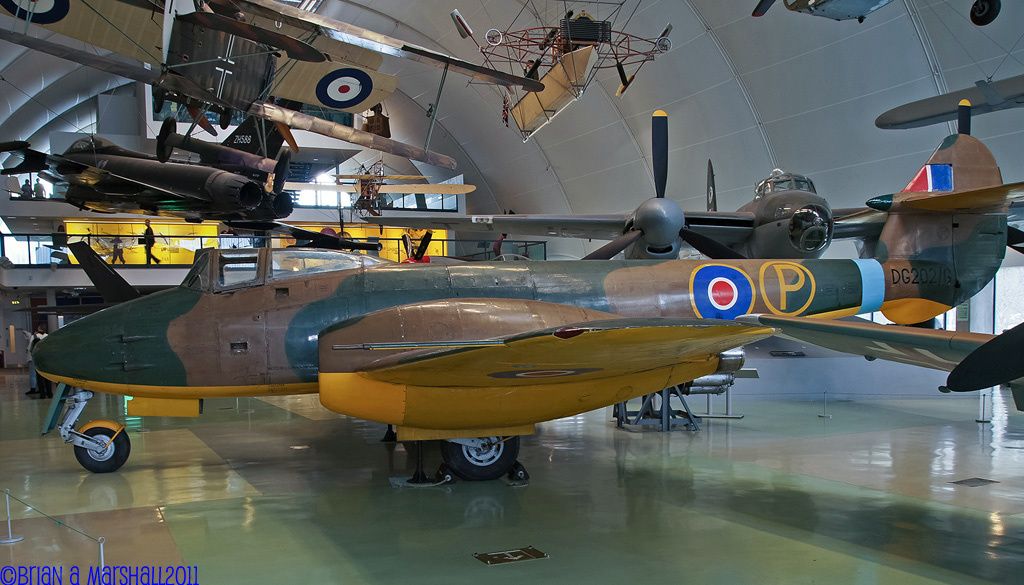
1/2sec – F5.6 – ISO400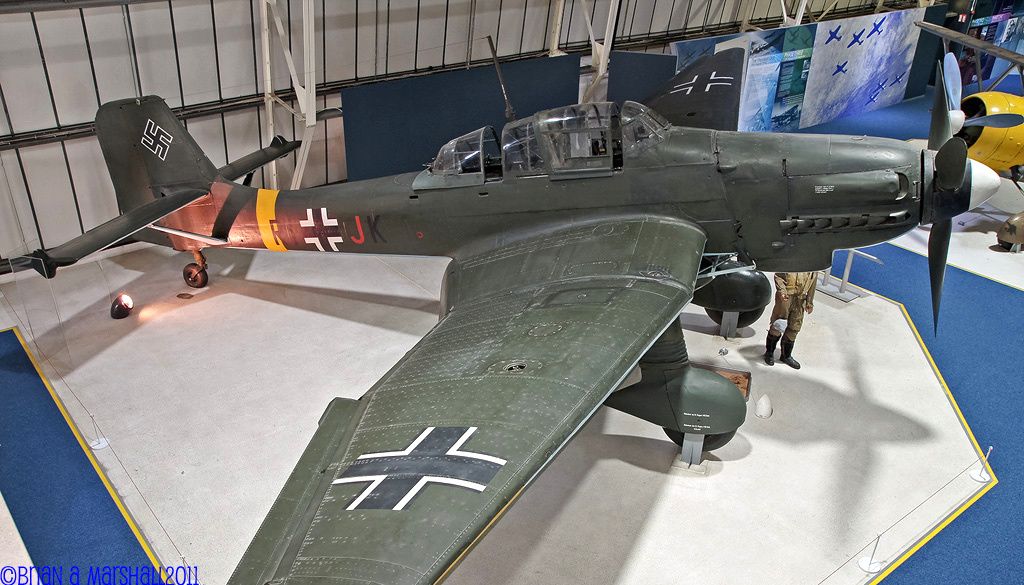
1/4sec – F5.6 – ISO800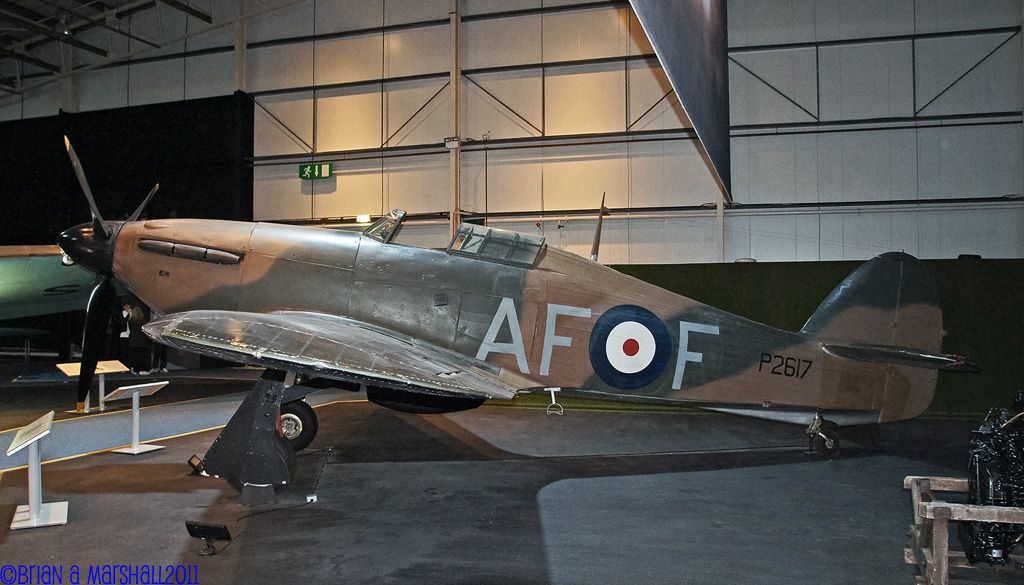
1/4sec – F5.6 – ISO800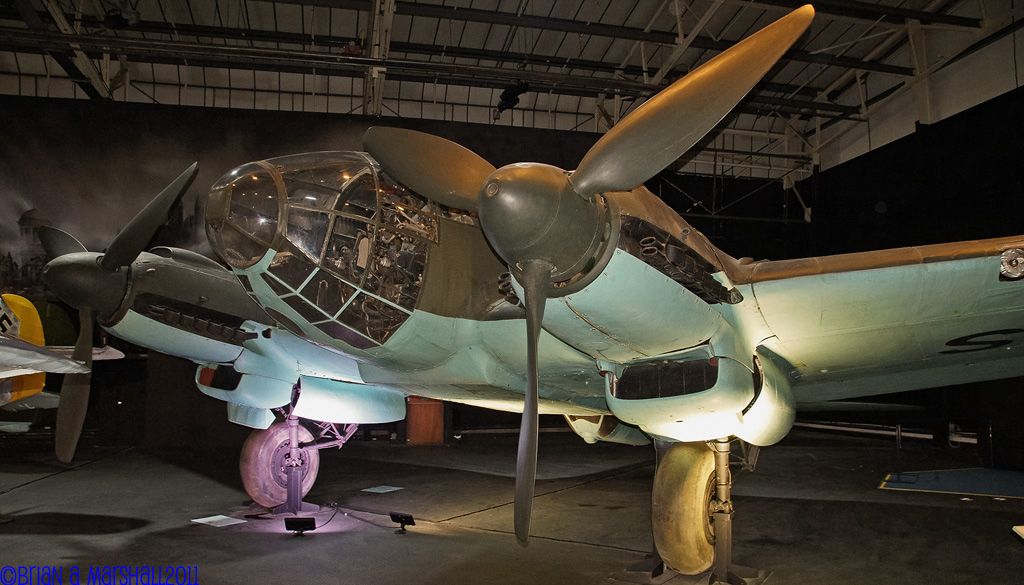
1/4sec – F8 – ISO800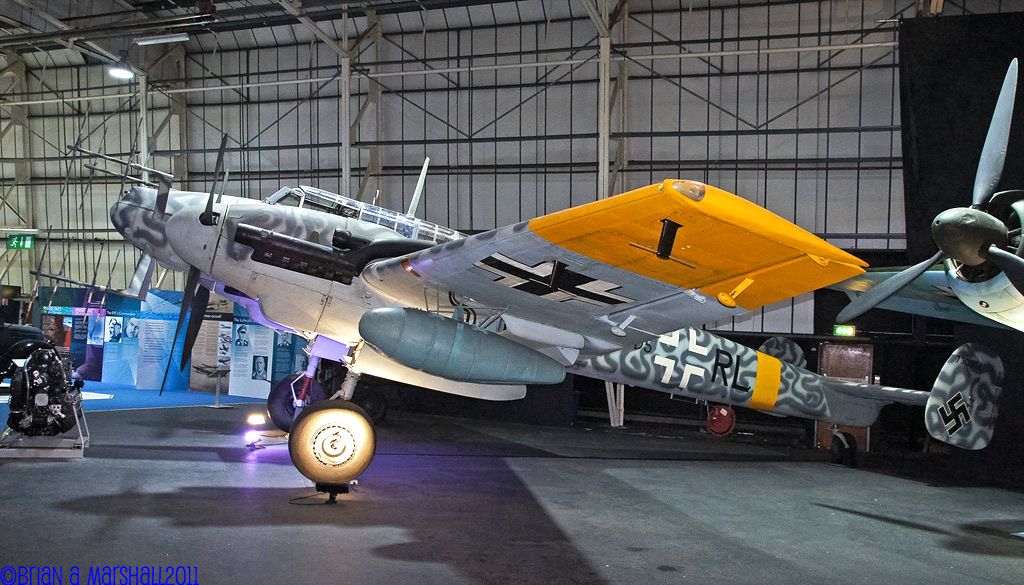
1/8sec – F5 – ISO400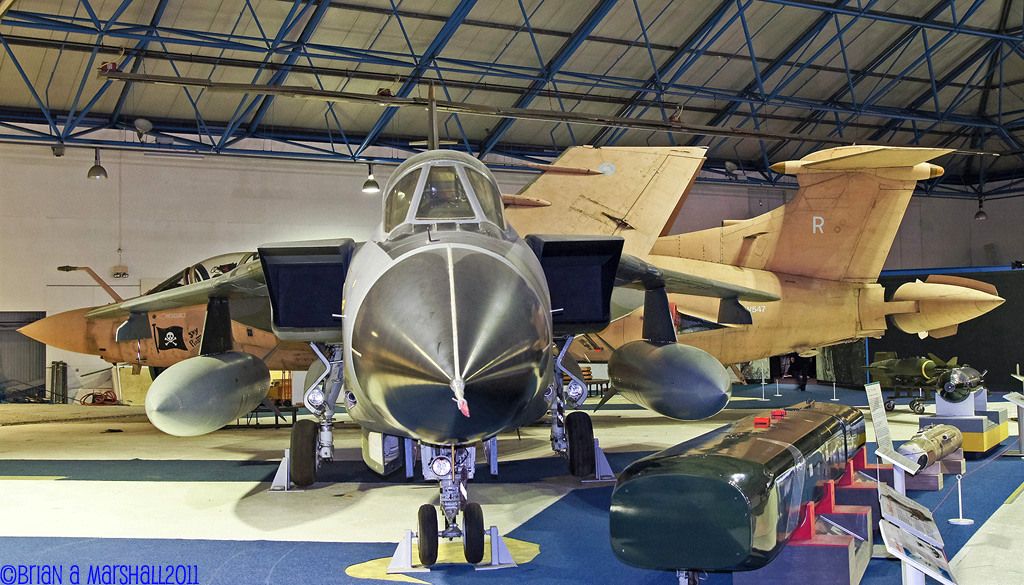
1/5sec – F5.6 – ISO400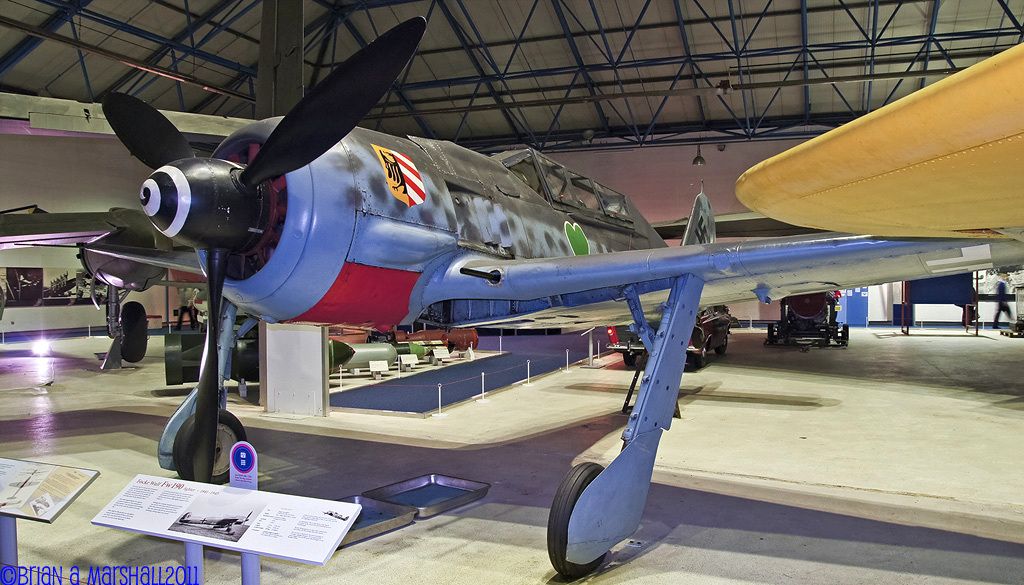
1/8sec – F5.6 – ISO400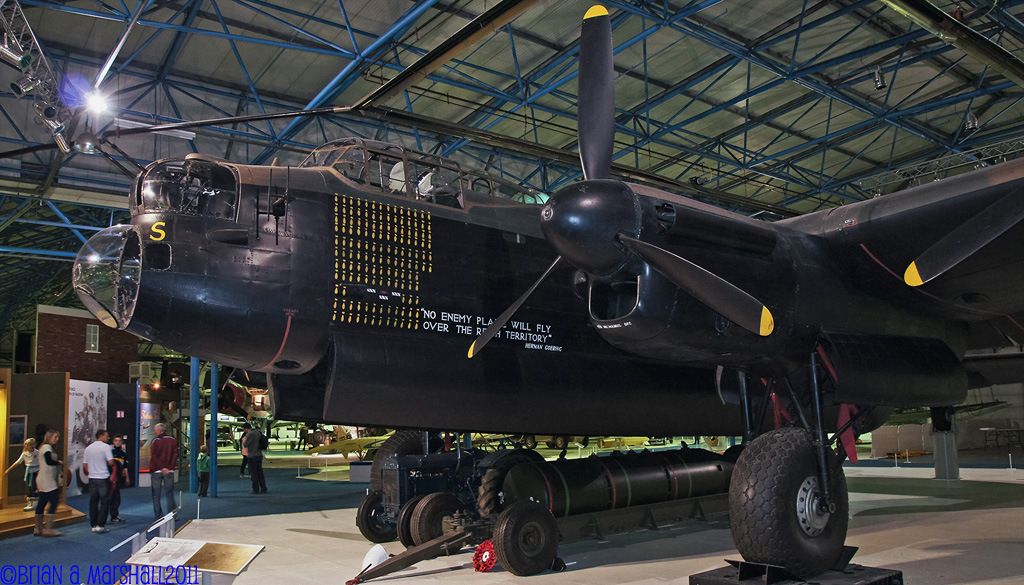
1/4sec – F8 – ISO400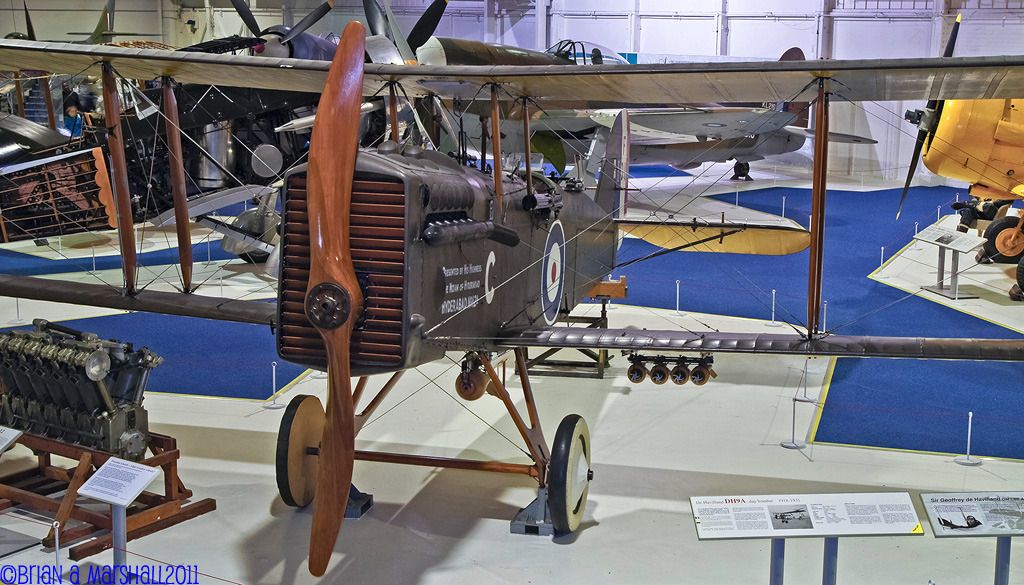
1/5sec – F6.3 – ISO200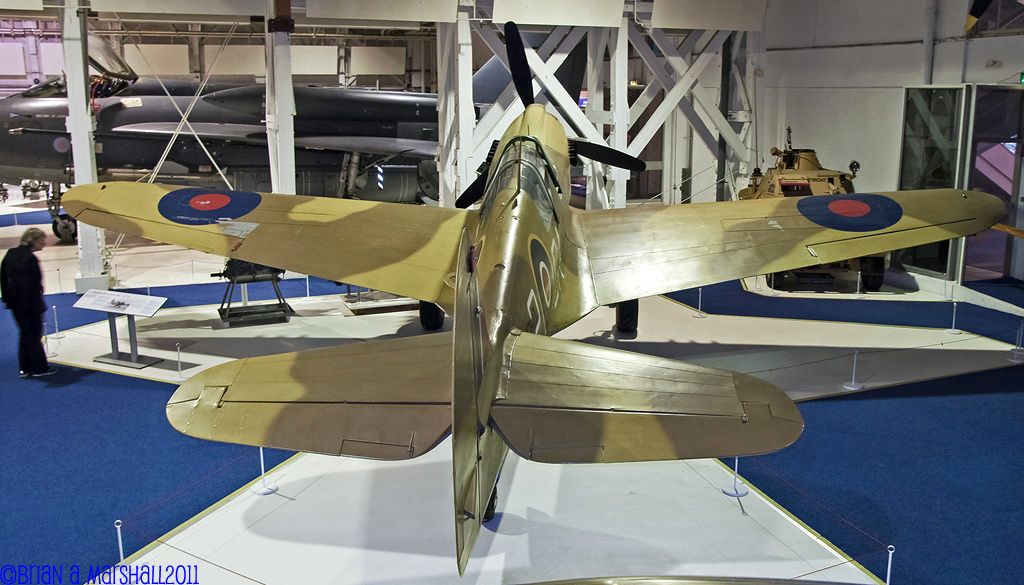
Brian

By: Edgar Brooks - 7th December 2011 at 17:26
Do I take it that they have relaxed the “no flash” rule nowadays then?
It was done some time ago; apparently it was instigated because some photographers used strobe lights, which foxed the fire alarms into believing they were flickering flames, and set them off.
By: AlanR - 7th December 2011 at 10:05
I’ve found that the Shadows/Highlights feature in Photoshop can be very
useful in these situations. Used carefully of course.
By: Mark Hazard - 7th December 2011 at 00:00
Do I take it that they have relaxed the “no flash” rule nowadays then?


 Sign In








 November 13, 2011 at 4:03 pm