A few from Glasgow International over the last few weeks. Still trying to get rid of the dustspots using PS but no luck- yet.
Cheers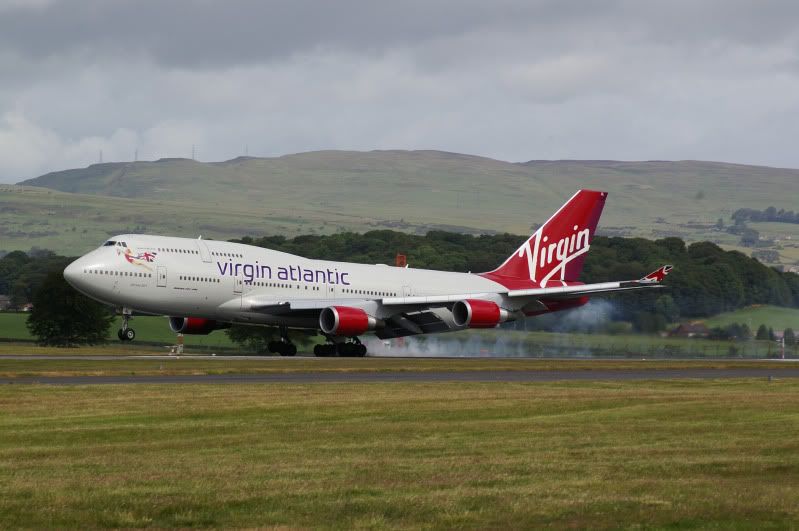
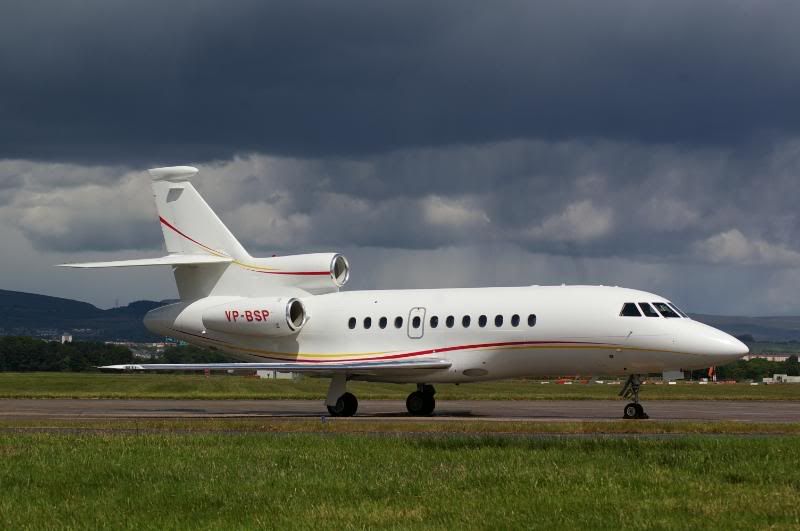
This was on delivery to Saudi Arabia and came thru at 0400 !!!
This was on its way to Canada to be converted to a VIP config- what did they call it with only 30-odd seats???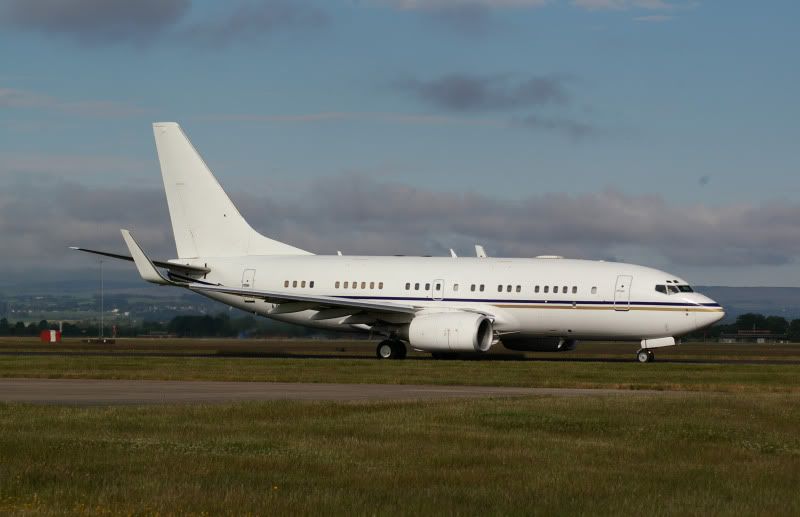
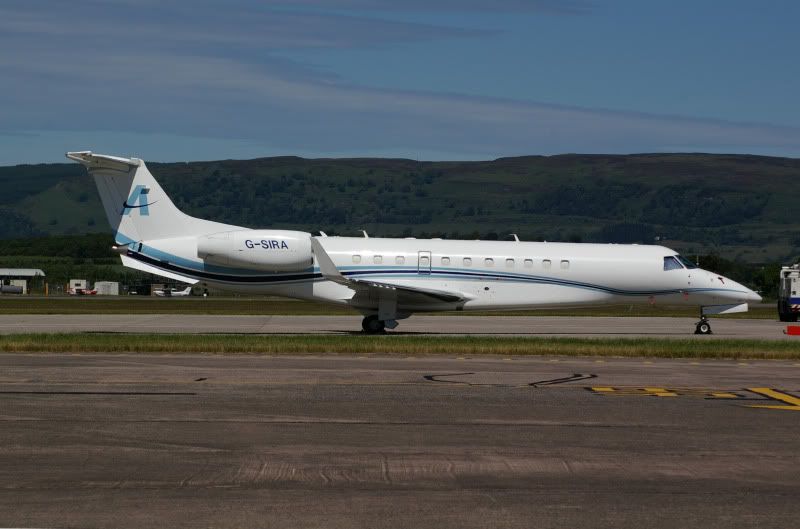
Presumably sold to somebody else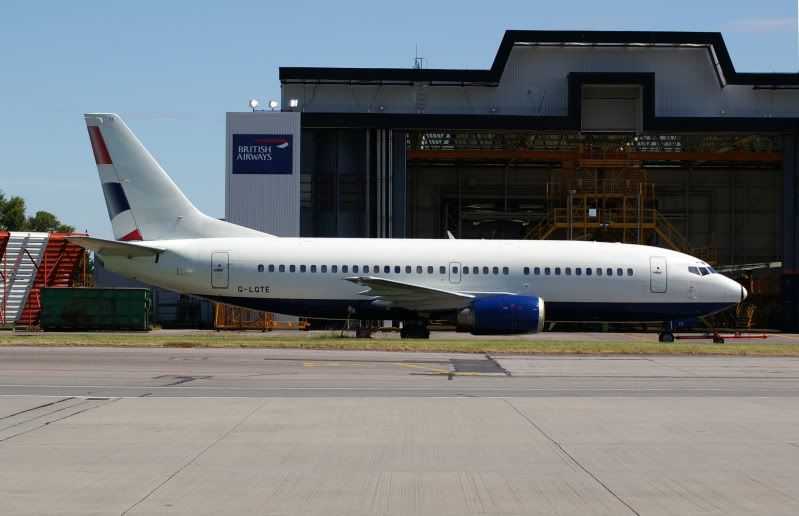
Air Ambulance
I watched this pushback and taxy out in brilliant sunshine but by the time it got to me it was crap- it was in for a fuelstop.
Another air ambulance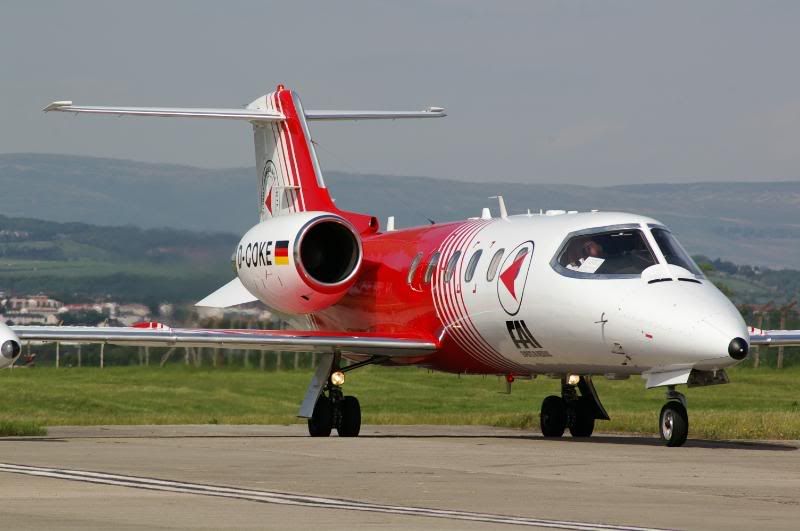
A lovely sunset with OEFMU in the way!!!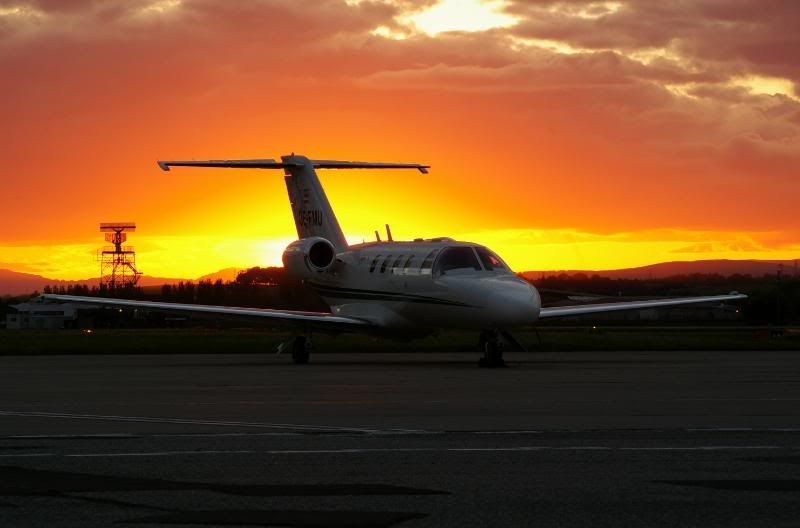
Cheers

By: rab5869 - 5th July 2009 at 20:32
very nice indeed dj love the last image
well done
rab5869 Darkside Aviation
By: dgimage - 5th July 2009 at 12:51
Thanks very much for that info. I will try tonight and let you know how i get on.
Cheers
By: kevinwm - 5th July 2009 at 07:48
Nice shots there I take it you work airside
to remove dust spot try the folowing
Open you’re image ,
1)go to layers and create a duplicate layer call it background,
2)go to Image in the tool bar and select adjustments and scroll down to Equalize and any dust spot should become apparent
3)Move the cursor over the spot and press CTRL, Z at the same time , Press J and this select the patch tool, dont worry if you loss the positon of the dust spot just follow the first few steps
4)draw a line around the area were the spot is , in the middle of the patch click and drag it over an area of similar colour and shade left click twice
to make sure that you have goton rid of the spot follow steps 2-3 to check if they are all gone CTRL Z goto Layer select and either merge or flatten image
Hope this helps
Hope you dont mind did a quick edit of the Ryan 767 for you ,
By: Bristol_Rob - 4th July 2009 at 10:38
Great post here
Love the weather effects and the first shot
Nice one
Rob
🙂
By: Newcastle - 3rd July 2009 at 17:33
That final shot is stunning
By: steve rowell - 3rd July 2009 at 02:48
Excellent shots…that sky looks nasty!!!


 Sign In








 July 3, 2009 at 12:41 am