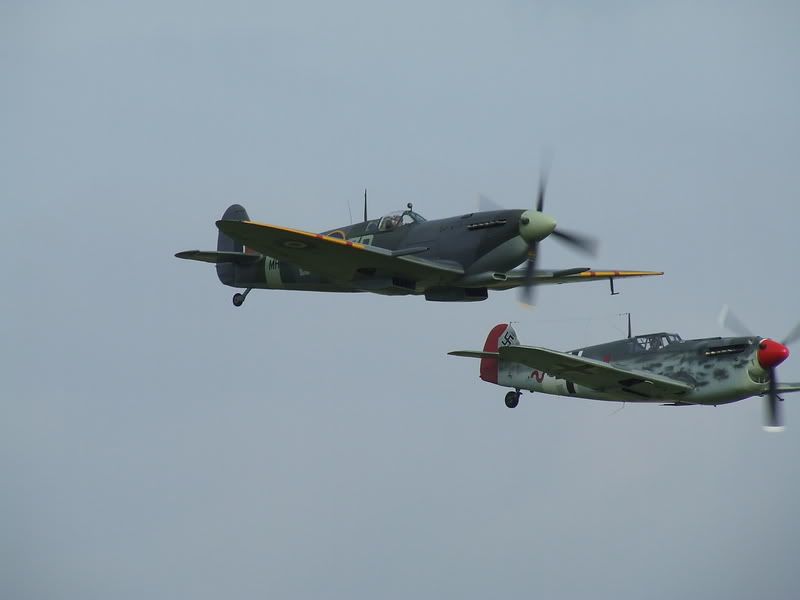
Fuji S5600 with Skylight filter
I have noticed a trend in a lot of my photos that the sky always seems to just come out as a grey mass, ( this was from the Duxford September show) but it dosnt seem to matter what the day was like wheter its a bright blue sky or overcast they always seem to come out like this, with a few exceptions.
So what am I doing wrong? Please help.

By: Global express - 2nd October 2007 at 22:22
It isn’t a competition, Alex, but thanks anyway! 🙂
Lol mate, I know. Just an expression.
By: Mr Angry - 1st October 2007 at 19:07
The Image at the top is straight of my camera and posted with Photobucket, the on ly metering Ive got is Spot,Average or multi. Average or mMulti always seems to make a very dark image like this
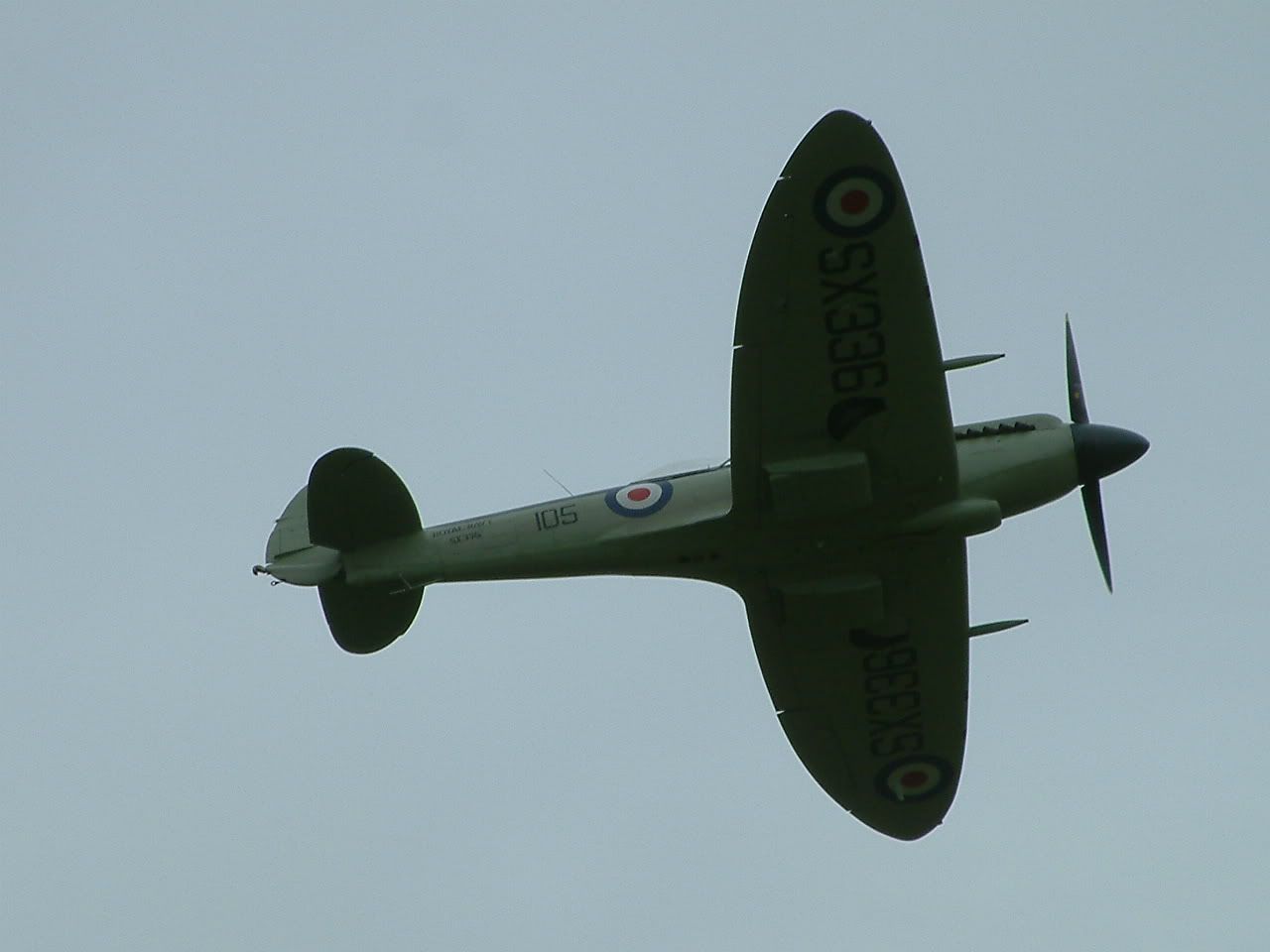
Thanks for all your help so far all of you
By: RobAnt - 1st October 2007 at 01:12
Here’s my take on it.

I have an S6500fd, and I find the best way to eliminate purple fringing is to use a UV filter. Haven’t tried a skylight.
You’ll see that I’ve managed to reduce the noise a little, sharpened it using the Unsharp Mask just a tiny bit and slightly saturated the colours. I’ve tried to recompose it to make it look even and central – but I didn’t take off as much as I would have liked from the left side.
By: PMN - 30th September 2007 at 19:23
Not sure whats going on with the colours on that first edit – yuk. Paul’s looks like a winner to me.
It isn’t a competition, Alex, but thanks anyway! 🙂
It has to be said, I’m something of a purist when it comes to not messing with photos too much. If you didn’t capture it reasonably correctly in the first place, the moment has gone and I’d rather just accept that, instead of messing around with the digital photo to a point where it looks un-natural. All I did with that shot was adjusted levels, saturation, and did a slight white balance correction using the colour balance in CS2. If a shot needs much more than that I generally write it off as useless. That photo turned out quite nice (if a little small) after those editing steps, and would probably look even better had a different metering mode been used when it was taken.
Mr Angry… How did the original look? Is the version you posted above just a re-sized version of it?
Paul
By: Global express - 30th September 2007 at 18:38
Not sure whats going on with the colours on that first edit – yuk. Paul’s looks like a winner to me.
By: PMN - 30th September 2007 at 18:16
Just for fun, here’s my take!

The sky is probably always turning out the same because your metering mode is Spot, so the camera is only looking at a very small part in the middle of the frame and basing the exposure on that. Try changing to centre weighted average and you should notice the exposure will look a little more balanced.
Hope that helps!
Paul
By: Vital Spark - 30th September 2007 at 15:35
My Tweak

A quick edit too. Adjusting colour temp, and doing a colour replacement to enhance the blue.
By: BlueRobin - 30th September 2007 at 13:10
Hmm very noisy though and the colours look worse. Sorry !
By: tenthije - 30th September 2007 at 13:04
The phoot is not that bad, can be salvaged quite easily. This edit was done in 3 minutes. With more time I think the sharpness and contrast can be improved as well.

By: adamdowley - 29th September 2007 at 09:53
You’re not really doing anything wrong. The skylight filter is doing what it was supposed to do – get rid of the bluish cast in images, and add ‘warmth’ to the picture. If you want blue skies, get rid of the filter.
🙂


 Sign In








 September 29, 2007 at 7:54 am