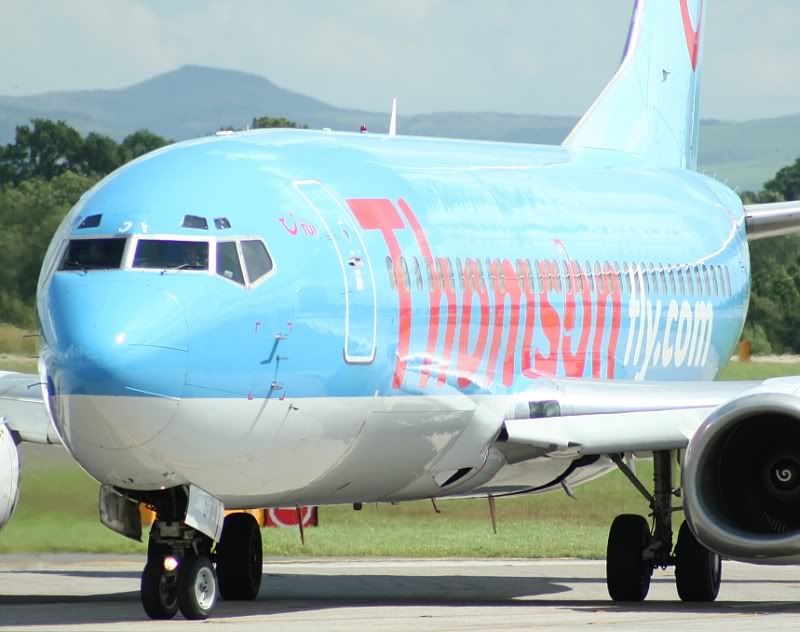
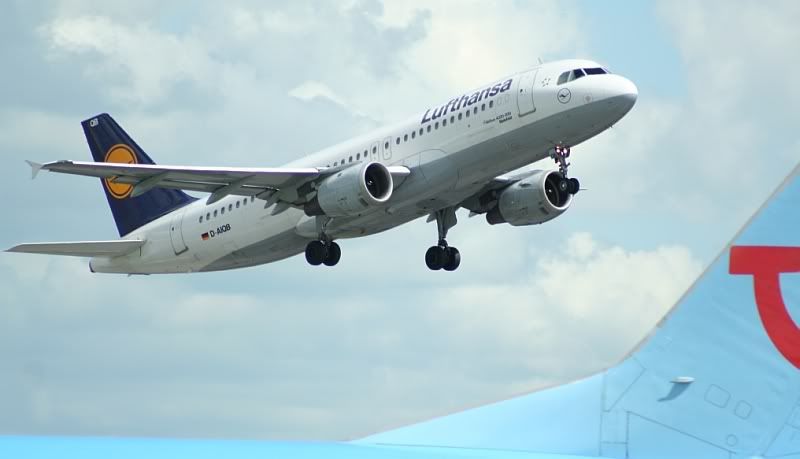
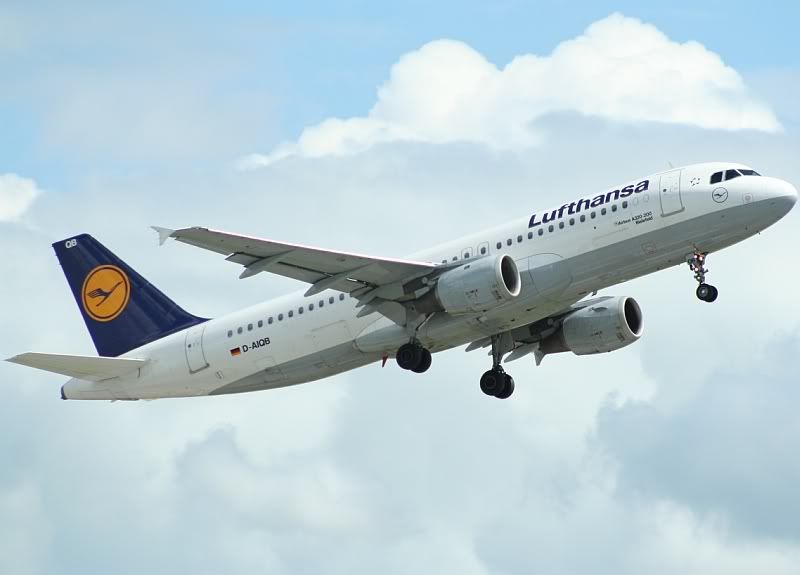
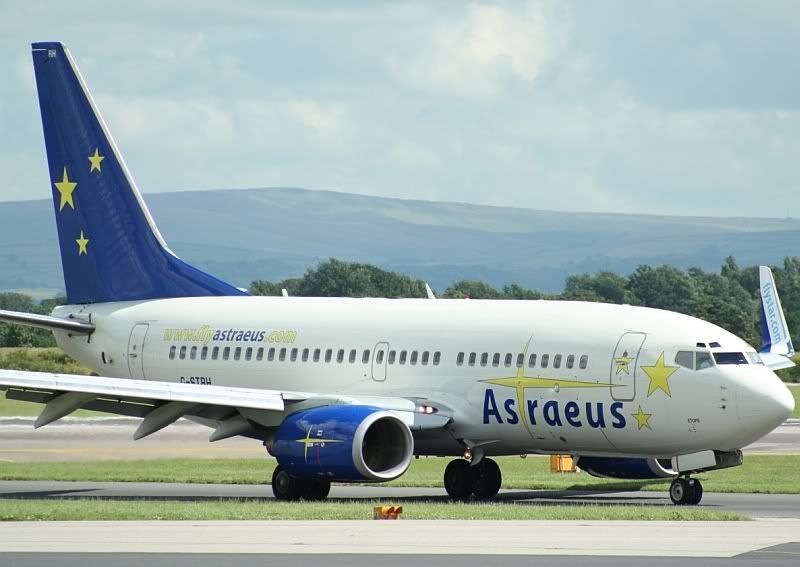
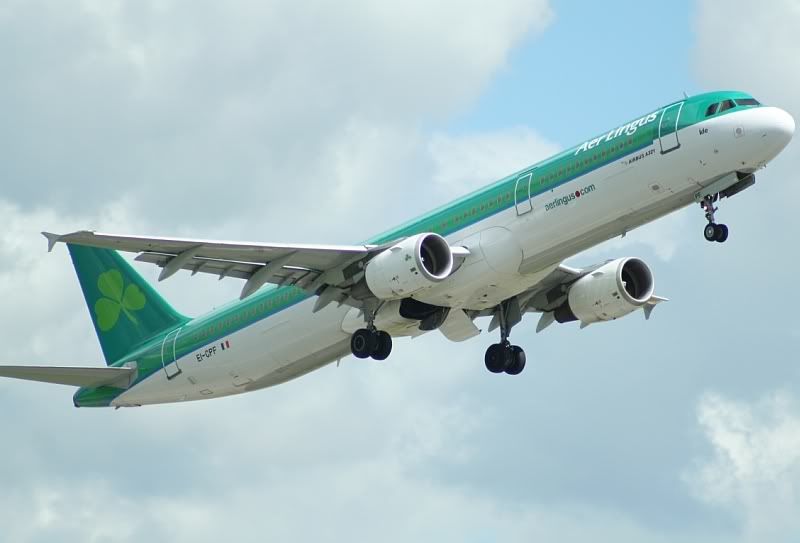
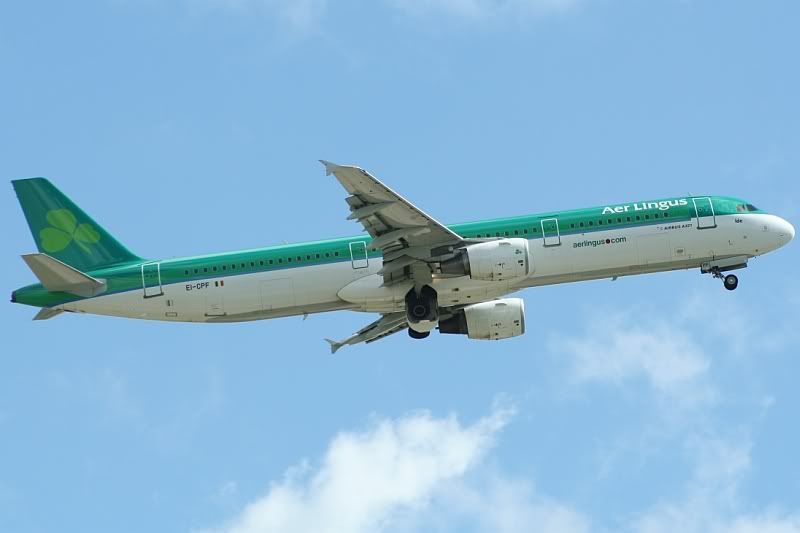
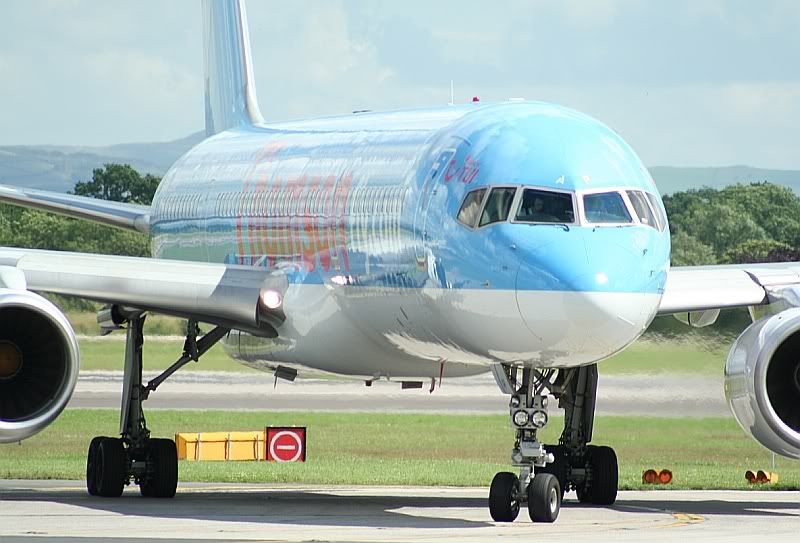
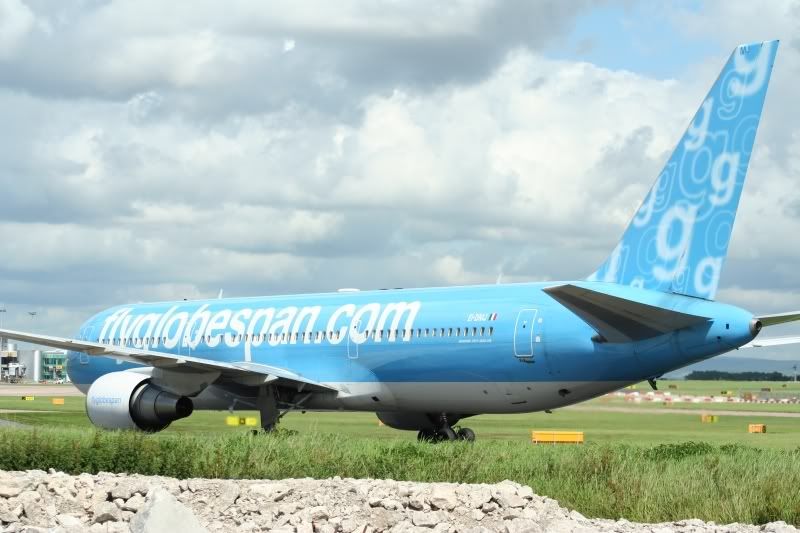
It all started when I was messing around with some settings on my camera last week…I come to take photos this week, and only a handful come out ok…I’m hoping someone will be able to take a look at these and know what setting I’ve changed to make my photos come out strange.
Also, I’m attending the Air Tattoo this weekend so I’ll be taking hundreds and hundreds of photos..if anyone has any tips on what settings to use, could they let me know please? Would be really greatful. 🙂
Part One

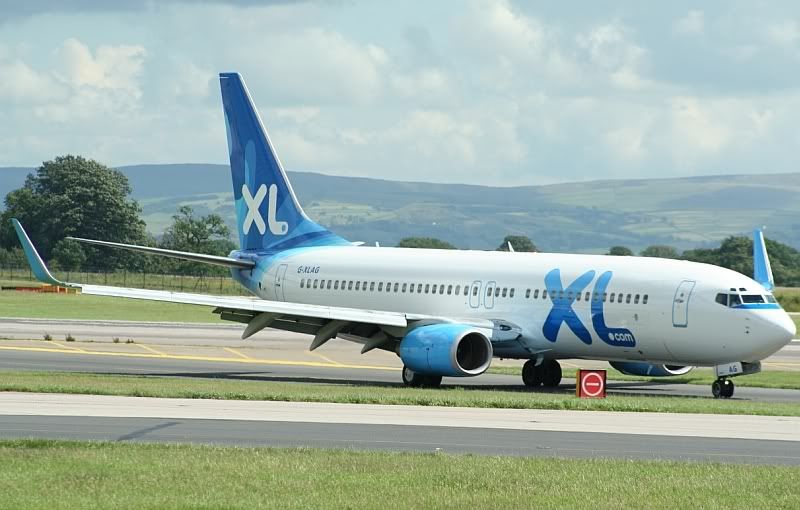
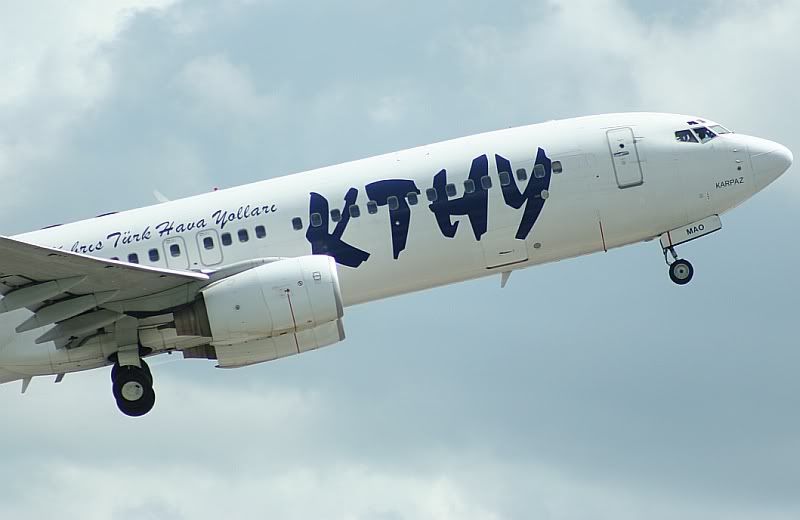
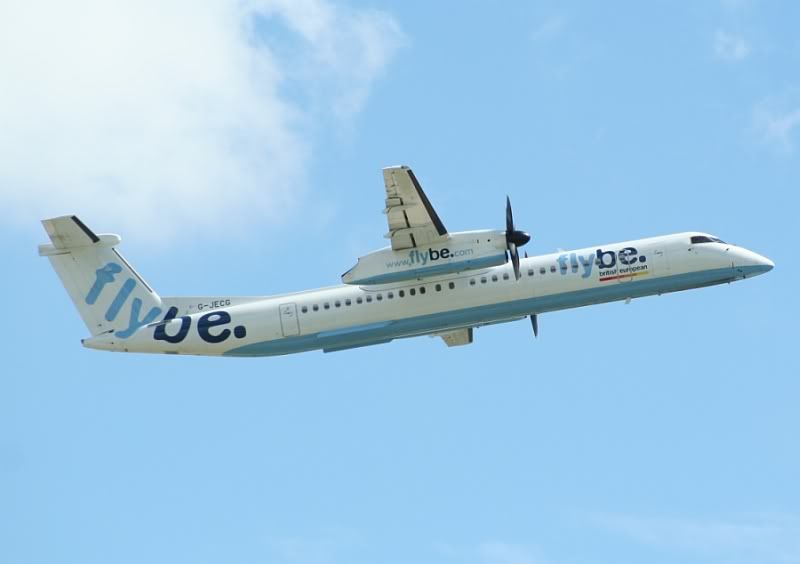
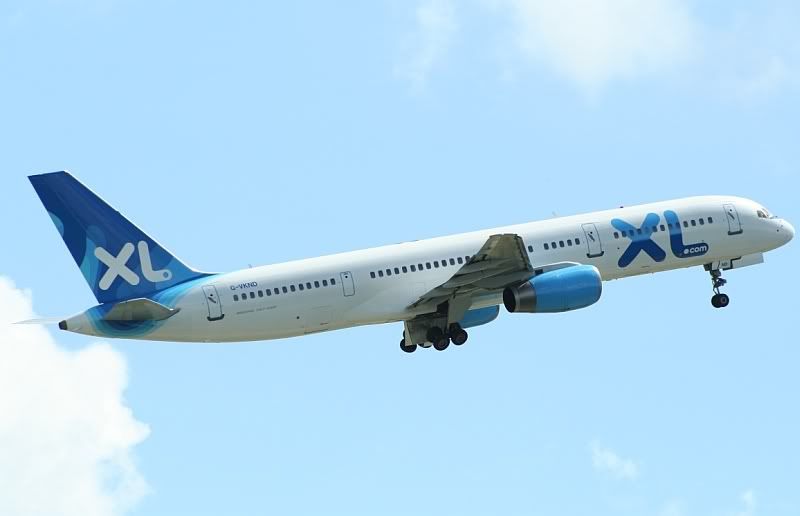
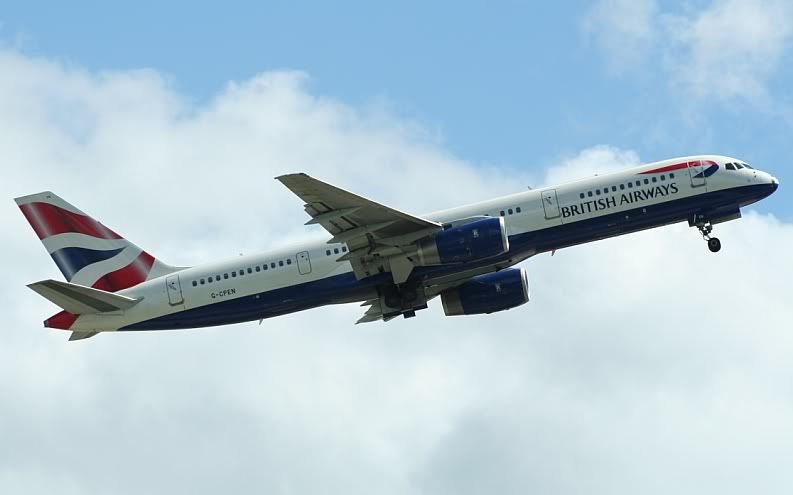
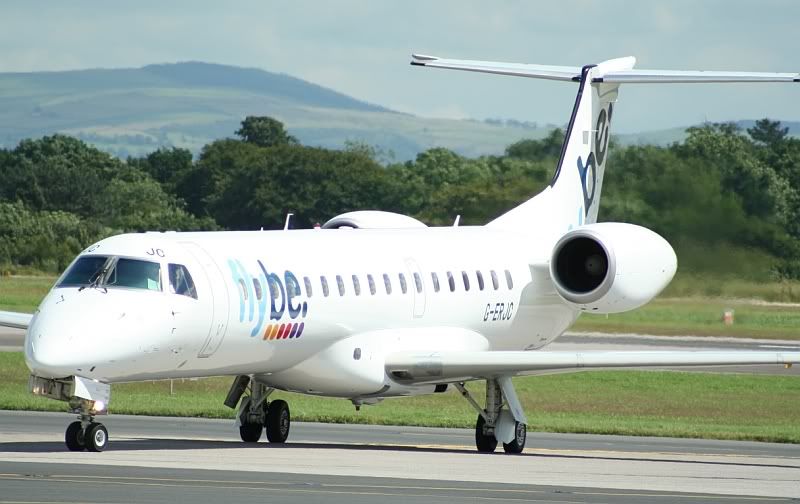
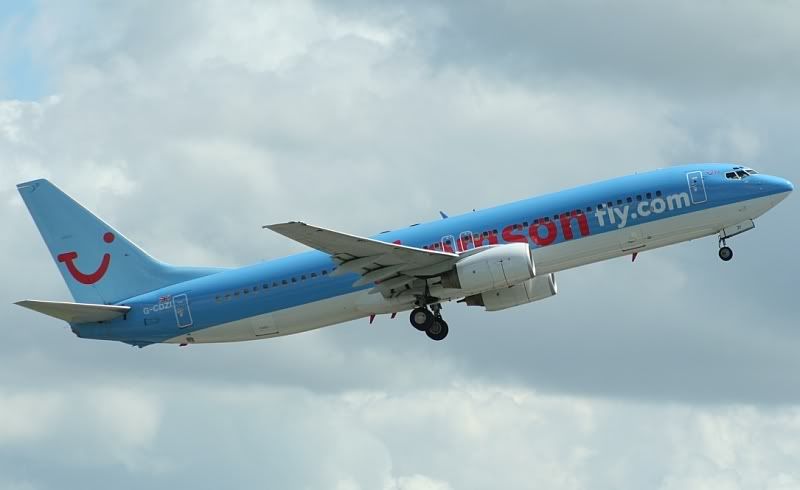
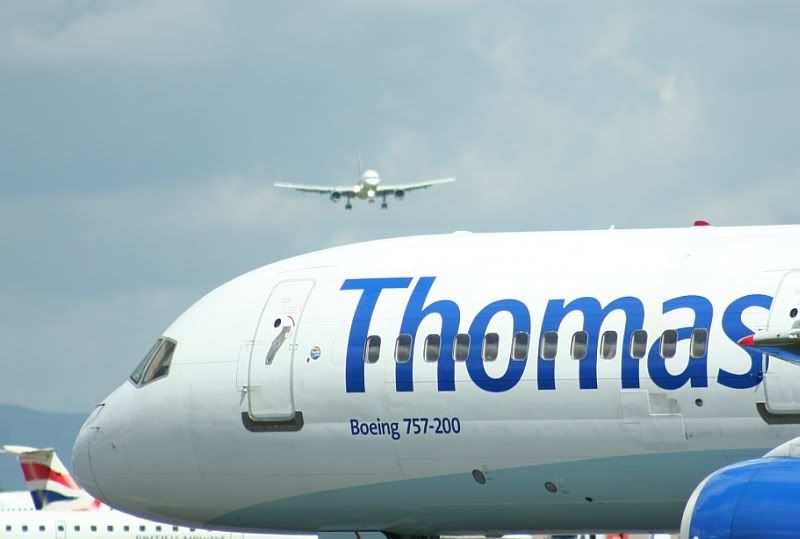
…….

By: PMN - 11th July 2007 at 19:15
All those photos look amazing not a thing wrong with any of them.
Please don’t take this the wrong way, from a non-photographers point of view there may not be anything wrong with them, and it’s great you appreciate and like the shots. In truth there actually is something technically wrong that’s in need of correcting. Matt knows this, which is why he’s asked for advice from fellow photographers. 🙂
Paul
By: MANAIRPORTMAD - 11th July 2007 at 16:20
Yep, it was nice to see an EI 321 instead of the usual 320s. Thanks!
By: SHAMROCK321 - 11th July 2007 at 01:14
I love the Shamrock321 obviously!
All those photos look amazing not a thing wrong with any of them.
By: MANAIRPORTMAD - 10th July 2007 at 17:36
Ahh looks much better Paul 🙂 Thanks! 😀
By: PMN - 9th July 2007 at 21:46
Hi Matt,
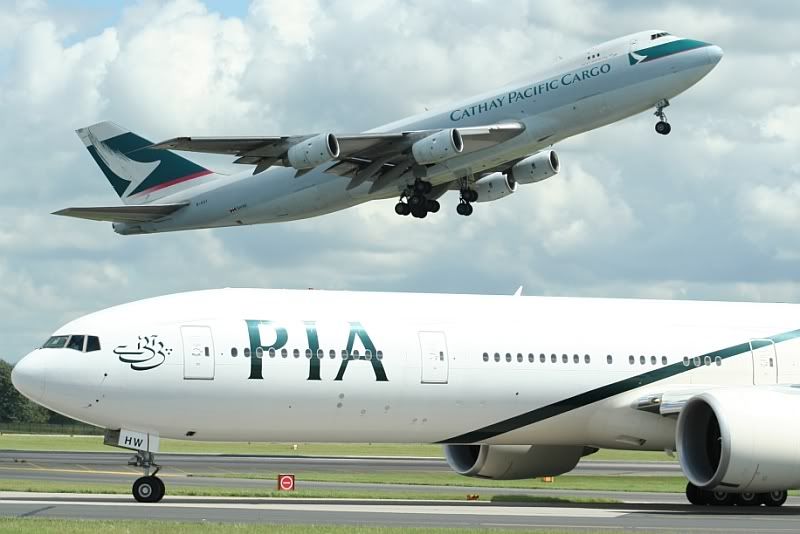
As has already been said, the over-exposed look is almost 100% caused by your exposure compensation being set to +.3EV. Jason’s advice is very good though with regard to keeping the sun behind you, so you’re between the sun and the aircraft. This should help give you a balanced exposure with good contrast.
Also, I hope you don’t mind, but I liked your 777/747 shot so much I did a little playing with it, just to try reduce the highlights and give it slightly better contrast. As a rough guide I’ll post both the original and the edit. The edit is still over-exposed, but the overall shot is more balanced. I just reduced the highlights using ‘Shadows/Highlights’, used the Colour Balance tool to lessen the greeny blue tint and increased the saturation slightly.
The original:
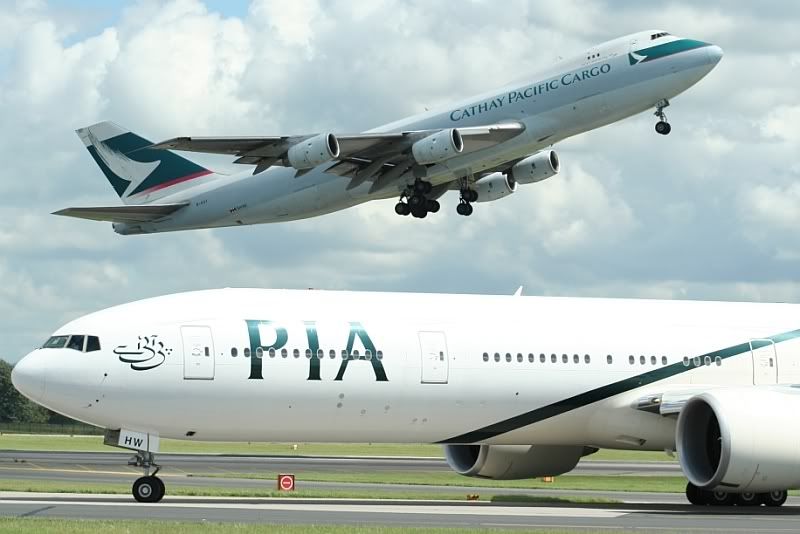
And a quick edit:

I really do think that’s a superb capture. Perfect timing!
Paul
By: MANAIRPORTMAD - 9th July 2007 at 20:23
Thanks very much for your help guys! Much appreciated!!
Cheers guys.
By: heslop01 - 8th July 2007 at 21:05
Nice shots Matt. I like the BA one the most 😉
By: V1Images - 8th July 2007 at 18:26
Thanks for sharing.
Your White Balance is also on Manual. This is why your shot has a Green tinge to them, maybe set this back to Auto or the correct setting for the light you are shooting in. And the overexposure is almost certainly caused by the Exposure Compensation set at +0.3. Shooting with the sun in front of you will still cause images to be blown out even with exposure compensation set at -0.3 or -0.7 so try and shoot with the sun on your back :).
By: pilotwannabe - 8th July 2007 at 16:46
Looks like you’ve got exposure comp. set on +0.33. Set it back to neutral and your shots should be back to normal… 😀
Nice pics though anyway :p
By: MANAIRPORTMAD - 8th July 2007 at 12:36
Part Two


Cheers!
Matt.


 Sign In








 July 8, 2007 at 12:35 pm