I have recently set up a Photobucket account and would appreciate advice on how to post the occasional photo on the forum website. I am not very PC literate or a whizz with photo software so please keep any help at an understandable level.
Many thanks,
Trapper 69
:confused:

By: RobAnt - 15th July 2007 at 19:57
Those are great, but if I may be so bold as to suggest you try and keep them to less than 800 pixels wide on the forum. You can always provide a link to a larger version, if you wish. Simply embed the IMG tag within an URL tag to the larger version:-
Like this: –
[UR L=”http://www.robantnets.co.uk/coppermine/albums/2007/Yeovilton%206%20Jul%…“][IM G]http://www.robantnets.co.uk/coppermine/albums/2007/Yeovilton%206%20Jul%…[/IM G][/UR L]
You can do it by clicking on the IMG icon, then highlight the code the IMG icon provides, then click on the world with a link and supply the url for the full sized version. It is a self hosting way of creating thumbnails.
Click on the image below to see how it turns it into a larger version if you click on it (hope this works – not looking for an eggy face), both images are hosted on my webspace:-

By: Skybolt - 15th July 2007 at 18:51
Testing, testing……………!!!


Two from Wanaka 2006
Hope it works.
Cheers,
Trapper 69
:confused:
By: Eye on the Sky - 14th July 2007 at 16:04
Hoo-and quite possibly-rah!
By: Eye on the Sky - 14th July 2007 at 16:04
Im glad someone else asked this….here goes…
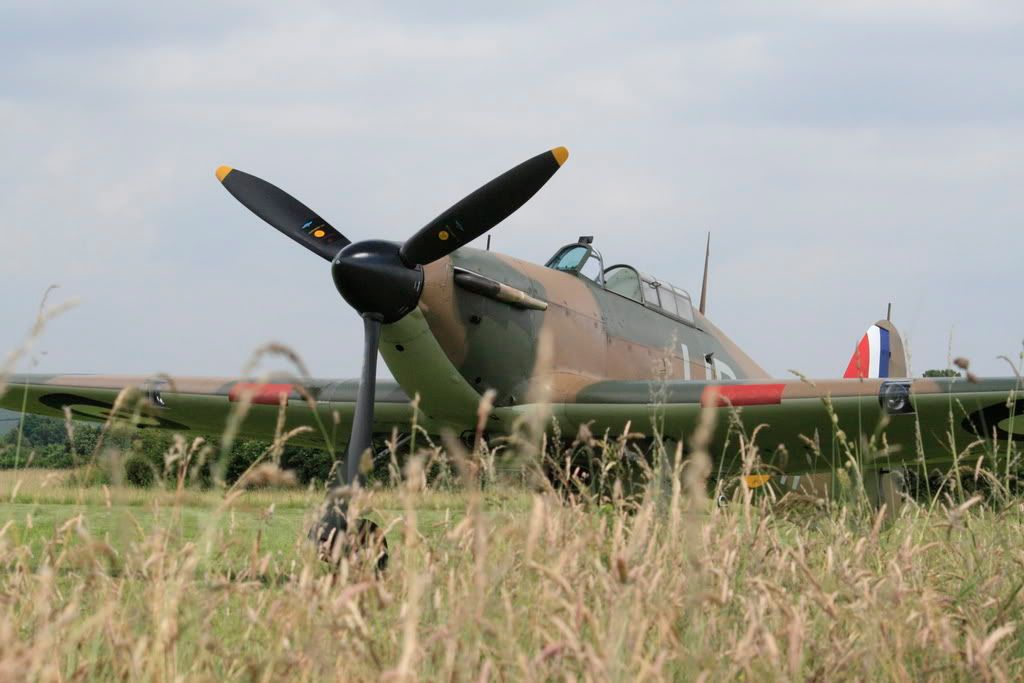
Hope it works!
By: BlueRobin - 14th July 2007 at 15:59
Mr T!
I presume you have images already uploaded to Photobucket? If so, when viewing each image in your Photobucket album, there is a little table containing 4 boxes at the bottom-right of the image.
The title to the last box says “IMG Code – Forums & Bulletin Boards”. Copy the code beneath it (start with [img ) and paste it here in the Reply box
Just for illustration it will look something like:
[ IMG ]http://i140.photobucket.com/albums/r3/neilgascoigne/315a5024.jpg[ /IMG ]
I have put spaces around the “IMG” bits so you can get an idea. If I remove them, the board software knows to pull in the image and display it.
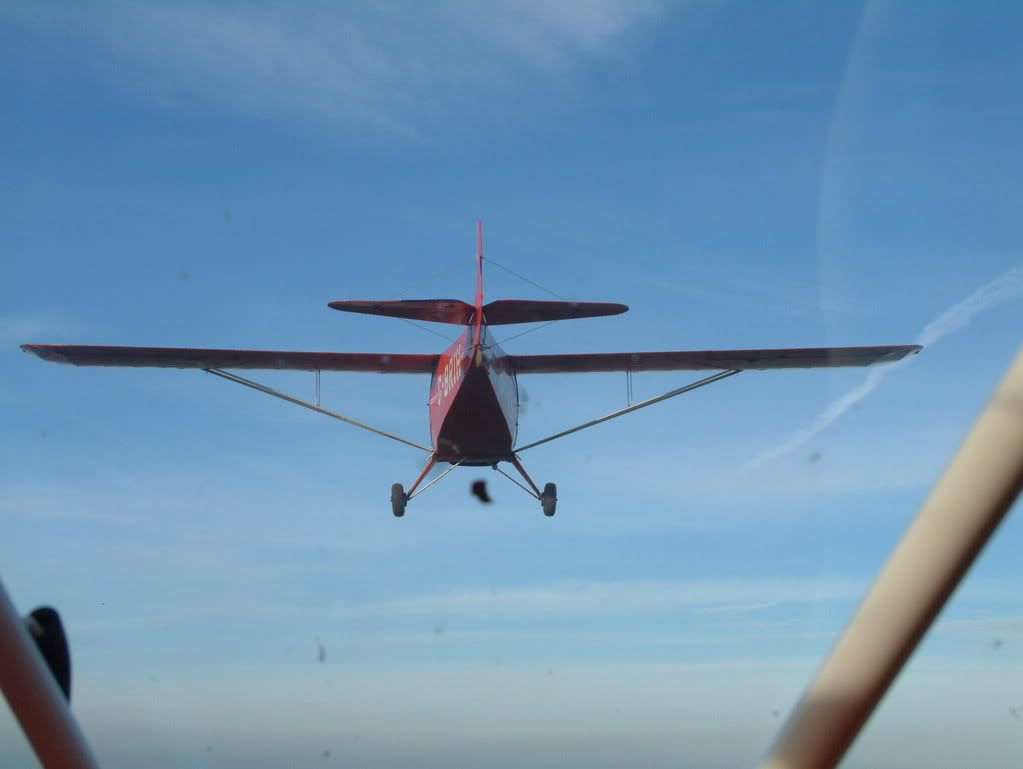
Here’s a Taylorcraft you may recognise.
By: RobAnt - 14th July 2007 at 15:42
I have recently set up a Photobucket account and would appreciate advice on how to post the occasional photo on the forum website. I am not very PC literate or a whizz with photo software so please keep any help at an understandable level.
Many thanks,
Trapper 69
:confused:
There are two methods.
1. Hosted by this website: –
When you start a post, look below the [Submit Reply] button, there is a [Manage Attachments] button – click on it and it guides you through the process of searching for the image on your computer, and uploading it. This creates a small thumbnail image, which, when you click on it, expands to full size.
Disadvantage of this is that you have very limited space to store attachments, Key don’t want their servers clogged up with huge numbers of images
2. Hosted by a 3rd Party such as your own webspace, or, as you have done, hosted by a service, “photobucket” is one such service.
You need the URL that displays the image, so the easiest way to get that is to either (a) use a url suggested by the service or (b) open the image and copy the URL from the address bar.
Back on this site, create a new posting, then click on the little mountain & sun. This will give you a popup that allows you to paste the copied URL. The url then appears in your post, and when previewed/submitted it displays the image.
Disadvantage: Images are displayed without a thumbnail, directly in the posting.
Advantage: You can post as many images as you like, both on the site and within the same post and thread. Every time you want a new image, just click on the little mountain/sun with the yellow sky, and put in the popup box the URL allied to the image.
All images should be less than about 745 pixels wide, to ensure that everyone can see them, with room for the borders of the website on even the oldest monitors around today.
Hope this helps, please let us know if you have any further queries.


 Sign In








 July 13, 2007 at 9:22 pm
