dark light

murph

Forum Replies Created

Viewing 15 posts - 31 through 45 (of 470 total)
  • Author
    Posts
  • in reply to: The Non-Aviation Photo Thread! #1935548
    murph
    Participant

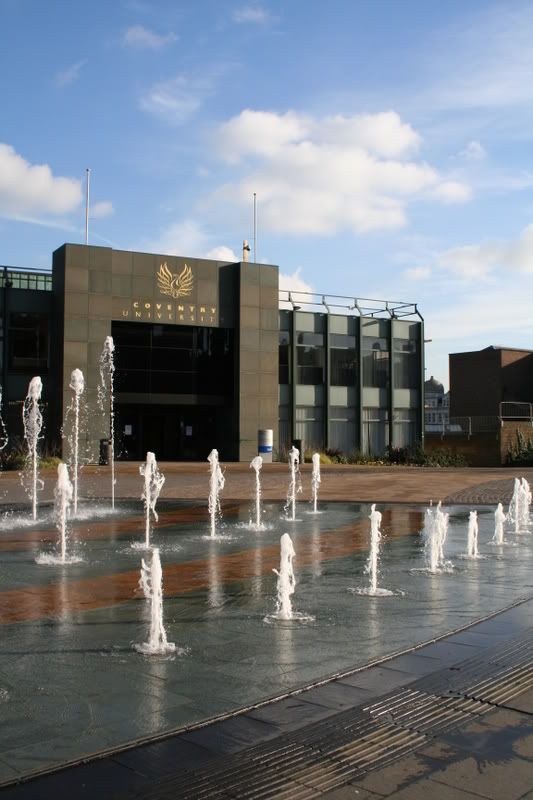
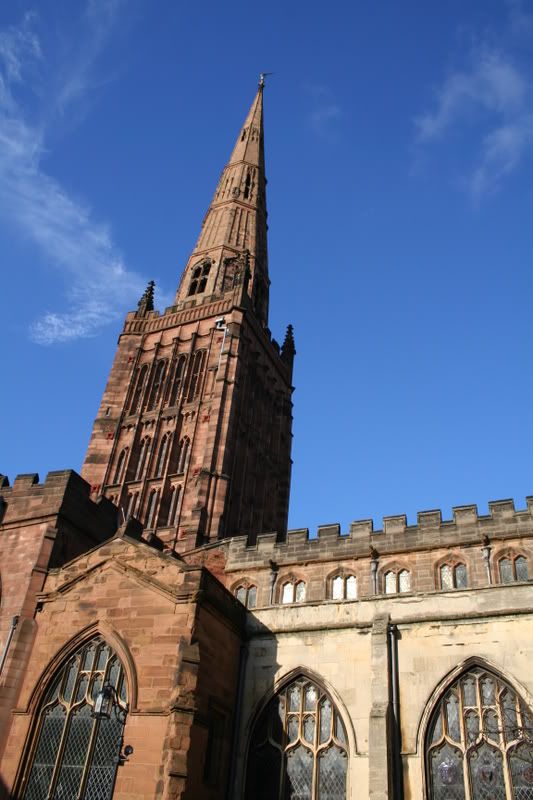
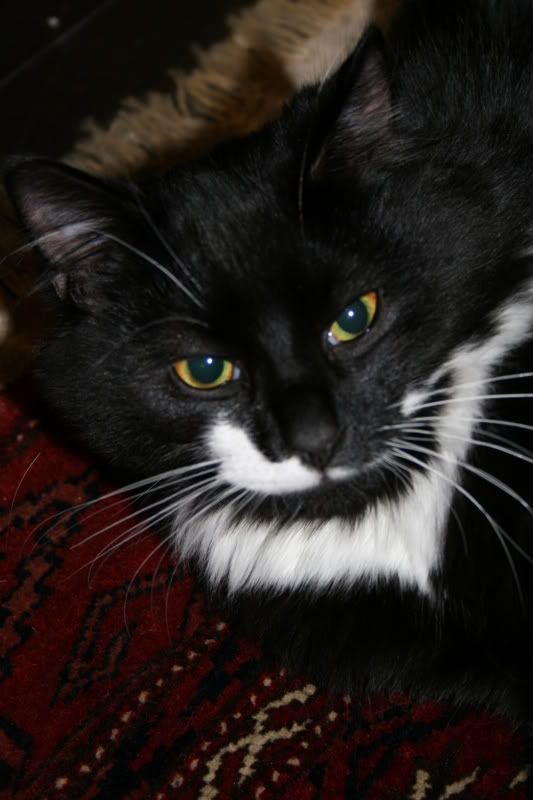
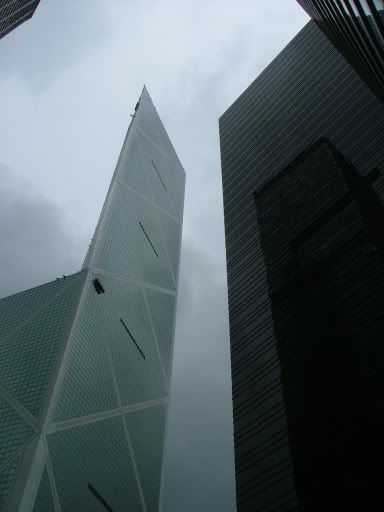
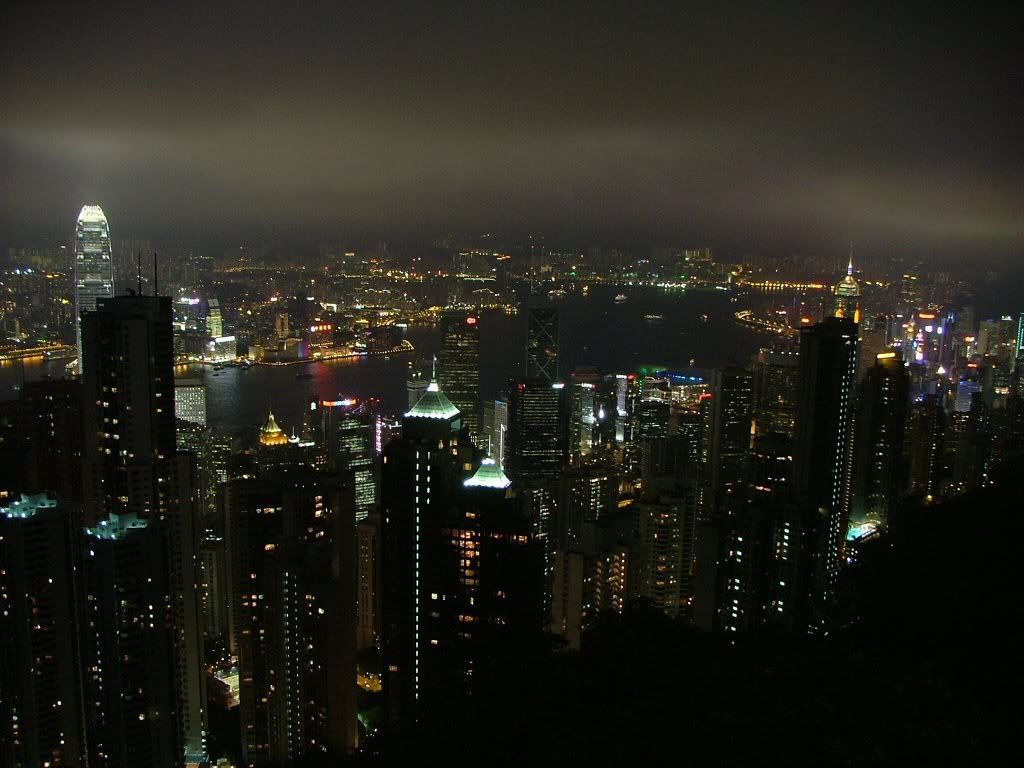
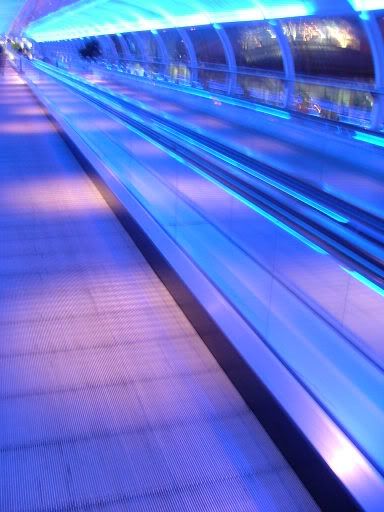
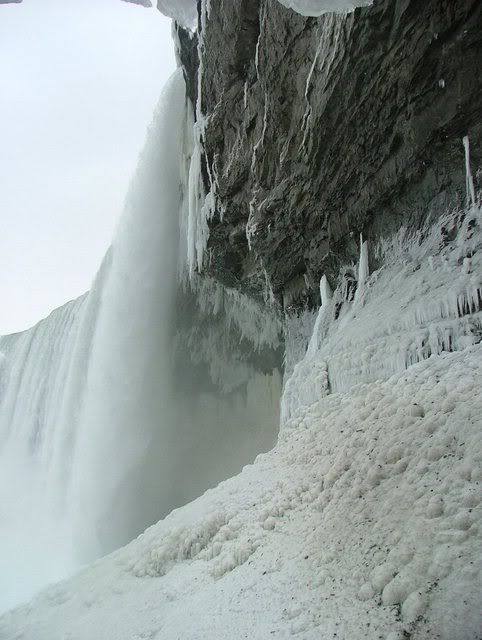
    I wonder why I’ve never spied this thread before. I did an A-Level in photography (after failing Maths 😉 ) Let things slip recently but occasionally take the camera out. I use a Canon EOS350D, though some of these were taken with a fuji finepix S5000, and some with a 40 quid digital camera!

    http://i22.photobucket.com/albums/b307/wnjmurphy/CovPictures070207012.jpg
    http://i22.photobucket.com/albums/b307/wnjmurphy/CovPictures070207011.jpg
    http://i22.photobucket.com/albums/b307/wnjmurphy/IMG_1945.jpg
    http://i22.photobucket.com/albums/b307/wnjmurphy/DSC00176-1.jpg
    http://i22.photobucket.com/albums/b307/wnjmurphy/DSCF0073.jpg
    http://i22.photobucket.com/albums/b307/wnjmurphy/victoriapeak.jpg
    http://i22.photobucket.com/albums/b307/wnjmurphy/DSCF0575.jpg
    http://i22.photobucket.com/albums/b307/wnjmurphy/niagrafalls.jpg

    Sorry they are all random sizes, the photobucket of old got to them!

    in reply to: A Very Dull Day At Birmingham! #500989
    murph
    Participant

    Great shots

    The weather is always dull round here!!!

    in reply to: mayday call into Luton tonight #561090
    murph
    Participant

    You can transmit mayday calls on the frequency you are currently tuned into.

    in reply to: FS Slowwwwdown #223653
    murph
    Participant

    That seems to have done it.

    Deano: Massive thank you for the help you gave me, it did help to diagnose the problem and your assistance was very much appreciated!

    in reply to: FS Slowwwwdown #223656
    murph
    Participant

    I’ve just disabled a feature in the BIOS that reduces the power to the CPU if the temperature is getting too high and i buzzed around for 10-15 minutes perfectly fine ultra high settings locked at 30.

    Only reason why I stopped was because the CPU temp shot up to 70. I thinK I’ve found my problem (I think for the 382 time!!!)

    in reply to: FS Slowwwwdown #223722
    murph
    Participant

    Murph, have you tried shutting down the exe’s I listed? as well as the Zone Alarm? and also have you changed your flightsim screen setting from window to full or visa versa?
    If so then there are a couple more things I want you to try, I’ll type them out tomorrow

    Dean

    Happens both in full screen and windowed mode. Have used enditall to kill all non essential processes taking the list down to about 25. I’ve even now removed the graphics card to test out the on-board video and it now has the same problem.

    in reply to: Birmingham Viewing Areas #566316
    murph
    Participant

    Ahhh that’s annoying, I need pictures of both ends of the runway, associated hazzards, clearways stopways etc.

    in reply to: FS Slowwwwdown #223730
    murph
    Participant

    Yes mate, im running a PC with no other extra programs on it now. I formatted my hard drive and installed FS2004 first. All the processes shut down, 1440x900x32 resolution, or any resolution to be honest, still has the same frame rate drop.

    in reply to: FS Slowwwwdown #223740
    murph
    Participant

    Well:

    It is the most up to date graphics and sound drivers. The slowdown occurs even at minimal graphics so I don’t think it’s a case of “where I’m flying.” I’m no mug, this occurs even out to see as it was.

    in reply to: FS Slowwwwdown #223750
    murph
    Participant

    The mystery continues.

    Reset the computer to factory settings, first thing I installed after the latest drivers was FS2004 and I still have the same problem. Now I’m at a loss as to what it is.

    Edit: Erm, I may just have this now…but I need someone to answer a question.

    I have a PCI-E card, is disabling AGP texture acceleration in DXDIAG going to make a difference? My flight sim FPS seems to have stabalised alot more.

    Edit 2: This is driving me nuts but I think I’m slowly getting closer. One for the hardware guys out there.

    For the Nvidia 7600GS/GT the manual states that a minimum 300W supply is needed. I went to computer shop and asked for 350 to be safe However now when I look at the label I do notice it has two power ratings:

    Max: 255W
    Peak: 350W

    Could this be the cause of my slowdown, that the PSU is unable to sustain the required power for the card+everything else?


    in reply to: New BA baggage charges #567018
    murph
    Participant

    Looks like I’m going to have to learn how to pack properly when I go to China 😀

    in reply to: FS Slowwwwdown #223832
    murph
    Participant

    Apologies ‘hippie’ you caught me on a bad day where my computer nearly took a trip outside via the window.:D

    Deano: Cheers mate I can see from that I definately do have a load of crap. Your help is appreciated. What I’m thinking of doing is getting it reset to factory settings and starting a-fresh with it, then removing any of the processes you’ve listed.

    If your ever in Coventry, shout up and I’ll sort out a pint 🙂

    in reply to: FS Slowwwwdown #223850
    murph
    Participant

    Your what now? 😀

    http://img263.imageshack.us/img263/7987/screen1uu6.th.jpg

    http://img443.imageshack.us/img443/897/screen2ve7.th.jpg

    Thats the whole process tree for you.

    in reply to: FS Slowwwwdown #223852
    murph
    Participant

    Here we goes.

    http://img294.imageshack.us/img294/2614/systemyi6.th.jpg

    Like I say, the problem has only been since sticking the 7600GS in it but I’ve system restored as early as I could as well.

    Appreciate the help deano!

    in reply to: FS Slowwwwdown #223854
    murph
    Participant

    Charming, thread hijack.

    Just tested out a theory. Even with the sliders on MINIMUM there is still a slowdown sporradically.

    I cant think what the issue is since putting the new card in 😡

Viewing 15 posts - 31 through 45 (of 470 total)