dark light

RobAnt

Forum Replies Created

Viewing 15 posts - 211 through 225 (of 1,792 total)
  • Author
    Posts
  • in reply to: Flying Legends (not from the Fuel Bank) #506235
    RobAnt
    Participant

    That last one is a stunner.

    So whos hat is it then?;)

    You missed a clue in one of my posts in another thread.

    in reply to: Flying Legends (not from the Fuel Bank) #506240
    RobAnt
    Participant

    More competition winners there, Nick! Great stuff – as always.

    in reply to: Legends review 08 #506245
    RobAnt
    Participant

    RobAnt, I think you’ve gone a little OTT with the brightening there. If you over cook it, extensive ‘noise’ is produced (as you can see from the above).

    It’s very tricky getting the correct light on a dark subject against a white sky. It doesn’t help that your against the sun at Duxford. The camera says it’s got enough light, but the actual subject is underexposed. I’d try ‘spot metering’ in the future, which should help with light settings.

    Yes, I know. As I said it would have been better using the original image as the source, rather than this cropped and reduced resolution source.

    The objective was to show how much information had been lost that could have been reacquired. Robbo’s advice is good, but it’s too late to do that when you get home and have photographs you don’t want to waste.

    Rear screen viewing isn’t really helpful for learning as you go. Those screens often flatter and deceive.

    in reply to: Legends #506249
    RobAnt
    Participant

    Very nice pics Bruggen 130 , the 1st pic especially , very good timing for the intruder to be so perfectly framed by the mitchell ‘s undercarraige !

    spike

    I think you mean the A26 Invader. I’m the Intruder here.

    in reply to: Legends Wheel Chair Photographer #506255
    RobAnt
    Participant

    why can’t wheelchair users exercise choice and be afforded some courtesy elsewhere on the airfield.

    A very good point. Sentiments also seconded.

    in reply to: Legends Wheel Chair Photographer #506258
    RobAnt
    Participant

    I too was at Kemble – and there was a disabled area there (I am disabled). I have some pictures on my website [click].

    Disabled area or not, you have to arrive very early at a show to secure a good position anywhere along the flightline.

    But more shows must learn to ban windbreaks, step ladders, etc.. From my point of view the only acceptable item is a chair (or wheelchair/disabled buggy).

    Displays should also start and finish earlier so that it is possible to go to the stands once flying stops. Something I cannot do because of the amount of time it takes me to get around. I always simply arrive (on my own), take my chair to the flight line and return to my car for my cameras and cooler bag containing my drinks and lunch. I like to be onsite no later than 8am, so I have a very long wait. Going to the loo is difficult, I have to pack up my cameras and take them with me. 🙁

    in reply to: Legends Wheel Chair Photographer #506266
    RobAnt
    Participant

    Many do have a disabled area set aside, and are close to the disabled car parking. They are often on hard standings, too. I’d be surprised if that wasn’t true at Duxford.

    in reply to: Legends review 08 #506560
    RobAnt
    Participant

    Nicely composed all of them – I especially like the Invader shots.

    But they all seem a little dark, so some detail is lost in the shadows.

    Using something like Photoshop or PS Pro you should be able to brighten them up somewhat.

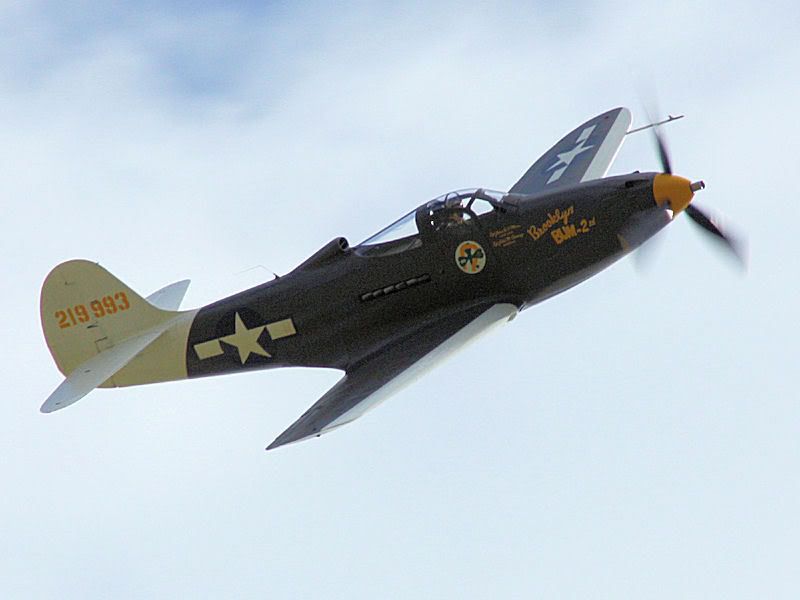
    Hope you don’t mind, but I’ve taken the liberty of brightning one of them – let me know if you object:

    http://i279.photobucket.com/albums/kk140/Real_RobAnt/cropping%20images%20demo/P39.jpg

    Obviously working with the original should give even better results than this.

    in reply to: Cropping…. #450410
    RobAnt
    Participant

    I’ve added a reply to that thread today with a two image example.

    in reply to: Cropping. #450412
    RobAnt
    Participant

    I go about it in different ways for different needs.

    Always keep the originals untouched – so that you can revisit it later as your needs change.

    For Windows desktop wallpaper I do the following:

    Check whether the image needs rotating. If it does then I use VERTICAL references, such as lamposts and church spires or the sides of builds to ensure the image is level. You can’t rely on any horizontal references – the ground may undulate on airfields in particular.

    Using photo manipulation software (I use PS Pro, but Photoshop is just as good) I crop the image, again in the vertical plane only (making the image tall and narrower) putting the subject left, center or right (rule of thirds) by dragging the hightlighted area left and right over the image. Taking care to ensure that the width of the image is still greater than 1920 pixels wide.

    Once the image has been cropped I resize in the width only to 1920 pixels, retaining the relative aspect ratio – this ensures that I won’t get odd looking pictures once I crop in the vertical domain.

    And indeed, that is what I do next. I set the crop tool to 1920 pixels wide, but only 1080 pixels deep. You can then drag the outlined area up and down to place the subject in the top, middle or right, as required.

    Doing it like this allows you to place the subject anywhere in the frame you like for compositional purposes. Although some compromise may have to be made based on the subject’s positioning in the original image.

    I will then save the finished image (although I may do some further processing to enhance the image) in a directory set aside for edited images, taking care not to over write the original.

    If I need an image for the Internet (such as posting here, or on my own website) I will use this cropped image as a basis for that purpose. Usually, 1920×1080 works out as 800×480 and a simple resize is all that is needed (plus a little extra sharpening). But sometimes I might re-compose the image to close in on the subject a little more.

    Hope this helps.

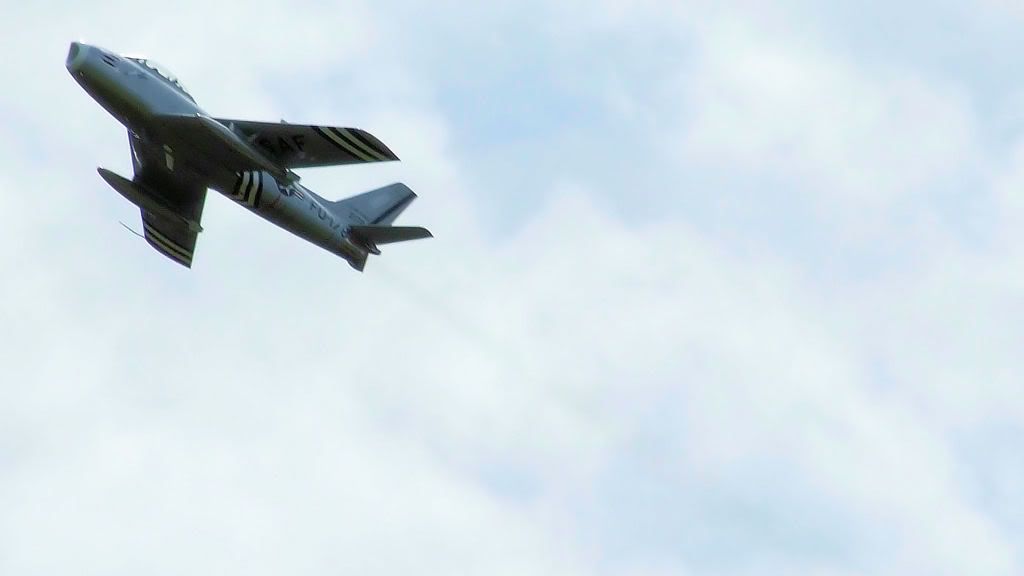
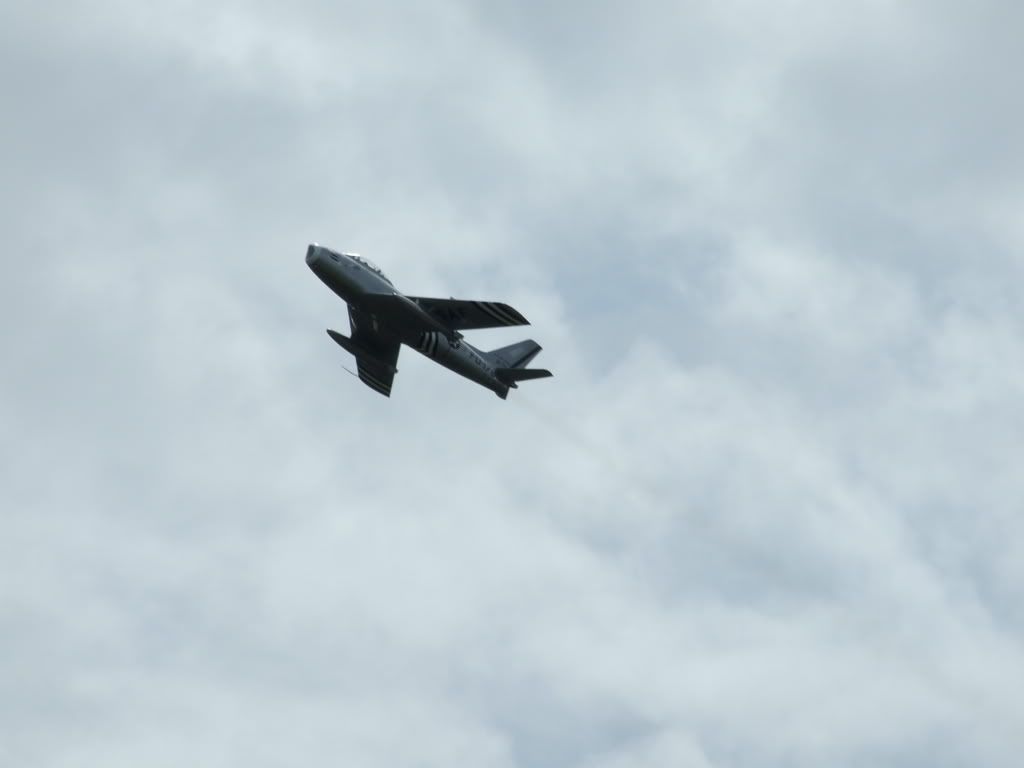
    Pre cropped image
    http://i279.photobucket.com/albums/kk140/Real_RobAnt/cropping%20images%20demo/DSCF3013.jpg

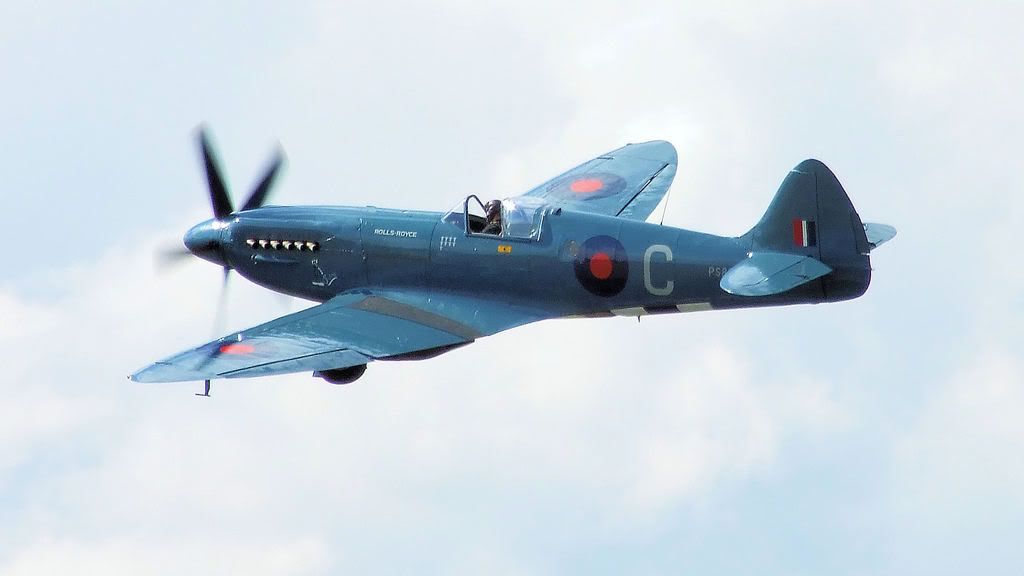
    Post cropped image

    http://i279.photobucket.com/albums/kk140/Real_RobAnt/cropping%20images%20demo/DSCF3013-1.jpg

    in reply to: Legends 12/7/08 #506788
    RobAnt
    Participant

    For my 1d’s worth, I’d say it’s interesting. If I’d thought of it, I would have tried to use just one window – but I see what you may have been trying to do (or came up with accidentally – sometimes they’re the best).

    in reply to: Saturday Legends #507090
    RobAnt
    Participant

    Love the A26 Invader – a rare opportunity to see it here. I believe it’s holed up in Scandanavia somewhere usually.

    in reply to: Legends 12/7/08 #507097
    RobAnt
    Participant

    Thanks for the advice. Can you explain how I would alter the metering type? I’m a bit new to this

    Steve

    On the S5700 it is probably buried deep in the menu system – best thing would be to take a glance at your manual, it’s all explained in there.

    As for the box containing the coke and popcorn – a request to turn the box on it’s side, allowing the contents to naturally spill out might have worked.

    While the “man from the future” does look out of place, I think cowboys were wearing denim long before 1944. The late 18th century is mooted elsewhere.

    in reply to: Legends 2008 #507102
    RobAnt
    Participant

    That MAN ON the other side THE FENCE get’s around a bit.

    in reply to: Decent DSLR Camera #507107
    RobAnt
    Participant

    Taken with the similar Fuji Finepix S6500fd.

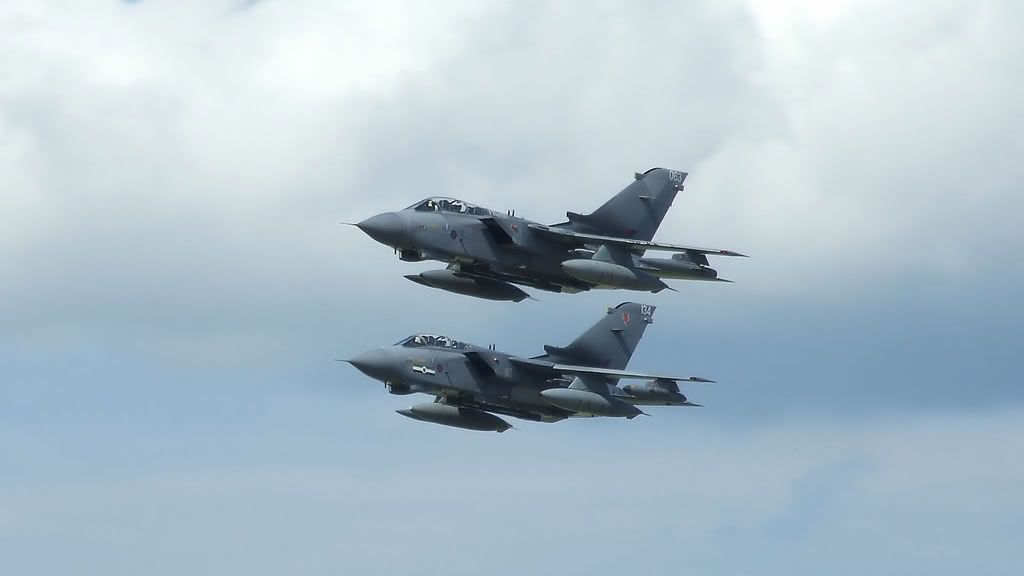
    http://i279.photobucket.com/albums/kk140/Real_RobAnt/DSCF2932.jpg

    http://i279.photobucket.com/albums/kk140/Real_RobAnt/DSCF2902.jpg

    These are low resolution, compared to the originals, so they won’t stand being enlarged.

Viewing 15 posts - 211 through 225 (of 1,792 total)