http://library.avsim.net/help.html#winzip_ask
Solved it for me
g-celg, cos i’ve been on it twice & it’s Jet2. lol
Prob a dum ass question but how do you get the view from the cabin, I have some planes with a virtual cabin but dont know how to see it.
Help me please
It depends what plane you have – i had to get the Flight 1 Walk/View thingy (for free) which is available from here:
http://www.wilcopub.com/index.cfm?fuseaction=extra
Follow instructions from there.
Failing that, buy Active Camera but i don’t see the point of doing that if the freeby one above works.
Prob a dum ass question but how do you get the view from the cabin, I have some planes with a virtual cabin but dont know how to see it.
Help me please
It depends what plane you have – i had to get the Flight 1 Walk/View thingy (for free) which is available from here:
http://www.wilcopub.com/index.cfm?fuseaction=extra
Follow instructions from there.
Failing that, buy Active Camera but i don’t see the point of doing that if the freeby one above works.
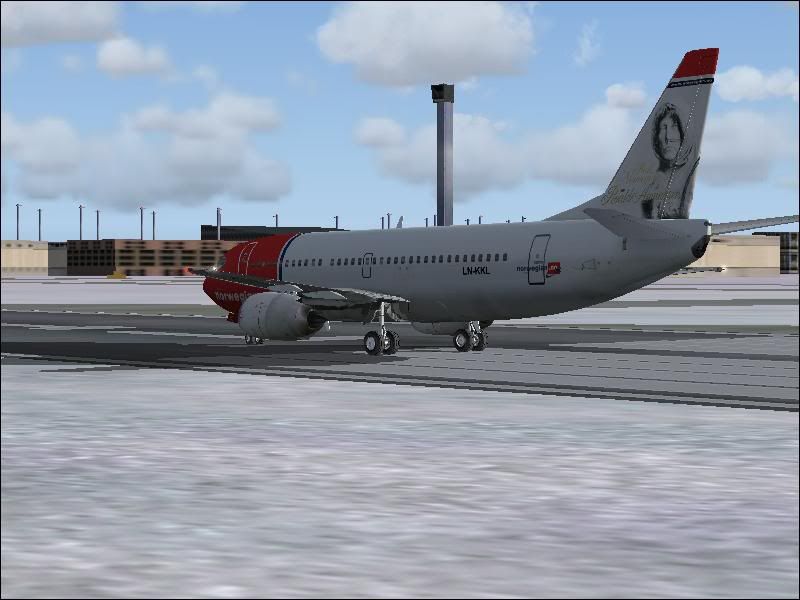
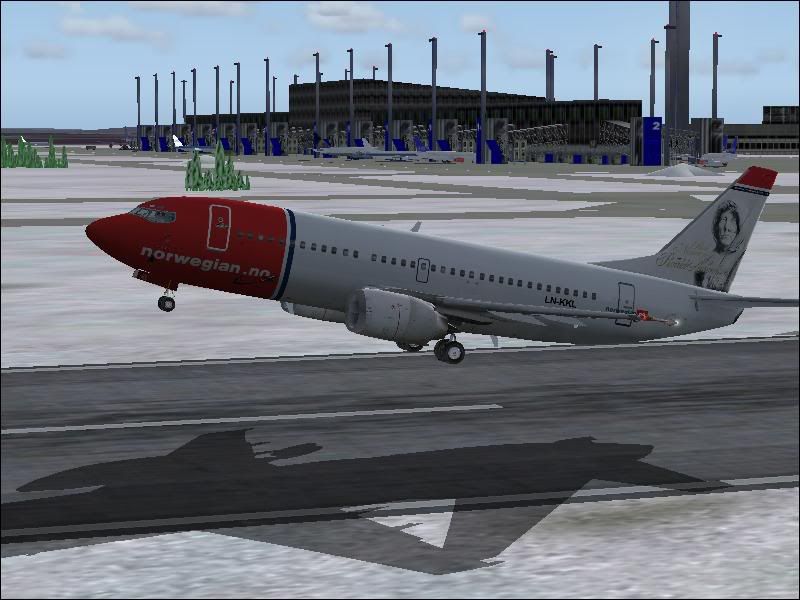
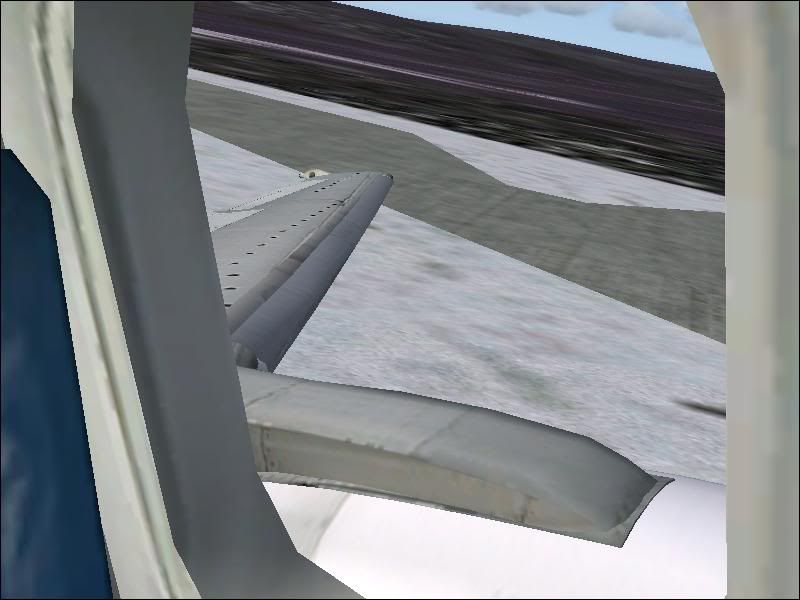
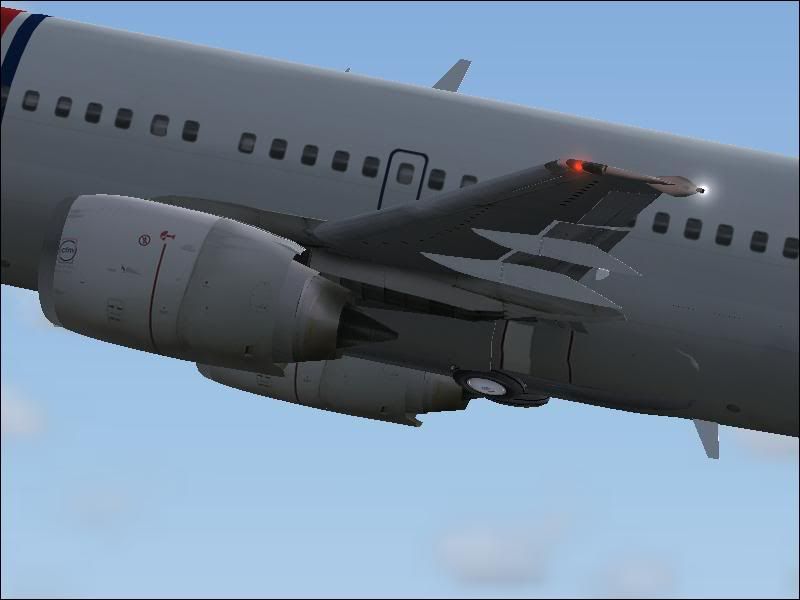
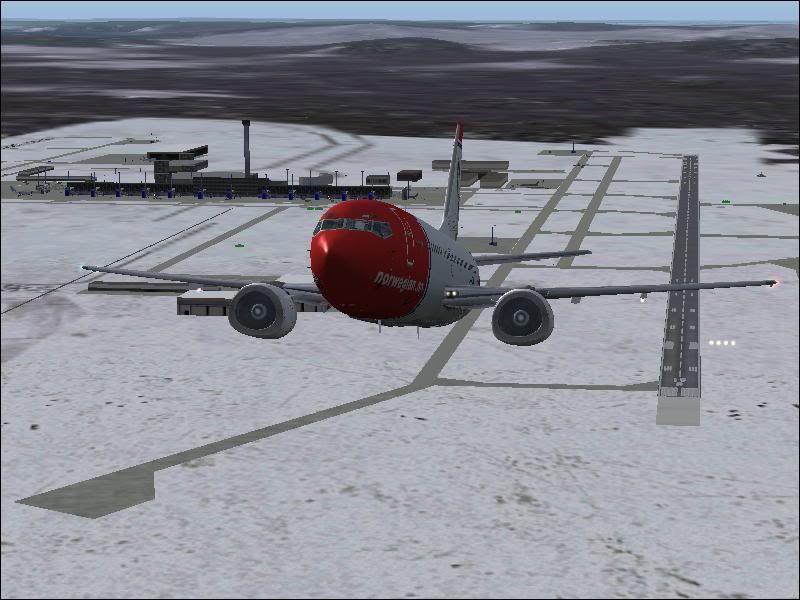
A few more from me, taken from a Norwegian Airlines B737-300 flight from Oslo to Ljubljana 🙂
Cleared for Takeoff:
Rotate:
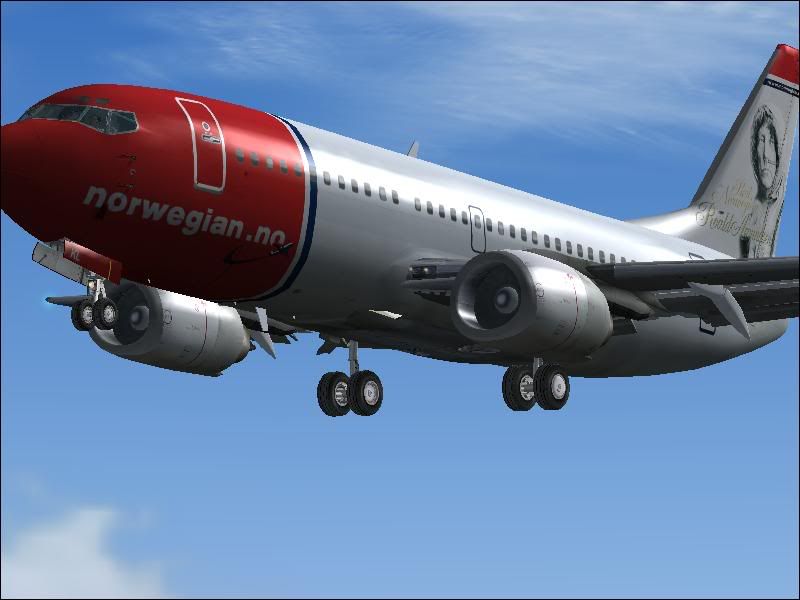
Positive Rate of Climb:
Gear Up:

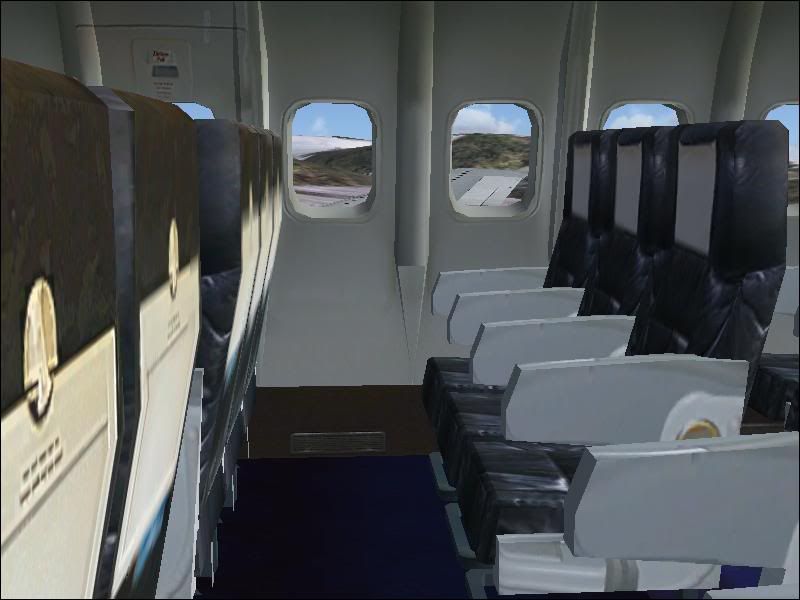
Cabin Crew seats for landing:

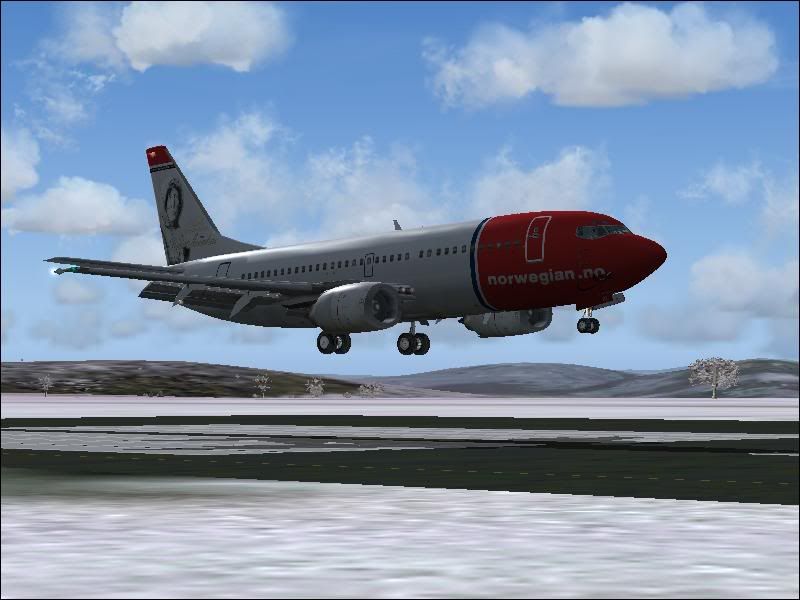
Short Finals:


Enjoy
Tom
A few more from me, taken from a Norwegian Airlines B737-300 flight from Oslo to Ljubljana 🙂
Cleared for Takeoff:
Rotate:
Positive Rate of Climb:
Gear Up:

Cabin Crew seats for landing:

Short Finals:


Enjoy
Tom
Very nice as always Adam and everyone else 😀
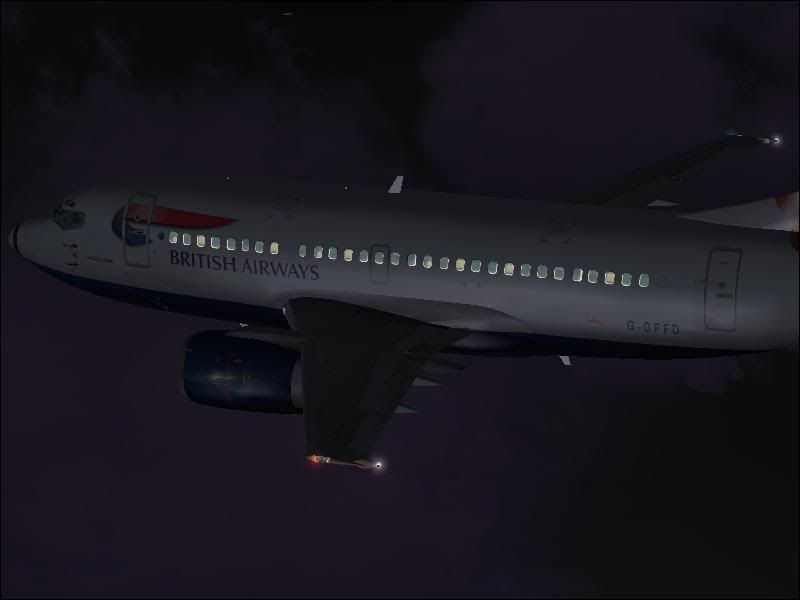
3 random ones from me:


Very nice as always Adam and everyone else 😀
3 random ones from me:


Very nice Will! 😀 😎
A nice selection there Chris! 😎
I get the problem where it fails to open the download box – i.e. it downloads it but ‘in the background’ and then opens it. It seems to only do that to me on Avsim.
is this the same problem you’re having?
Only from Gatwick i think.
extremely impressive shots!
I’ve had that a few times as well. I let it open it and then copy all the files to another folder.
Or I right click on the link at the bottom of the download page (the one that says ‘if nothing is happening, or download fails….’) and then click on ‘Save Target As’. Does the trick for me always.
Hope this helps
Tom

Super pics as well!